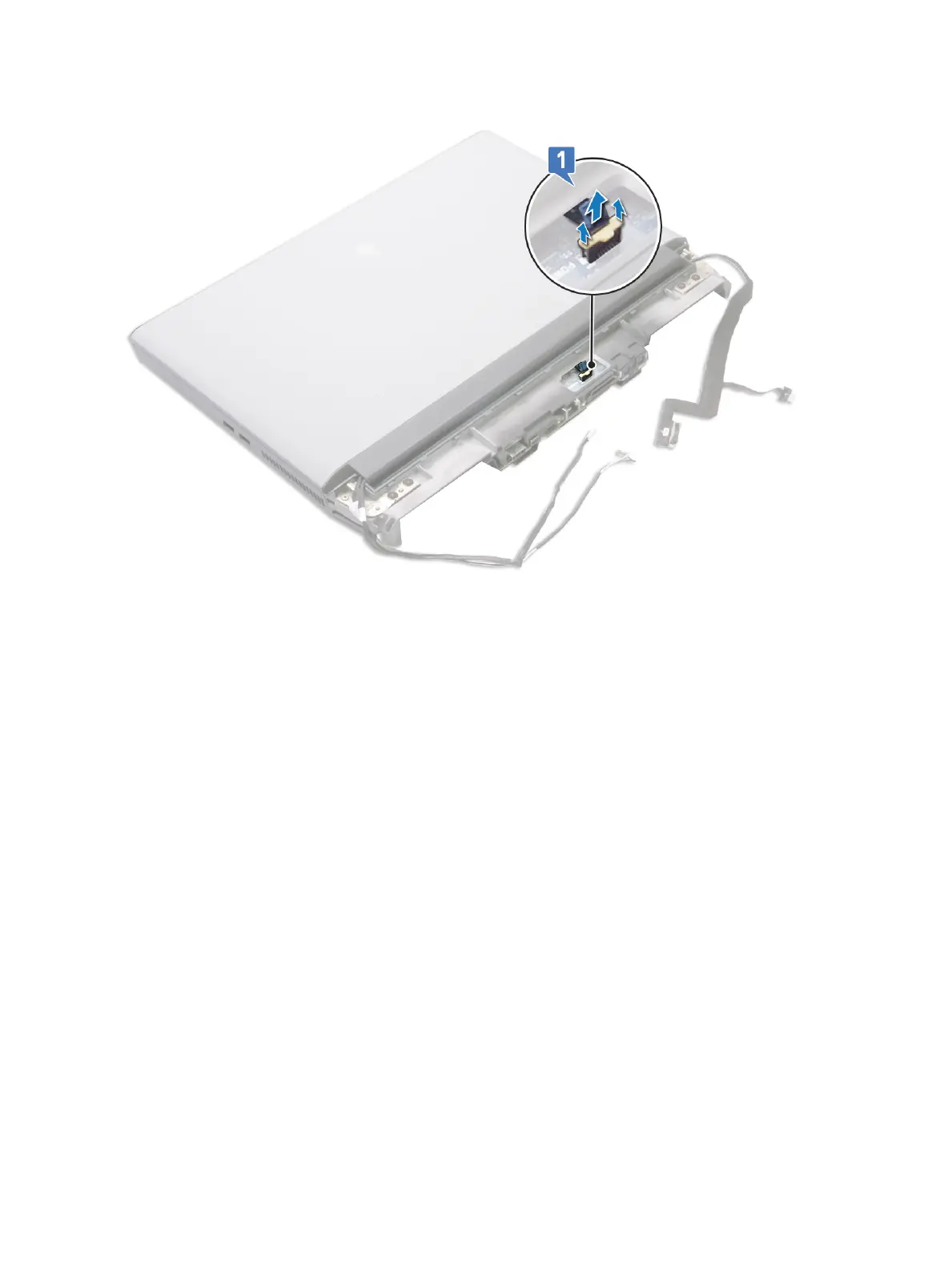
2 Turn the palm-rest assembly over.
3 Remove the two screws (M2x3) that secure the graphics card cables on the system board.
4 Lift the two graphics card cables o the system board.
5 Peel the tape that secures the audio daughter-board cable to the system board.
6 Open the latch and disconnect the audio daughter-board cable from the system board.
7 Open the latch and disconnect the touchpad cable from the system board.
8 Open the latch and disconnect the keyboard cable from the system board.
9 Remove the two screws (M2.5x5) that secure the system board to the palm-rest assembly.
10 Lift the system board o the palm-rest assembly along with the right power-adapter port.
87















 To Next Page