Installation & Systems Manual RUBIDIUM SERIES
Page 30
2.1.6 Remove a Module
All modules of RUBIDIUM SERIES can be “hot swapped”. There may be occasions when you
must exchange a module which has a user defined configuration. If the new module should
work with the same application it would be helpful to have the current configuration stored on
your PC (see saving a configuration to disk in Windows help program). After exchange the
new module can be reloaded with the specific configuration.
To remove a module, please proceed as follows:
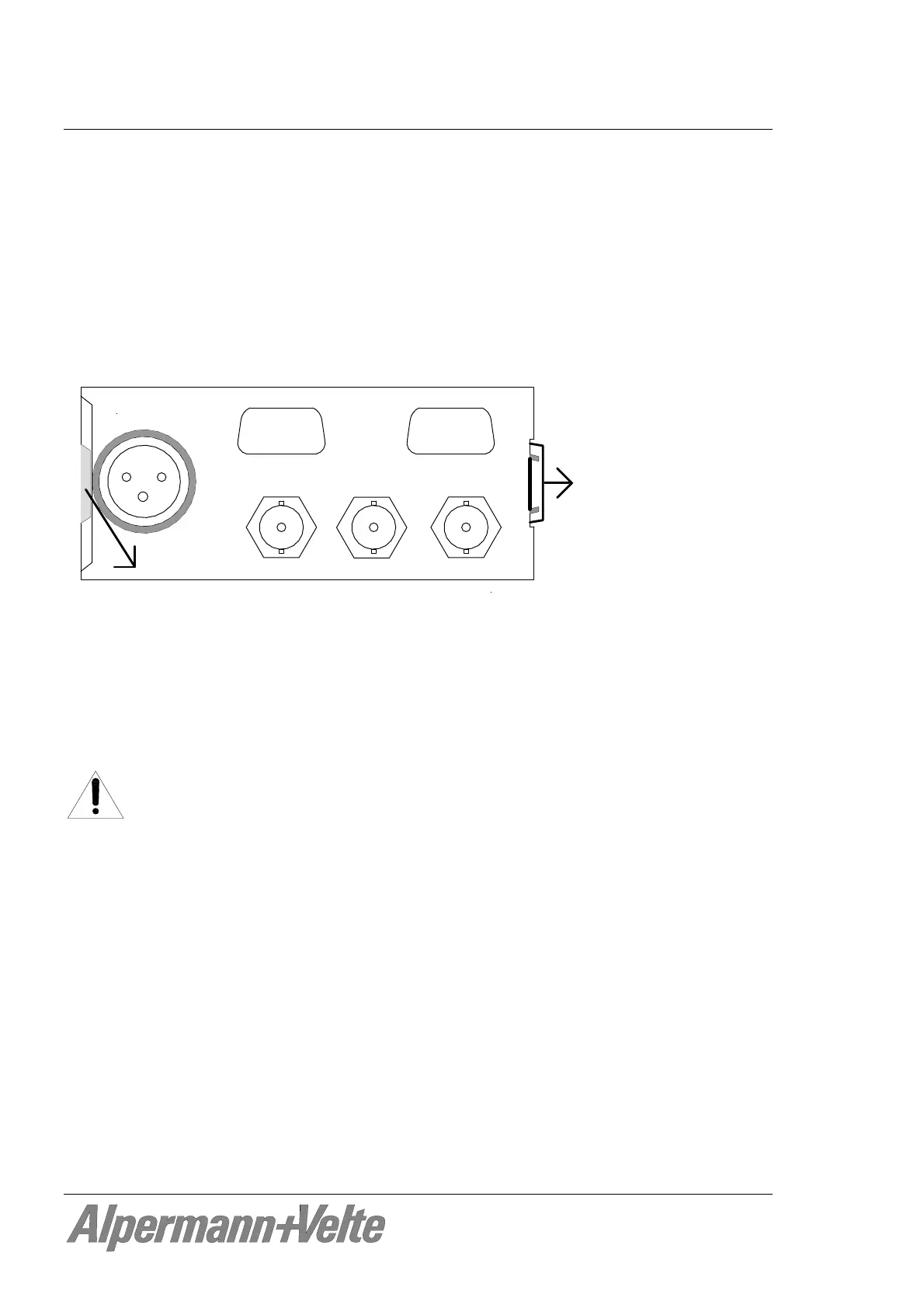
Unlock the module: On the right hand side of the slot there is a small protruding tab
that needs to be slightly pressed to the right.
rear1_06
Alperman n+Ve lte
Now pull the module out of the slot.
Keep the anti-static packing material (original packaging material or adequate
packaging) ready. Hold the module by the edges or the rear plate, do not touch the
electronic components, strip conductors or pins. Slide the module into the anti-static
packing material.
ATTENTION:
Observe precautions for handling electrostatic-sensitive devices. See “Electro
Static Discharge (ESD) Precautions” at chapter A5 for details.
Install the original front and rear panel cover plates if the slot is to remain empty. The
frame is cooled by forced air drawn in from on side and expelled through the fan on
the other side. In order to maintain this air flow no additional opening at the frame is
allowed.


 To Next Page