Installation & Systems Manual RUBIDIUM SERIES
Page 78
4.1.6 Store a Set-Up to a File, Load and Update the Set-Up of a Module
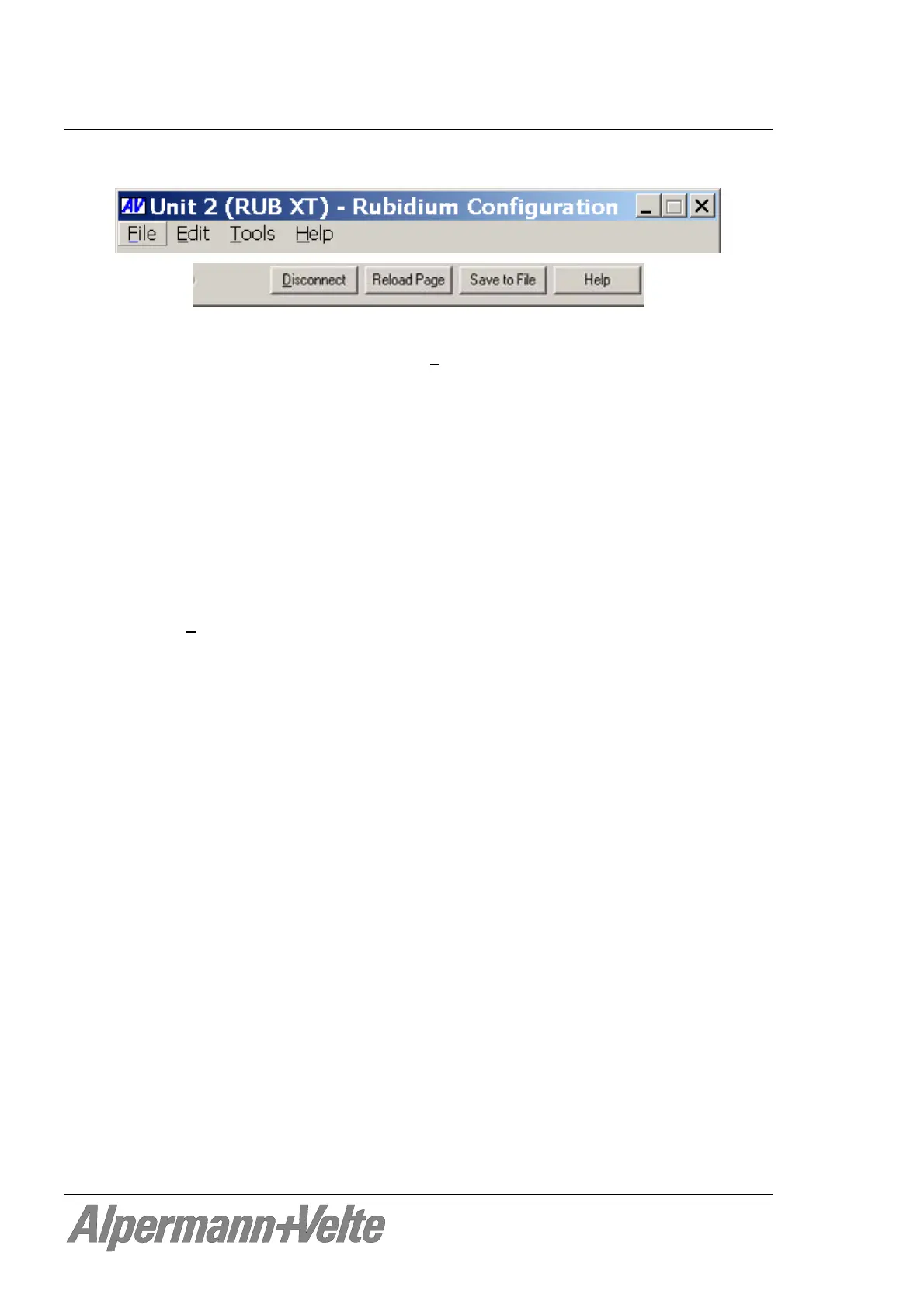
Button Save or select Save or Save as... at the “F
ile” menu:
Store the set-up as it is presented by the RUBIDIUM CONFIGURATION PC program to
a new file (“Save as...”) or to an existing file (“Save”) at your PC. This may be helpful
because ...
- You just want to save the set-up.
- There are several identical modules which should receive the same set-up. You can
do a set-up once, and then transfer this set-up to other modules – see below.
- There is a problem and you need help. Please contact Alpermann+Velte and send
the set-up via email. Alpermann+Velte can check this set-up, and can do some tests
with identical modules.
Open... at the “F
ile” menu:
It is possible to transfer a complete set-up stored in a file to the module. If you want to
verify and change this set-up click on button Configure or – if a connection already is
established – click button Reload Page for an update.
Button Reload Page:
It is possible to transfer the current set-up of the module to the RUBIDIUM
CONFIGURATION program, so all tabs receive an update. This is done automatically
if a connection to the module has been established clicking button Configure.
If a module has keys or GPIs with a “Load Profile“ function (see description of the tab
“Keys“ in module’s operating manual), the Reload Page button shows you the current
configuration after a “Load Profile” key/GPI has been pressed.


 To Next Page