Installation & Systems Manual RUBIDIUM SERIES
Page 90
4.3 The Status Monitor
4.3.1 Status Monitor by IE Module
The RUBIDIUM SERIES HTTP server, located in the Rub IE module, offers a status monitor for
all configurable modules. Please refer to the chapter “The RUBIDIUM SERIERS HTTP Server” for
a detailed description of how to access the RUBIDIUM SERIES system and how to open the
RUBIDIUM homepage.
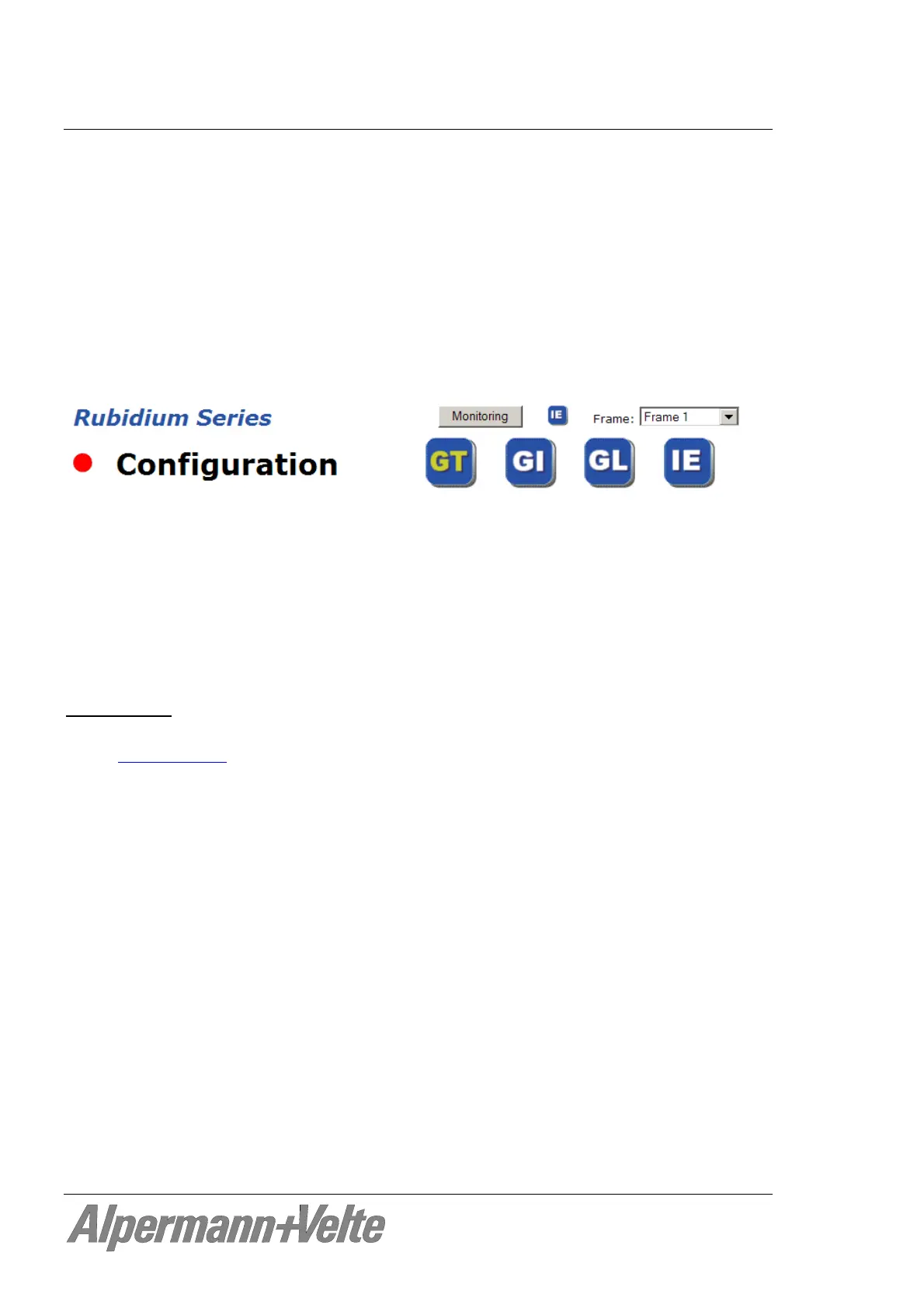
At the RUBIDIUM homepage click on “Configuration“ to open the Configuration page.
Click on the blue button which represents the module you want to select for monitoring
(GT at this example).
Click on the button Monitoring to open the status monitor. There is no need to do the
LOGIN.
It is not possible to open more than one status monitor at the same time.
Requirements:
Please have Java Runtime Environment 1.6.0 or higher installed (for example download
at www.java.com
).
Java should be installed as a browser plug-in (a Windows installation will do this
automatically if you download Java from the source mentioned above).
The Status Monitor works with all operating systems which support Java.


 To Next Page