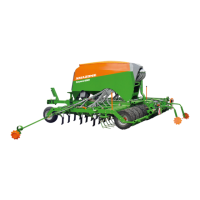
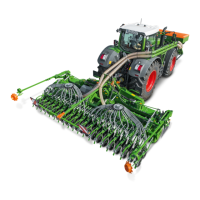
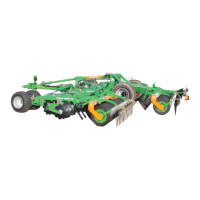
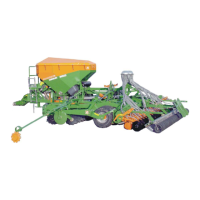
Cayros BAG0172.7
7.1 Mechanical cutting width adjustment
for M850, XM-, XMS-,
XS- and XSPro 850
for M 950, 1020, XM-, XMS-, XS-,
XSPro950, -1050 and -1150
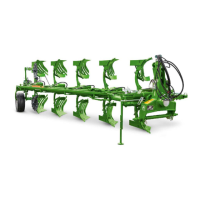
1. Loosen the front plough beam bolt (item 1).
2. Remove the rear plough beam bolt (item 2).
3. Turn the plough beam (item 3) so that the
desired plough beam hole is lined up with a
hole in the frame tube.
4. Replace bolt (item 2).
5. Tighten bolts (items 1 and 2).
Any adjustments to cutting width is automatically
passed on to front tools such as, fertiliser
skimmers, disc coulter, and support wheels (if
present) and fit new cutting width exactly. No
further adjustments whatsoever are required.


 To Next Page
 Loading...