82
Installation, Operation and Maintenance Manual
OXYvisor Optical Oxygen Analyzer
First set up the “Time
period”. If you want
to TGI to run for 2
minutes, write 2 to
register 40408.
To dene the Output
gas as “Span Gas”,
write 2 to register
40410.
Once the TGI has
been congured to
the desired time and
output, follow steps in
section 5.3 to trigger it.
A7.5.4 Seng Up Test Gas Insert
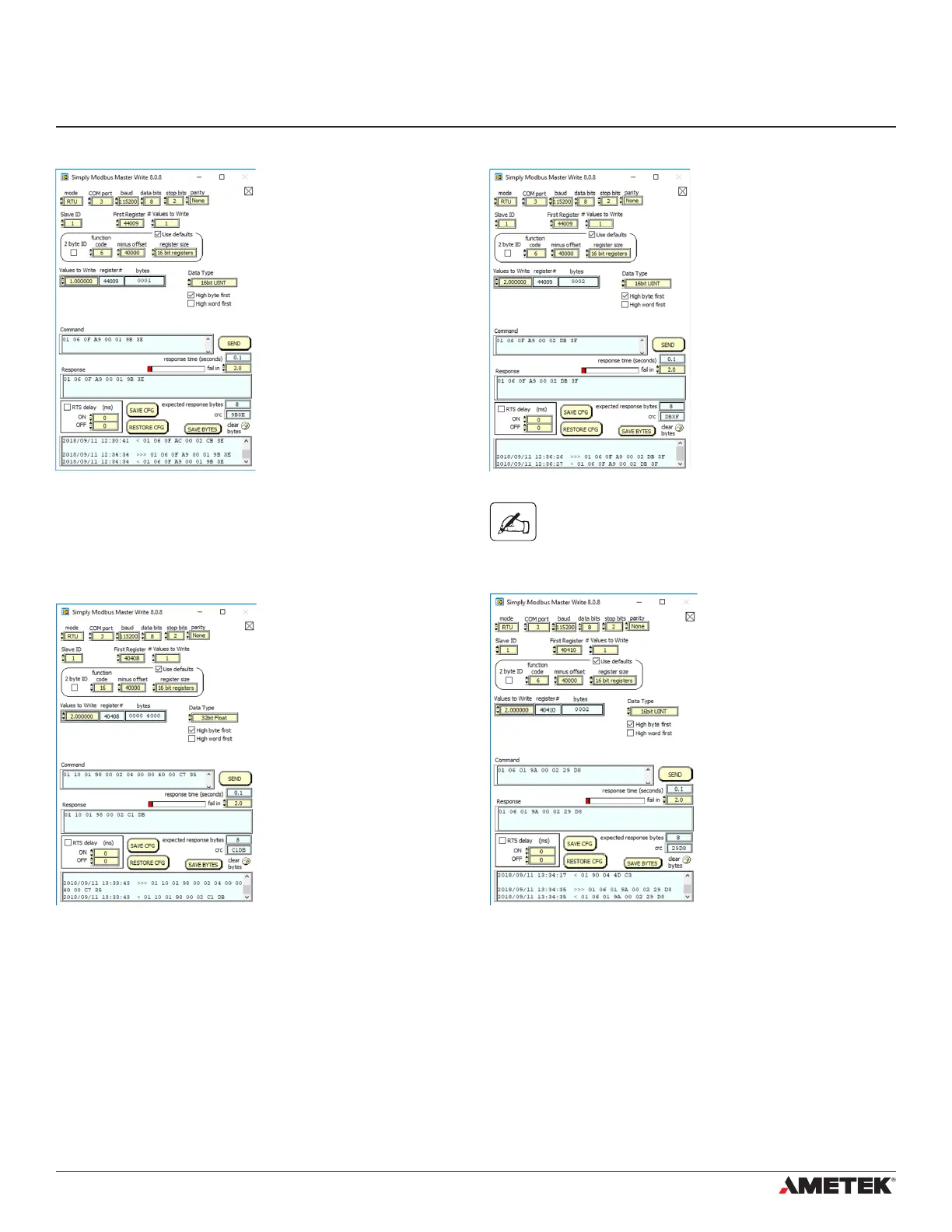
If the TGI has already
been previously setup
and you want to simply
trigger it, write 1 to
register 44009
The test gas will
automatically stop
after the “time
period” set during the
conguration of the
TGI. If you want to
stop the TGI before the
time period is up; write
value 2 to the same
register 44009.
A7.5.3 Triggering Test Gas Insert (TGI) - Remote Validaon
If the TGI has not been congured, by default the
“Time period” = 3 mins and the “Output Gas” is set
to Zero Gas. Also, the TGI will not trigger if the
Auto-Calibration has not been enabled.


 To Next Page