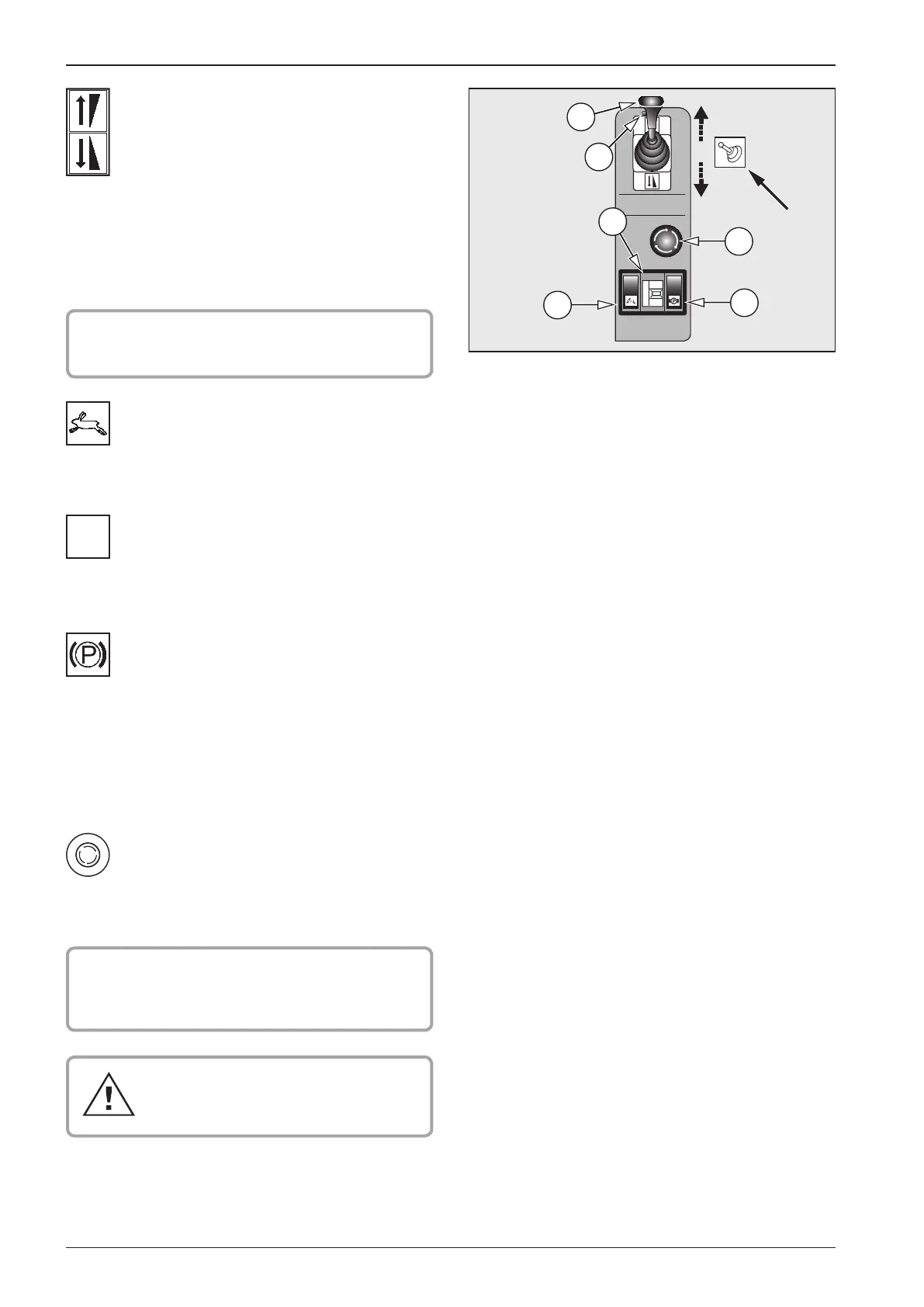
2.6. Actuators and dashboard instruments
Transport speed controller 3
You may switch ON the controller while driving. Roller can reach
max speed at reduced tractive force.
Operating speed preselector 4
Use this preselector to choose three operating speeds while
driving. Transport speed controller must be switched OFF.
Parking brake 5
Use this brake to stop the Roller if the engine is to keep run-
ning. In this case Driver may stand up from the seat and leave
the Roller.
Note
Unless standing Roller is braked and Driver stands up from the
seat, the Roller will brake and engine will shut o after 8 seconds.
TOTAL STOP pushbutton 6
Press this button to stop and brake the Roller, and to shut o
the engine.
! CAUTION !
Brake o in arrow direction before starting the
engine.
Use only in case of emergency during a
failure when the Roller is unable to stop
through resetting the travel actuator.
Travel joy stick 2
! CAUTION !
Adjust joy stick to neutral before engine start.
Use this joy stick to adjust driving direction and speed. Driving
speed corresponds to the size of joy stick deection from neutral
position. This joy stick becomes locked in the position adjusted.
Joy stick neutral position (N) will be signalled through indicator
lamp going on. In the actuator handle there is vibration switch 7
located to turn ON/OFF vibrations.
Vibration switch 7
Vibration is able to be switched ON while driving.


 To Next Page