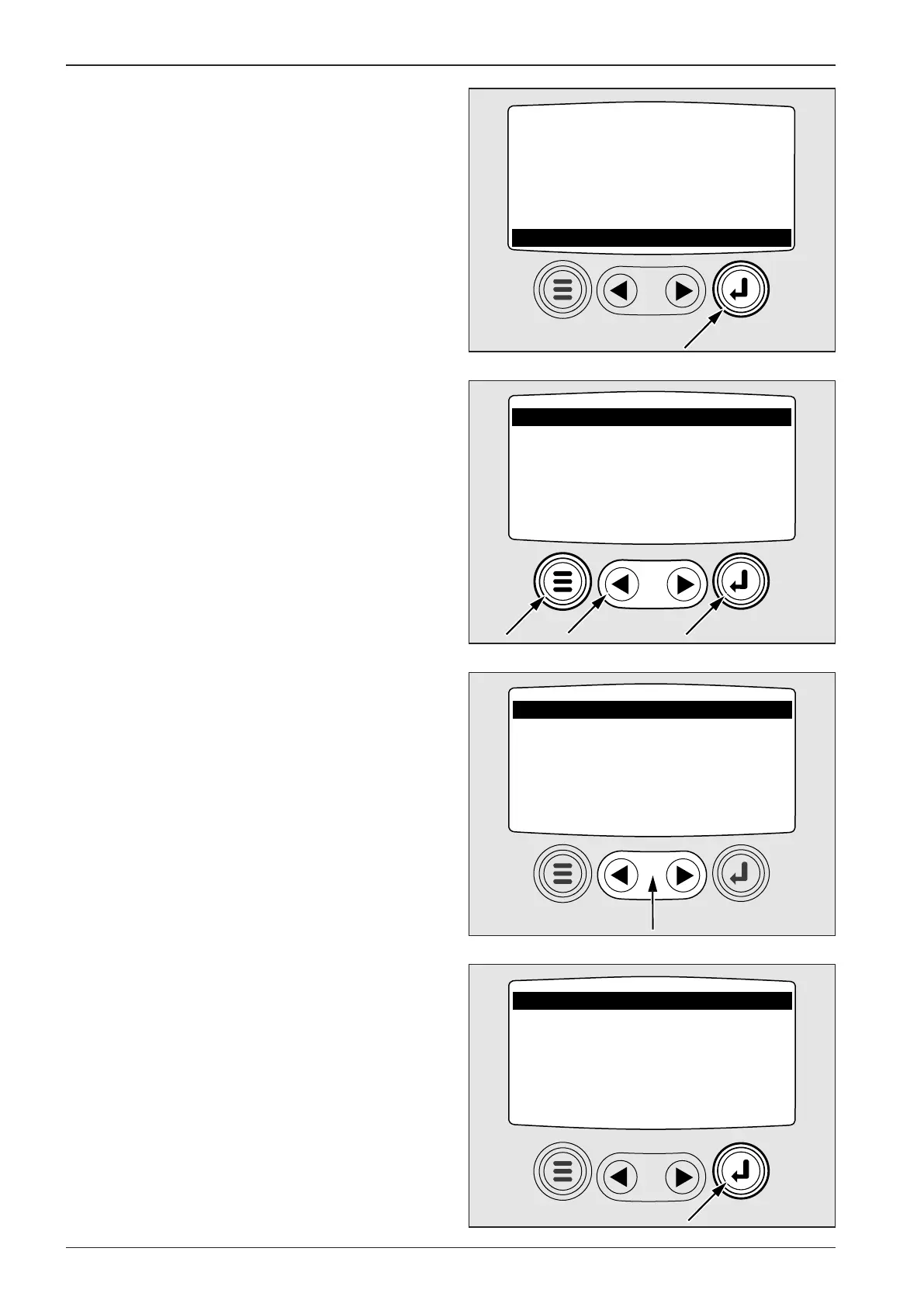
GO TO 1 - UP DISPLAY
LANGUAGES
STORED CODES
ENGINE CONF
SETUP 1 - UP DISPLAY
SETUP 4 - UP DISPLAY
SELECT UNITS
396024
ADJUST BACKLIGHT
ADJUST CONTRAST
UTILITIES
396026
ADJUST BACKLIGHT
ADJUST CONTRAST
UTILITIES
396027
ENGLISH
METRIC Kpa
METRIC BAR
396025
1
2
3
2.6. Actuators and dashboard instruments
Press ENTER to open units menu:
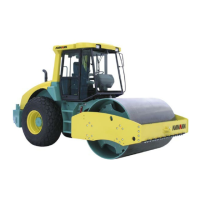
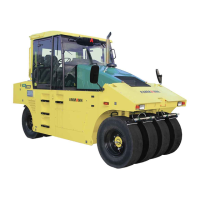
Use cursor to set 1 ENGLISH and the indicated variables will be
displayed in PSI units (pressure), °F (temperature).
When METRIC KPA or METRIC BAR are set the variables displayed
are in IS units, i.e. kPa, bar, °C, press Enter 2 to conrm selected
variables. Press MENU 3 to return to main menu.
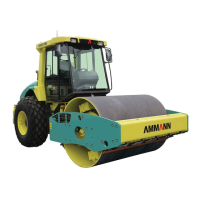
In main menu, move cursor to ADJUST BACKLIGHT - to adjust
intensity of display backlight.
Press ENTER to open the item


 To Next Page