Page 14
4.8.3 Monitored Inputs
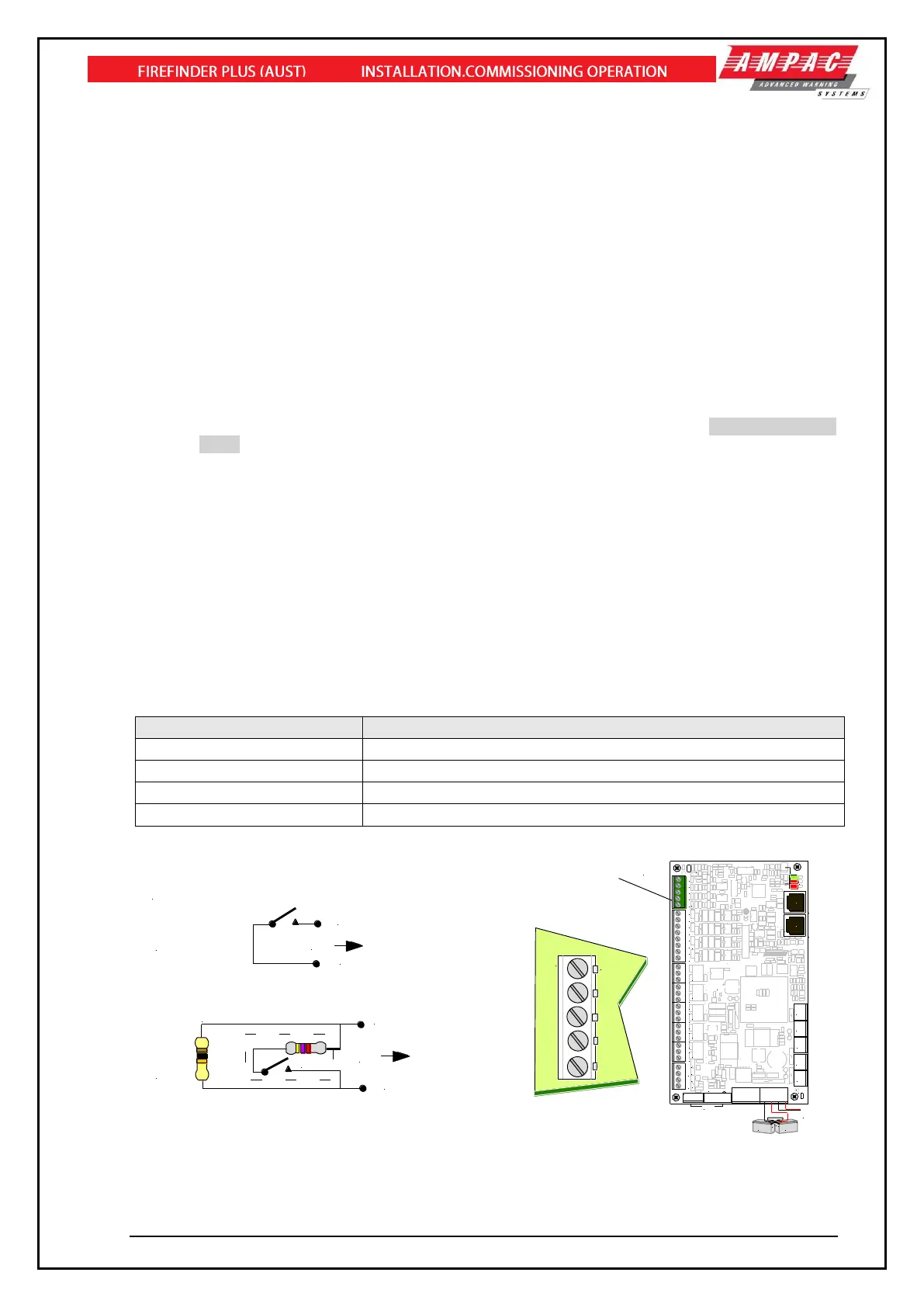
Four independently monitored inputs (TB8) are provided and can be configured for a variety of uses.
➢ Manual Call Point (MCP) – if activated the FACP will go into alarm. Connected to the MCP
on the front of the FACP.
➢ Class Change – if activated all Alarm Devices/Sounders and Alarm Device/Sounder
Outputs in Sounder Group 1 are turned on.
➢ External Fault – if activated the FACP will indicate a Fault condition
➢ Ancillary Disable - if activated, the FACP’s “DISABLED” and ANC OUTPUT STATUS LEDs
will both be turned on. Note that this event is used to indicate an ancillary/auxiliary
disablement or a door-opened condition if a door switch is fitted. It also activates any Relays
on the Brigade board configured as “Isolate” relays and affects the Brigade Board’s
“Aux/Anc” outputs based on their “normally energised” settings.
➢ Evacuate – if activated the FACP goes into Evacuation.
➢ Sounder Silence – if activated all activated sounders are silenced.
➢ Reset – if activated a Master Reset is initiated.
➢ Fire/Feedback - if activated, the FACP’s “Fire Output On” LED will flash (AS7240.2 Clause
7.9.2). Note that this is a latched condition and will only be cleared a “Master Reset”
command from the FACP.
➢ General Purpose – for use in Functions (Cause and Effects)
The default configuration types for the inputs are as follows:
• Input 1 – MCP
• Input 2 – Evacuate
• Input 3 – External Fault
• Input 4 – Reset
The inputs have been designed to operate with a programmable EOL of 3K3Ω, 10KΩ 22KΩ or
Unmonitored (no EOL) the 10K EOL is the default. The normal and active ranges change according to
the end of line selected.



 To Next Page