Page 55
10 Accessing a Loop, Device or Zone
LOOP OR DEVICE
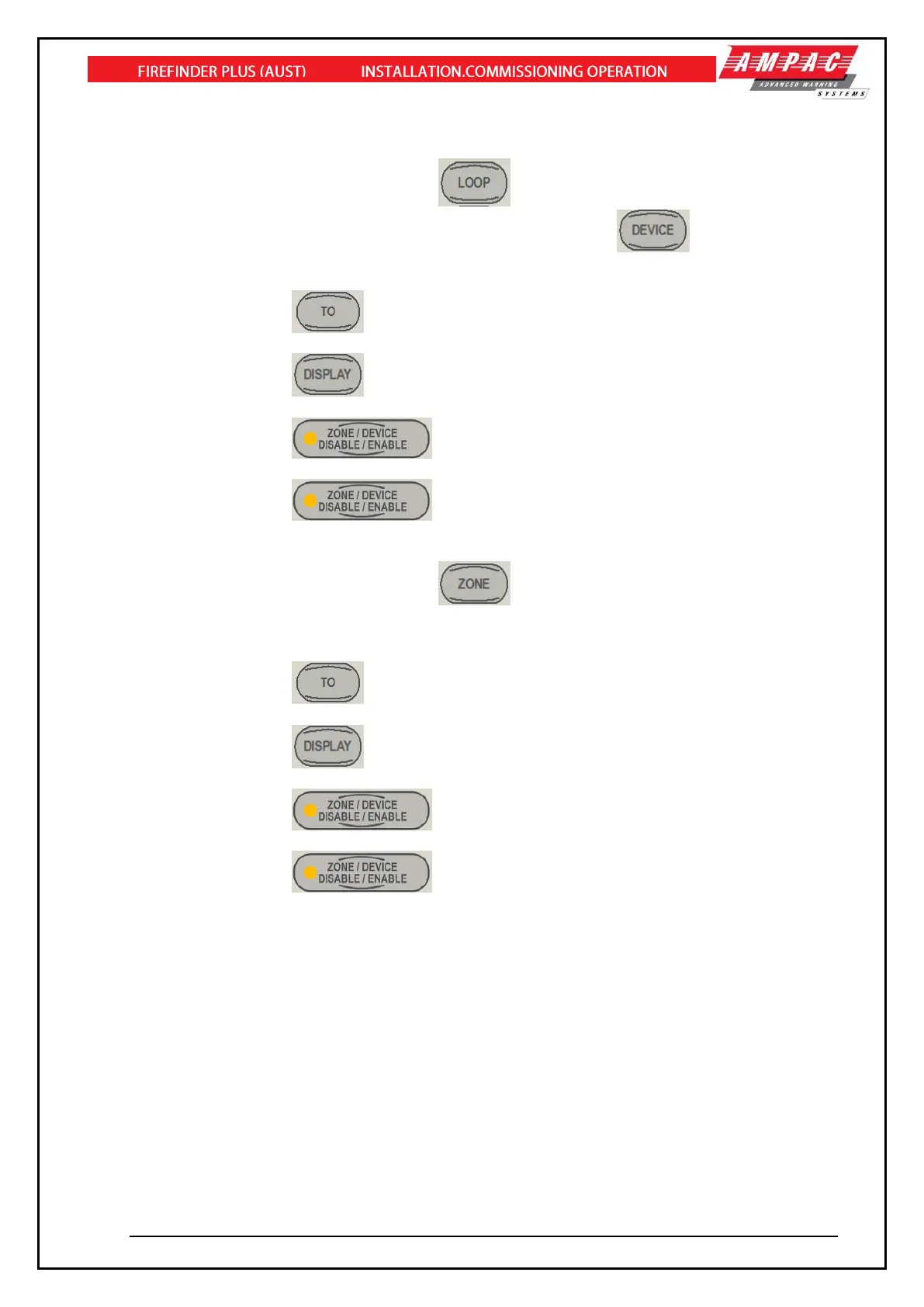
➢ From the default display, press
➢ Enter the loop number you wish to interrogate then press .
➢ Press the button for the device number.
➢ Press the button if you wish to access a range of devices on the loop,
➢ Press the button if you wish to display the status of a device,
➢ Press the button if you wish to disable a device
➢ Press the button to re-enable a device.
ZONE
➢ From the default display, press .
➢ Press the button for the zone number.
➢ Press the button if you wish to access a range of zones,
➢ Press the button if you wish to display the status of a zone,
➢ Press the button if you wish to disable a zone
➢ Press the button to re-enable a zone.



 To Next Page