Page 41
7.9 Setup
Pressing Displays the setup for sounders, Zone Delay and Printer
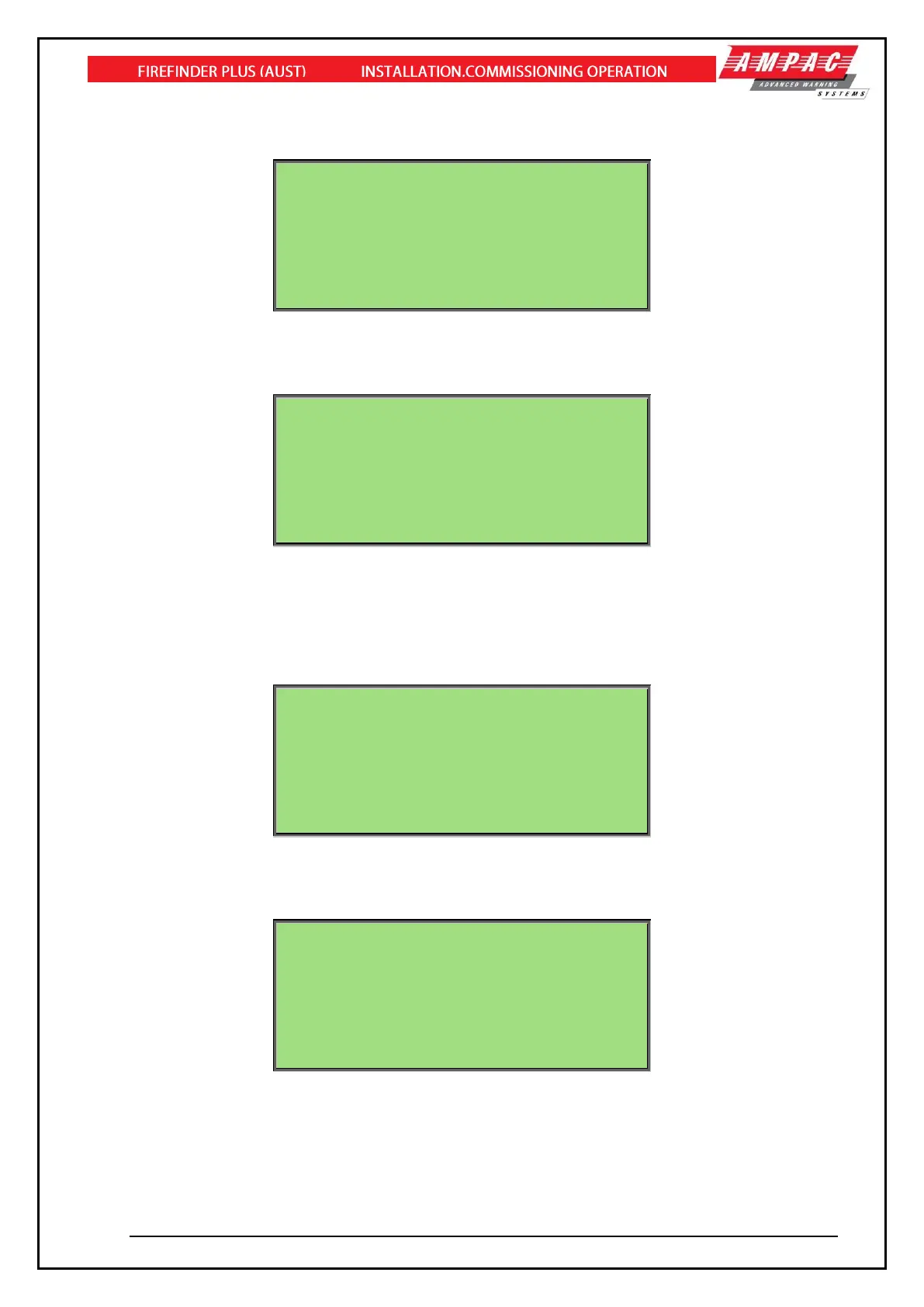
SETUP MENU
0:SOUNDER 1:ZONE DELAY 2:PRINTER
3:LANGUAGE
SELECT NO.
AC:2Z ALM:0 PALM:0 FLT:0 DIS:0
Figure 48: The SETUP menu
Pressing brings up a further detailed selection sub-menu for Sounder O/P’s.
SOUNDER MENU
0:SOUNDER ENABLE 1:SOUNDER DISABLE
2:SOUNDER RE-TRIGGER(ON)
3:SOUNDER RE-TRIGGER(OFF)
CURRENT STATUS: ENABLE / RE-TRIGGER (ON)
SELECT NO.
AC:2Z ALM:0 PALM:0 FLT:0 DIS:0
Figure 49: The SOUNDER menu
Note: Pressing and require access level 3.
Pressing brings up a further detailed selection sub-menu for Zone delays
ZONE DELAY MENU
0:ALL ZONE DELAY ON 1:ALL ZONE DELAY OFF
CURRENT STATUS: DELAY ON
SELECT NO.
AC:2Z ALM:0 PALM:0 FLT:0 DIS:0
Figure 50: The ZONE DELAY menu
Pressing brings up a further detailed selection sub-menu for Printer
PRINTER MENU
0:GO OFF-LINE / GO ON-LINE
1:ALARM MODE ONLY
SELECT NO.
AC:2Z ALM:0 PALM:0 FLT:0 DIS:0
Figure 51: The PRINTER menu
Note: The GO OFF-LINE and GO ON-LINE is a toggle option
Pressing toggles the alternative Language for the display text.



 To Next Page