Page 28
- Active at access level 2 and 3
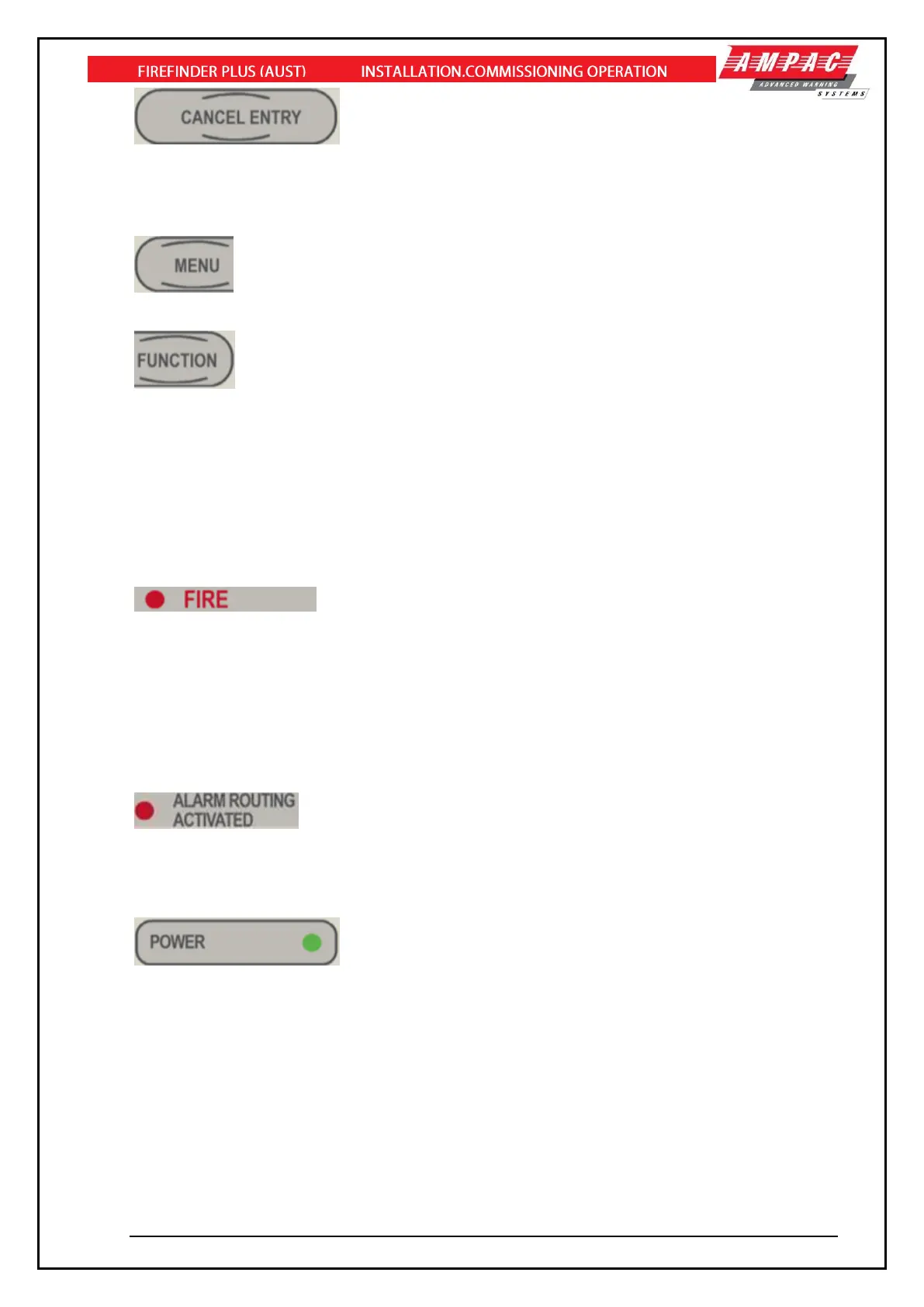
Used to cancel data into the current field.
10 consecutive entry of this key exits the current access level to the default access level. For example,
if the current access level is “2”, 10 consecutive entry of this key will set the current access level to “1”.
- Active at access level 2 and 3
Pressing the MENU button will display the main menu on the LCD.
- Active at access level 2 and 3
Pressing the FUNCTION button will display the function menu on the LCD
5.2 System Indicators
Buzzer
The Buzzer is activated by any of the following
➢ Fire – Steady
➢ Fault – Unsteady
- This indicator is illuminated when the FACP is in the fire condition. The
fire condition is latched until it is manually reset, by the use of the RESET control.
The FACP enters the fire alarm condition, when one of the connected fire alarm initiating devices is
activated.
Fire alarm initiating devices can be loop based sensors, conventional detectors connected via the 8
way conventional Add-On, or monitored inputs that have been configured as alarm initiating.
In the “Evacuate” condition the indicator will be flashing.
When this indicator is illuminated, the nominated fire output has been activated during a fire condition.
If the FACP has been configured to receive a feedback signal from the fire routing equipment – then
this indicator will flash at 1Hertz (½ second on and ½ second off) when the feedback signal is present.
- This LED will be illuminated when mains power is connected to the
FACP and switched on.
The indicator will also flash at 1 Hertz (½ second on and ½ second off) if the mains power has failed
and the panel is running from the secondary supply (batteries).



 To Next Page