Page 25
- Active at access level 1, 2 and 3
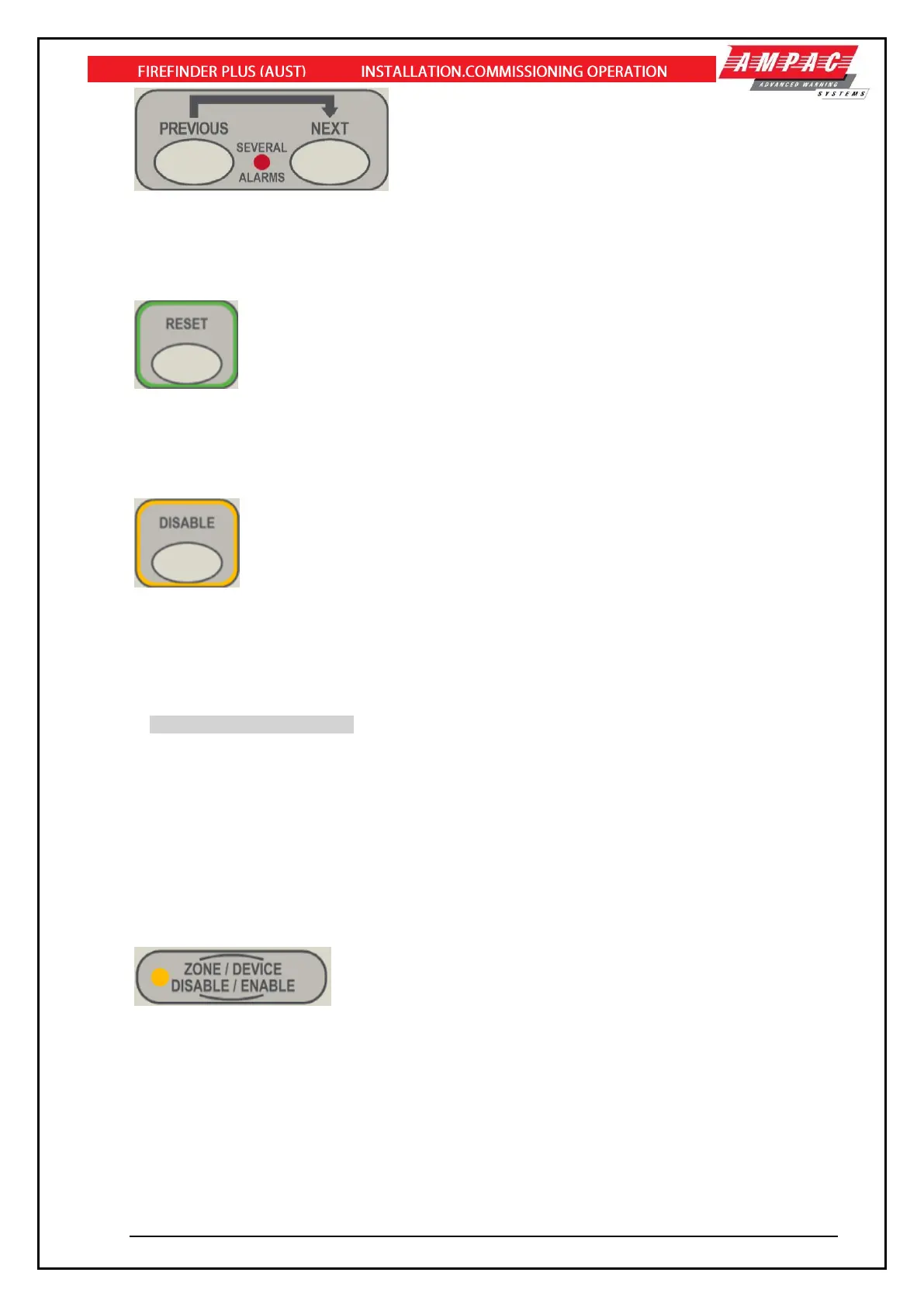
Previous and Next controls are used to scroll events on the LCD. The events being displayed depends
on the current selected view.
When the “SEVERAL ALARMS” indicator is illuminated, then multiple fire alarms are present on the
FACP. In order to view the alarms the PREVIOUS and NEXT controls are used.
- Active at access 2 and 3
This control is used to reset the FACP from the fire condition and to clear the system fault indicator.
This control is used to reset the FACP from the fire condition and to clear the system fault indicator
and won’t function unless the alarm devices have been silenced by means of Alarm Silence / Resound
control.
- Active at access level 2
This control is used to disable collective zones and/or individual addressable points in alarm or fault.
This control won’t function unless the alarm devices have been silenced first by means of Alarm
Silence / Resound control.
**Note: The “Disable” button will not clear the Fire Alarm condition.
A subsequent “Reset” operation is required to clear the Fire Alarm condition as per the requirements
of AS4428-3:2010 clause 2.2.10.
Entities which can be disabled are:
➢ Zones – to provide an option to distinguish between zone inputs (sensors, detectors etc)
and zone outputs (sounders, beacons, monitored outputs
➢ Sensors – loop based
➢ Loop devices – where the inputs have been configured as alarm initiating
➢ Sounders – loop based and monitored outputs
- Active at access level 2 and 3
This control is used to disable (and enable) individual Zones and/or Devices.
The indicator is lit steady a device have been disabled.



 To Next Page