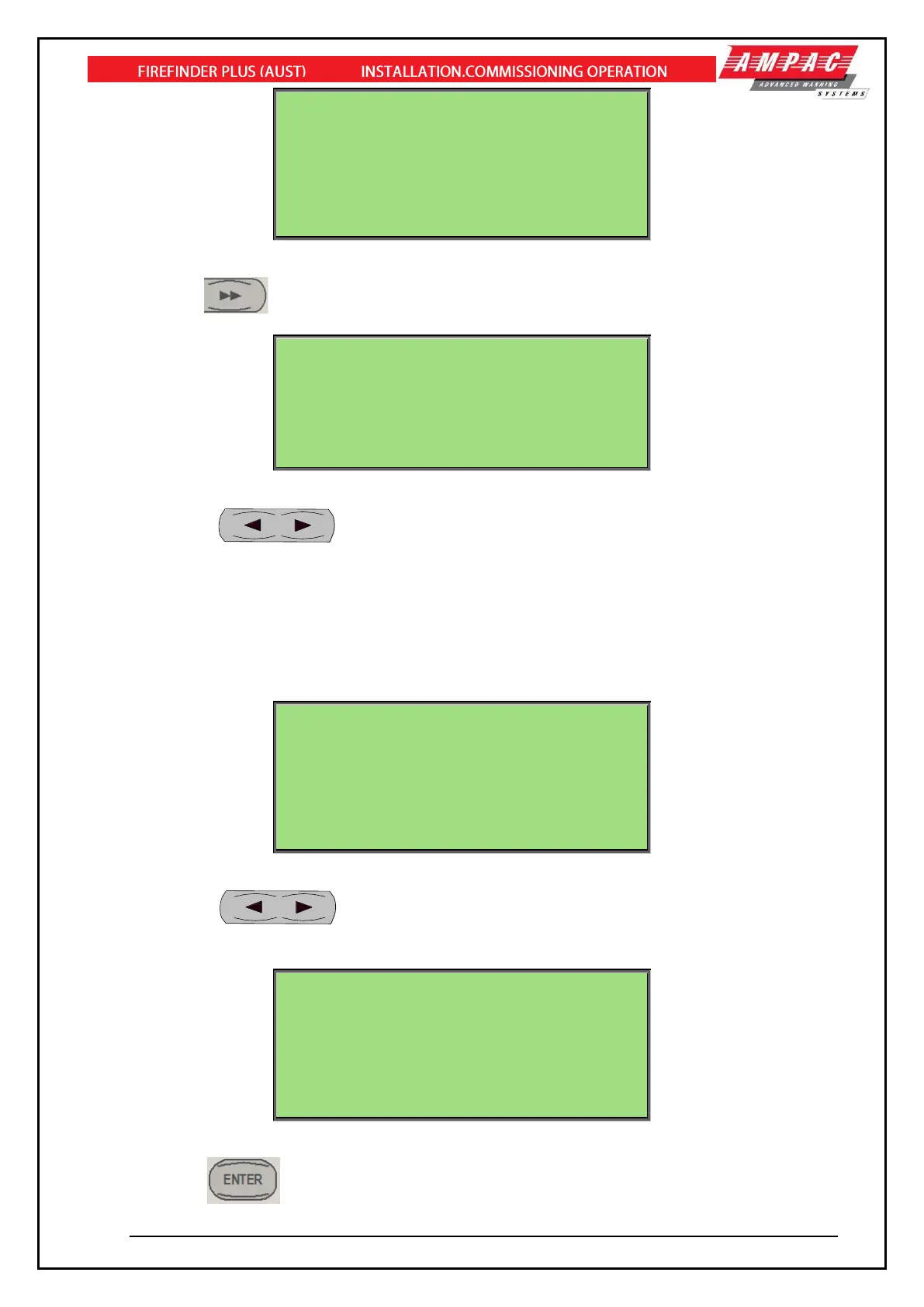
EDIT ZONE: 1 DESC STRING
DESCR<MY ZONE 1 DESCRIPTION
ALPHA KEYS ARE ACTIVE
[USE>> TO EDIT NEXT FIELD]
AC:3Z ALM:0 PALM:0 FLT:0 DIS:0
Figure 70: Zone Programming - Description
Press the key to edit the next field (Day Night Settings).
EDIT ZONE: 1 DAY NIGHT SETTINGS
DAY_NIGHT ENABLE: Y
DAY MODE SETTING: A TIMEOUT: 0
NIGHT MODE SETTING: N TIMEOUT: 0
[USE < OR > TO EDIT]
[USE << OR >> TO NAVIGATE]
AC:3Z ALM:0 PALM:0 FLT:0 DIS:0
Figure 71: Zone Programming – Day/Night Setting 1
The keys are used to set the:
• Y/N field for the "DAY_NIGHT ENABLE”
• A/B/C/D/N field for the “DAY MODE SETTING” and “NIGHT MODE SETTING where “A, B,
C” refers to “Dependency A, B, C” respectively, “D” refers to “Delay to Outputs” and “N”
refers to “Normal” (i.e. no mode setting).
The numeric buttons are used to edit the TIMEOUT fields.
EDIT ZONE: 1 DAY NIGHT SETTINGS
DAY / NIGHT
MCP OVERRIDE: N / N
DELAY ALARM DEVICE: N / N
DELAY FARE: N / N
[USE < OR > TO EDIT]
[USE << OR >> TO NAVIGATE]
AC:3Z ALM:0 PALM:0 FLT:0 DIS:0
Figure 72: Zone Programming – Day/Night Setting 2
The keys are used to set the Y/N field for the "MCP OVERRIDE, DELAY ALARM
DEVICE, DELAY FARE”.
EDIT ZONE: 1 CONFIRMATION
SELECT ENTER TO SAVE
AC:3Z ALM:0 PALM:0 FLT:0 DIS:0
Figure 73: Zone Programming – Confirmation
Select the key to confirm the changes.



 To Next Page