ii
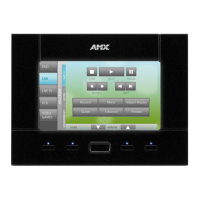
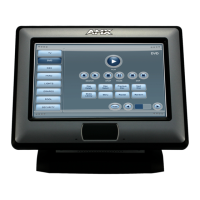
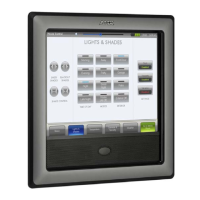
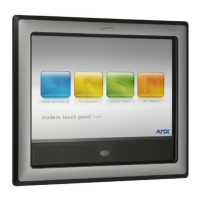
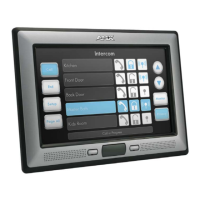
NXD-500i 5" Modero Wall/Flush Mount Touch Panel with Intercom
Table of Contents
Step 1: Configure the Panel’s Wired IP Settings ........................................................... 27
IP Settings section - Configuring a DHCP Address over Ethernet............................................. 27
IP Settings section - Configuring a Static IP Address over Ethernet ......................................... 28
Step 2: Choose a Master Connection Mode Setting ..................................................... 28
Step 3: Configure an Ethernet Connection Type........................................................... 29
Master Connection Section - Virtual Master communication over Ethernet.............................. 29
Master Connection Section - NetLinx Master Ethernet IP Address - URL Mode ....................... 31
Master Connection Section - NetLinx Master Ethernet IP Address - Listen Mode .................... 31
Master Connection Section - NetLinx Master Ethernet IP Address - Auto Mode...................... 31
Using G4 Web Control to Interact with a G4 Panel ................................................ 32
Using the NetLinx Master to Control the G4 panel ................................................ 33
Upgrading Modero Firmware ...........................................................................37
Overview ................................................................................................................ 37
Upgrading the Firmware via the USB port.............................................................. 37
Step 1: Configure the panel for a USB Connection Type .............................................. 37
Step 2: Prepare NetLinx Studio for communication via the USB port ........................... 37
Step 3: Confirm and Upgrade the firmware via the USB port ....................................... 39
Setup Pages and Descriptions ..........................................................................41
Overview ................................................................................................................ 41
Setup Navigation Buttons....................................................................................... 41
Protected Setup...................................................................................................... 41
Setup Page ............................................................................................................. 41
Information ............................................................................................................. 43
Panel Information Page ................................................................................................. 43
Panel Information Page ................................................................................................. 44
Time & Date Settings Page ........................................................................................... 45
Audio Settings Page...................................................................................................... 46
Supported sampling rates for WAV............................................................................... 47
Protected Setup Navigation Buttons ...................................................................... 47
Protected Setup Page............................................................................................. 48
Security Settings ........................................................................................................... 50
System Settings Page.................................................................................................... 51
Calibrate Page............................................................................................................... 53
G4 Web Control Settings Page ..................................................................................... 53
Other Settings ........................................................................................................ 55
Cache Settings Page...................................................................................................... 55
Setting the Image Cache ............................................................................................... 56
Clearing the image cache .............................................................................................. 57
Checking image cache status ........................................................................................ 57
Password Settings Page ................................................................................................ 57
Sensor Settings ............................................................................................................. 58


 To Next Page
 Loading...