EasyManua.ls Logo

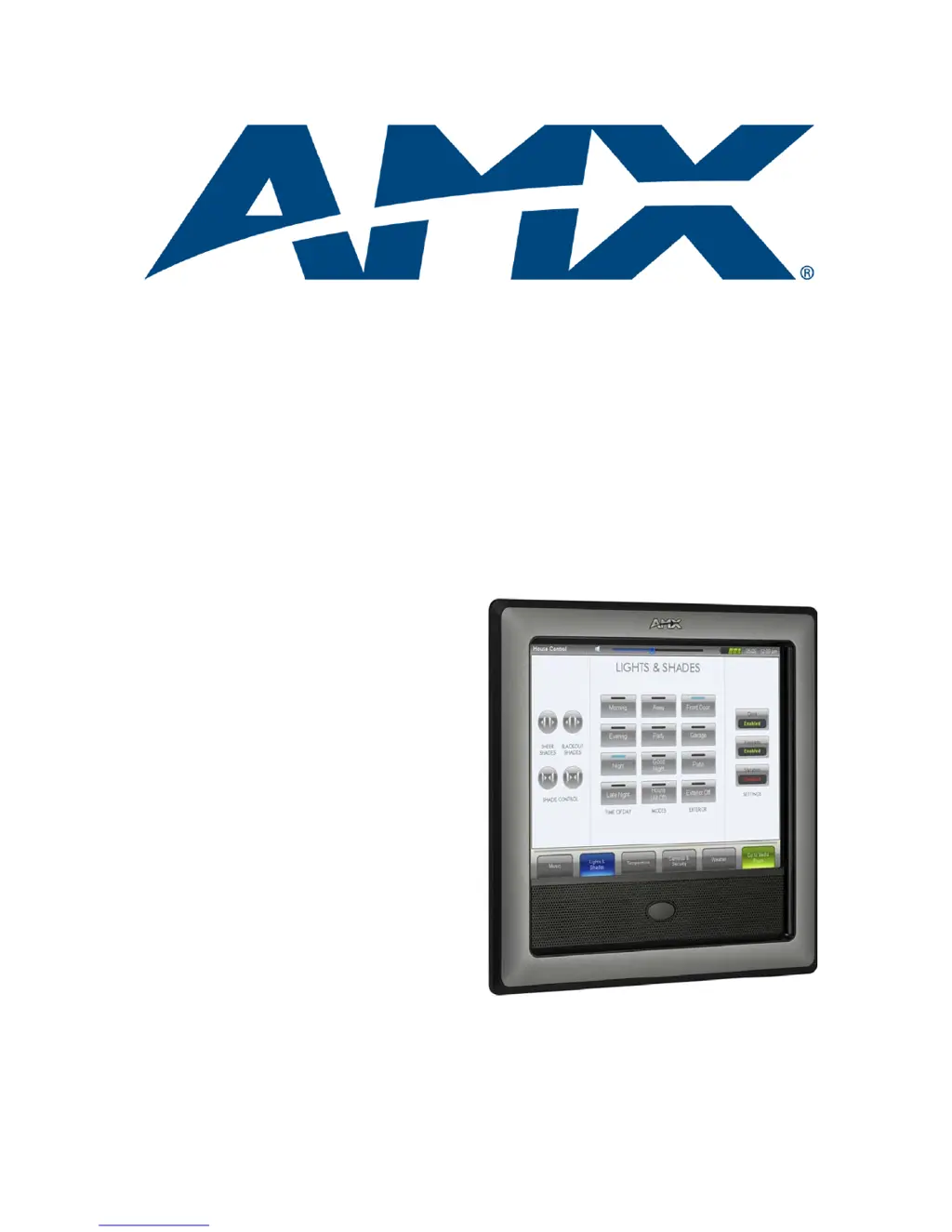
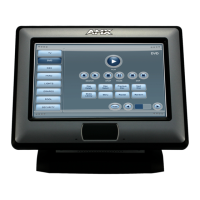
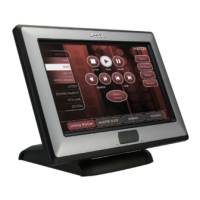
AMX NXD-1200V - User Manual

AMX NXD-1200V
176 pages
Print Icon
To Next Page IconTo Next Page
Loading...
Operation/Reference Guide
Touch Panels
NXD/T-1200V
12" Modero
®
Video
Wall/Flush Mount Touch Panel
(Composite/S-Video Support)
Last Revised: 12/19/2012

Table of Contents

Questions and Answers

  • D
    Douglas ClineAug 18, 2025
    What to do if my Modero AMX NXD-1200V Touch Panel can’t obtain a DHCP Address?
    • N
      Nicole Hernandez MDAug 18, 2025
      The DHCP Server may take a few minutes to provide the address. Ensure that an active Ethernet connection is properly connected to the rear of the Modero panel before starting.
  • T
    Tristan SaundersAug 20, 2025
    What to do if my updated AMX NXD-1200V Battery Base page isn’t working?
    • K
      Karen WilsonAug 20, 2025
      Manually cycle power to the panel and check the Battery Base page after startup.
  • R
    rosejaniceAug 23, 2025
    How to fix AMX NXD-1200V calibration if it is not working?
    • T
      Tina GrayAug 23, 2025
      To provide a baseline calibration for the particular touch panel, cycle the power to the panel.
  • A
    Andrew TerrellAug 25, 2025
    Why is my Modero AMX NXD-1200V Touch Panel not appearing in my Workspace window?
    • D
      Deanna HolmesAug 26, 2025
      Make sure that the System number is the same on both the NetLinx Workspace window and the System Settings page on the Modero panel.
  • W
    William HerreraAug 27, 2025
    How to fix crawling, dashed line on the left border of AMX NXD-1200V Touch Panel graphics?
    • M
      Michelle KimAug 27, 2025
      This issue is caused by the graphics controller settings in the firmware. Update the firmware to the latest v2.XX version to resolve it.
  • M
    Melinda CampbellAug 29, 2025
    What to do if I can’t completely charge my AMX NXD-1200V Touch Panel batteries?
    • C
      Carrie Garcia DDSAug 30, 2025
      The base can only charge batteries while the NXT panel is in Sleep Mode. Adjust the Display Timeout value to allow the panel to enter Sleep Mode and begin charging the batteries within the base.
  • P
    Peter AnthonySep 1, 2025
    What to do if my AMX NXD-1200V battery base isn’t being recognized?
    • C
      Cathy DominguezSep 1, 2025
      The battery base CAN NOT be "hot swapped". Refresh the particular System from within the OnLine Tree tab.
  • K
    Kenneth DunnSep 3, 2025
    What to do if I was using power from PSN and my AMX NXD-1200V Touch Panel screen went blank?
    • S
      Scott McleanSep 3, 2025
      Modero battery bases cannot be "hot-swapped" without powering down the Modero. First, power-down the panel and detach the rear power connection.
  • C
    Cassandra DudleySep 6, 2025
    How to fix AMX NetLinx Studio if it only detects one of my connected Masters?
    • C
      Crystal FryeSep 6, 2025
      Each Master is given a Device Address of 00000. Open different instances of NetLinx Studio and assign each Master its own System value.
  • A
    Ashley HansonSep 8, 2025
    What to do if my AMX WEP doesn’t seem to be working?
    • C
      Cassandra PughSep 8, 2025
      WEP will not work unless the same default key is set on both the panel and the AP. Set key 4 on the Modero to 01:02:03:04:05.

AMX NXD-1200V Specifications

General IconGeneral
Display Size12.1 inches
Resolution1280 x 800
Ethernet10/100 Mbps
ConnectivityEthernet
Power SupplyPoE (Power over Ethernet)
MountingWall, Tabletop

Related product manuals