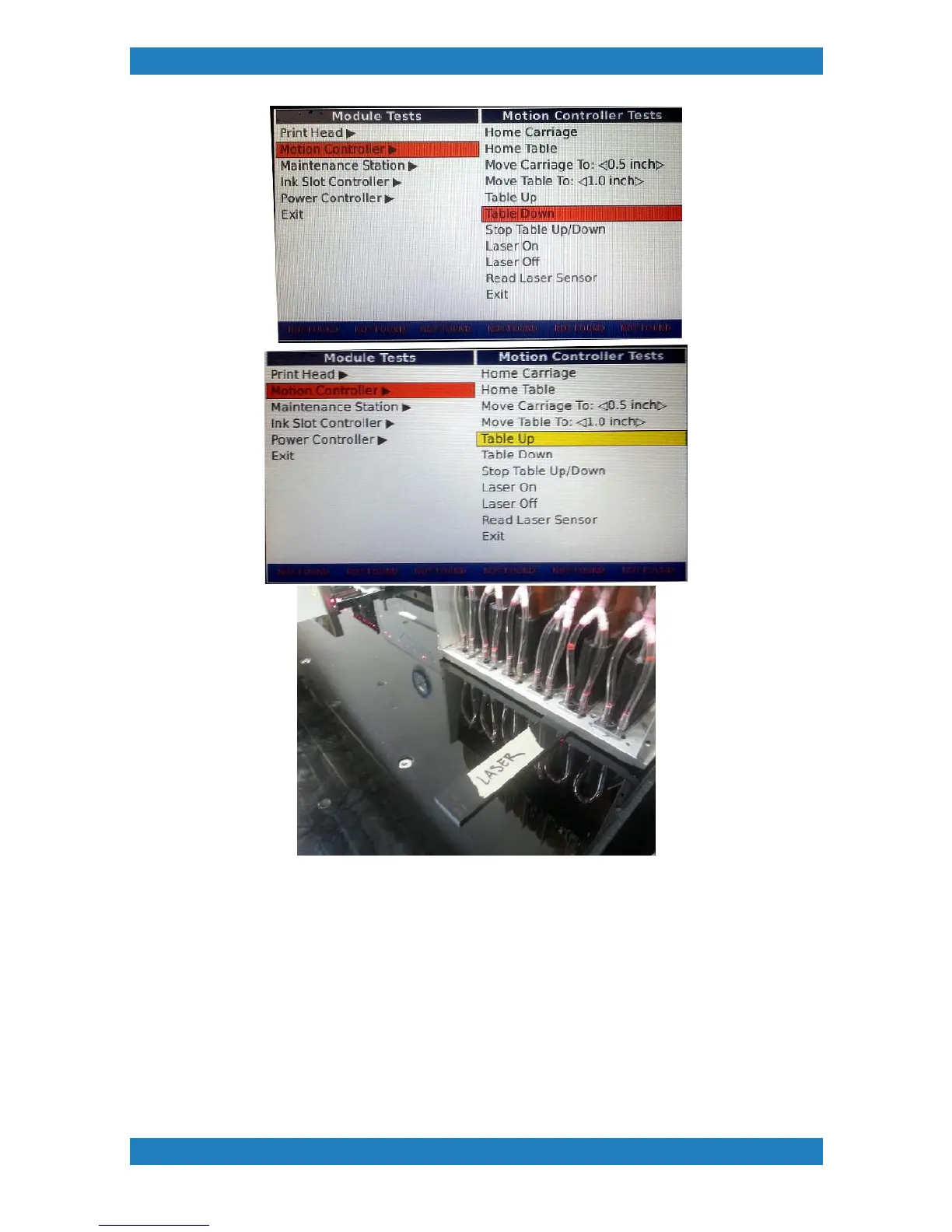
Photo 2.7.2
The laser is held by 2 phillip screws. Remove the screws to release the laser assembly. The laser bracket will
have some glue on it, remove the glue before putting the bracket back. Removing these two screws will also
allow yout to position the laser up and down. Move your laser up or down depending on how to shim fits. .
Repeat the step above to check your laser height again. Once the height of the laser is set we can move on
to the next step. See photo 2.7.3


 To Next Page
 Loading...