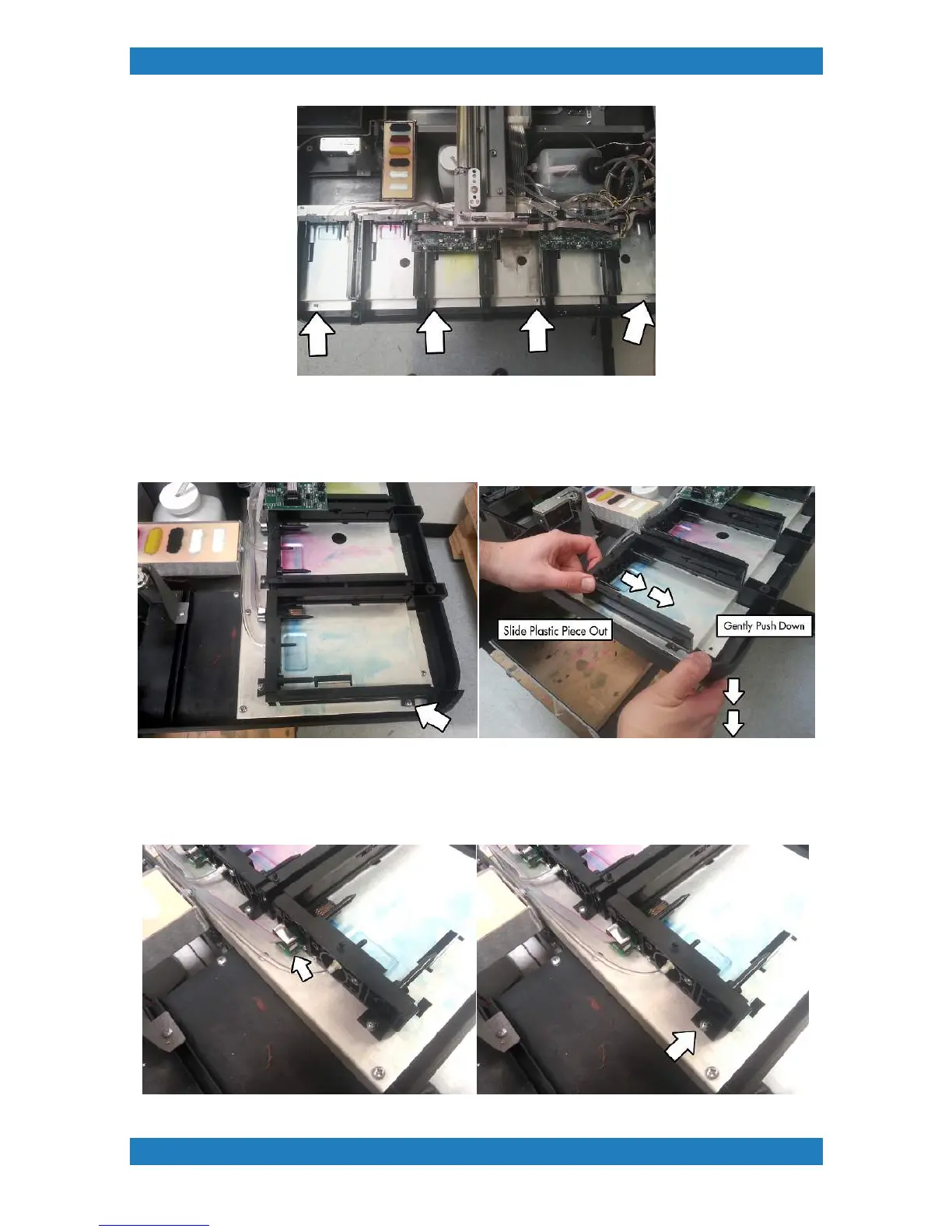
Photo 3.7.1
3. In order to replace the Needle Plate-Pin Shift Assembly also known as the ink chip reader assembly, we
must remove the Side black plastic guides first. The first plastic guide will have 1 screw in the front. With the
screw removed gently push down on the bottom cover and slide the black plastic guide out. See photo 3.7.2
Photo 3.7.2
4. Unplug the cable connected to the chip reader and the tube as well.The ink chip reader is held by 1 screw.
Remove the screw and slide the the chip reader to the left to release it. See photo 3.7.3



 To Next Page