o
Gates Tension Meter
o
3/32 Phillips screw driver
o
7/16 ratchet wrench
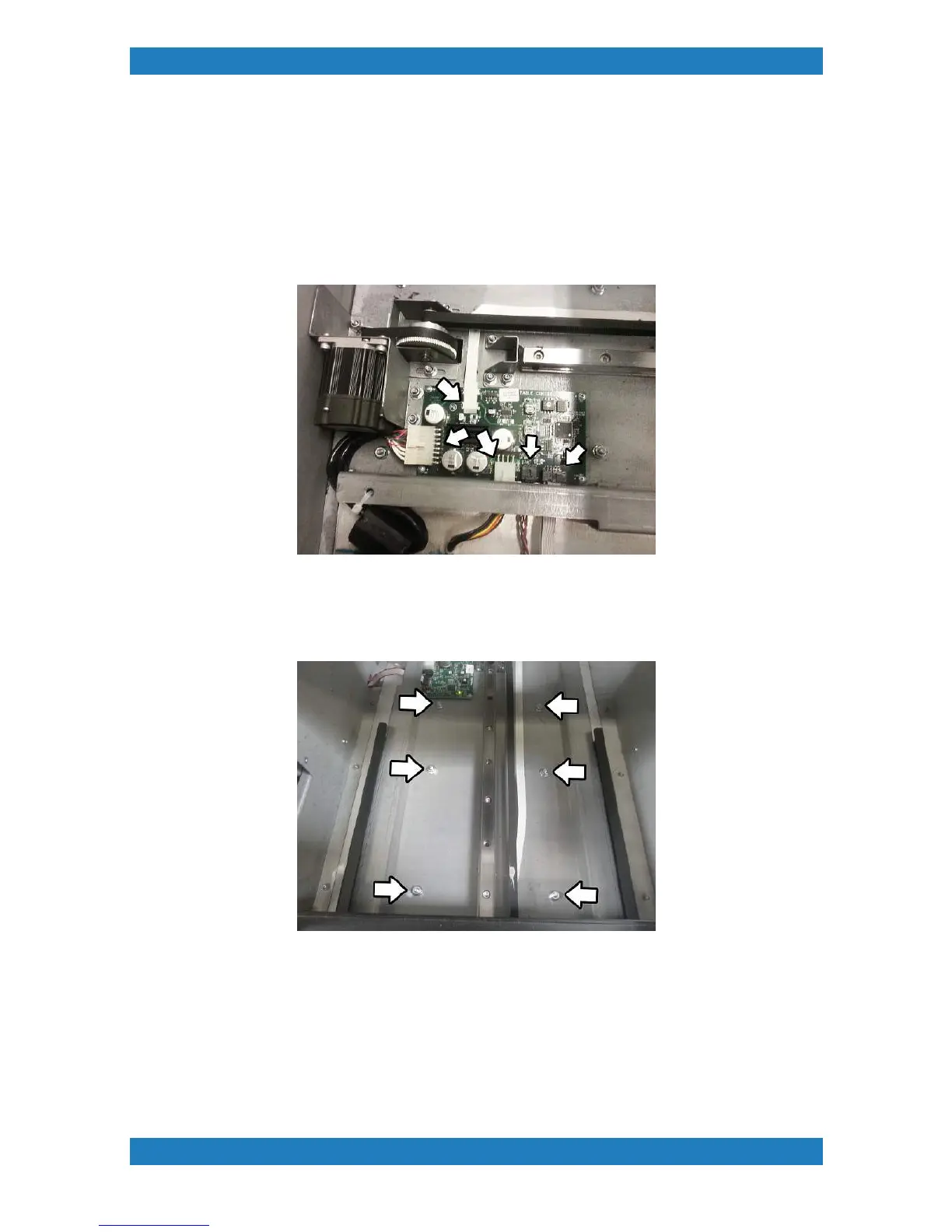
1. The best way to adjust the tension in the Table motor belt is to remove the entire table guide assembly
from the printer. Before starting power down the printer. To remove the table guide assembly, we must first
unplug the cables connected to the table board. See photo 2.3-1 below
Photo 2.3-1
2. Once the cables have been unplugged from the table board we can now start removing the 8 hex screws
holding the table guide assembly in place. Use a 3/8 ratchet wrench to remove the 8 screws see Photo 2.3.2
and Photo 2.3.3 below.



 To Next Page