2-35 Trace Menu Spectrum Analyzer
2-90 PN: 10580-00349 Rev. H Spectrum Analyzer MG
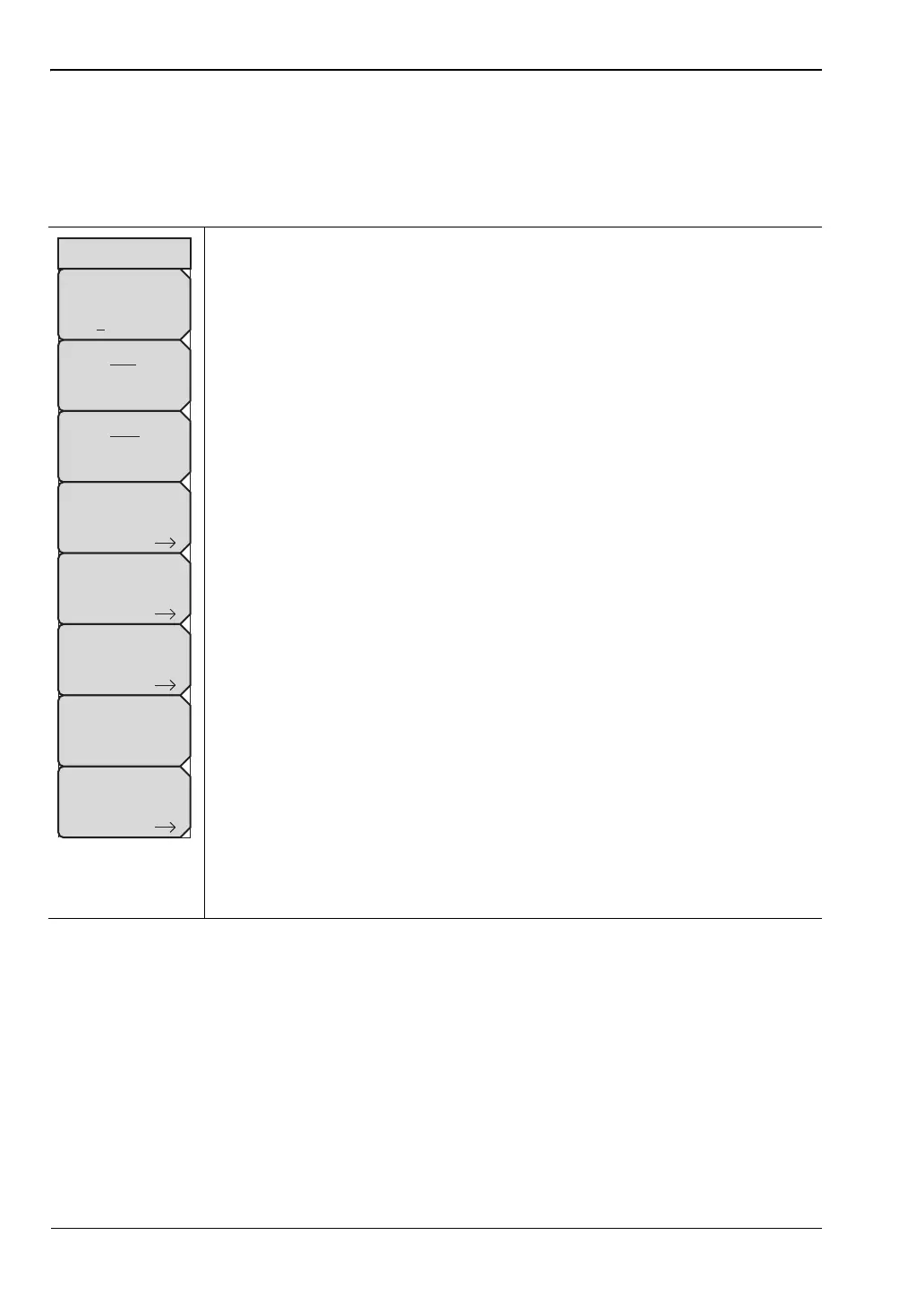
2-35 Trace Menu
Key Sequence: Shift > Trace (5) key
The instrument is capable of displaying up to three traces, one with live data, and the other
two either with stored data or trace math data.
Trace
ABC:Sets trace A, B, or C as the active trace. Each press of this key
increments through trace A, B, and C. The active trace is underlined.
View/Blank: Displays or hides the active trace.
Write/Hold: Selects between holding the current swept trace on the screen
or continually sweeping and updating the displayed measurement. This is not
applicable to Trace B or Trace C unless trace math involving Trace A is
active.
Trace A Operations: Lists the Trace A Ops menu to select an operation that
can be applied to Trace A. See “Trace A Ops Menu” on page 2-92.
Trace B Operations: Lists the Trace B Ops menu to select an operation that
can be applied to Trace B. See “Trace B Ops Menu” on page 2-93.
Trace C Operations: Lists the Trace C Ops menu to select an operation that
can be applied to Trace C. See “Trace C Ops Menu” on page 2-94.
Reset Trace: Resets the trace averaging, Max Hold or Min Hold, and restarts
the sweep.
Trace Info: Stops the current trace and displays a summary table of trace
parameters and current settings. See Figure 2-77 on page 2-91. Press Enter
or Escape to clear the table from the display and restart the trace.
Display: Press the appropriate key to display trace information for
Trace A Only, Trace B Only, Trace C Only, or All Traces.
Top of List: Press this submenu key to jump to the top of the Trace
Info table.
Page Up: Press this key to skip up through the table.
Page Down: Press this key to skip down through the table.
Bottom of List: Press this submenu key to jump to the bottom of the
table.
Figure 2-76. SPA Trace Menu
Trace
Trace A
Operations
Trace B
Operations
Trace C
Operations
Trace Info
View
Blank
Reset
Trace
Trace
A B C
Write
Hold
ООО "Техэнком" Контрольно-измерительные приборы и оборудование www.tehencom.com














 To Next Page