Chapter 3 —Mobile WiMAX Signal Analyzer 3-11 Measurements Menu
WiMAX MG PN: 10580-00236 Rev. D 3-27
Demodulator Menu (Continued)
EVM vs Sub Carrier: Press this submenu key to display the EVM (rms)
values versus subcarriers. Because some subcarriers are not used in
OFDMA, their values are set to 0 (zero).
EVM vs Symbol: Press this submenu key to display the EVM (rms)
values versus OFDM symbols.
Modulation Summary: Press this submenu key to display a summary
table of all of the modulation-related numerical measurement results.
The following measurements are displayed:
• RCE (rms)
• RCE (pk)
• EVM (rms)
• EVM (pk)
• Carrier Frequency
• Freq Error
• CINR
• Base Station ID
• Sector ID
DL-MAP Parameter Tree: Press this submenu key to display the
DL-MAP information in Auto mode (from the decoded results) or in
Manual mode (from the parsed information, which is from the .xml
parameter file).
Back: Press this submenu key to return to the “Measurements Menu”
on page 3-24.
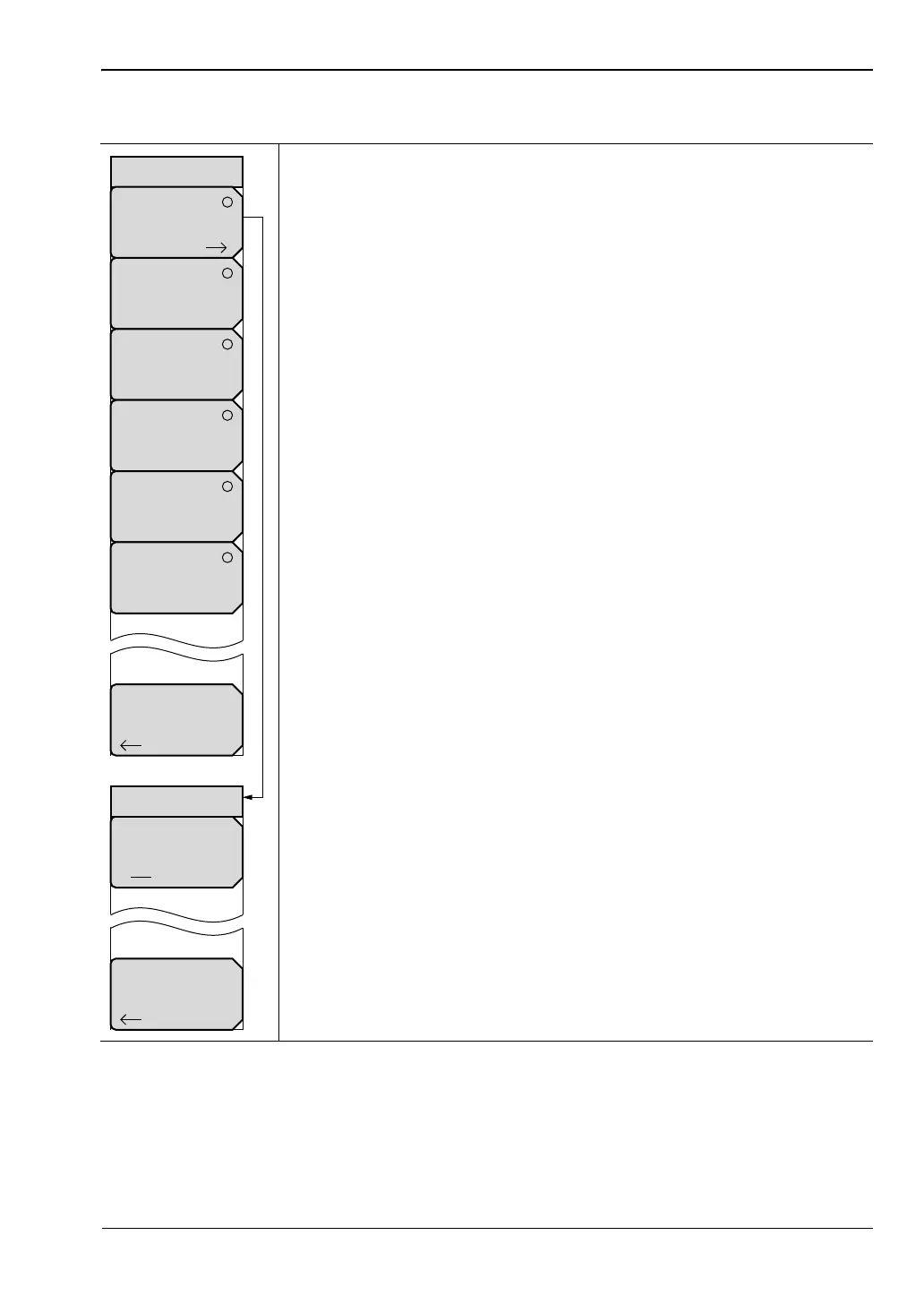
Figure 3-24. Mobile WiMAX Demodulator Menu (2 of 2)
Reference Points
Off On
Back
Back
Demodulator
Constellation
Spectral Flatness
EVM vs.
Sub Carrier
EVM vs
Symbol
Modulation
Summary
Constellation
DL-MAP
Parameter
Tree
ООО "Техэнком" Контрольно-измерительные приборы и оборудование www.tehencom.com


 To Next Page
 Loading...











