3-11 Measurements Menu Chapter 3 —Mobile WiMAX Signal Analyzer
3-26 PN: 10580-00236 Rev. D WiMAX MG
Demodulator Menu
Key Sequence: Measurements > Demodulator
Constellation: Press the Constellation submenu key to set the
demodulation to Constellation view. The constellation view shows the
constellation of the demodulated data symbols over one frame. The
constellations are color coded.
Constellation View Color Codes:
• QPSK is shown in purple.
• 16-QAM is shown in green.
• 64-QAM is shown in yellow.
Constellation View Numerical Results
• RCE (rms) in dB
• RCE (pk) in dB
• EVM (rms) in %
• EVM (pk) in %
• Freq Error in Hz
• CINR
• Base Station ID
• Sector ID
Reference Points: Press this submenu key to display reference
points for the various constellations. On is the default state.
Back: Press this submenu key to return to the Demodulator
menu.
Spectral Flatness: Press this submenu key to show the spectral
flatness data that is measured from the preamble at the channel
estimation step. The deviation of the spectral flatness from the average
of all the carriers is shown in dB.
A mask that conforms to the specification is overlaid on the trace. Green
color on the mask indicates pass, and red color on the mask indicates
fail. This mask is referenced from the average of all subcarrier amplitude
values. Absolute delta of the power between adjacent subcarriers is
displayed as a numerical value in dB.
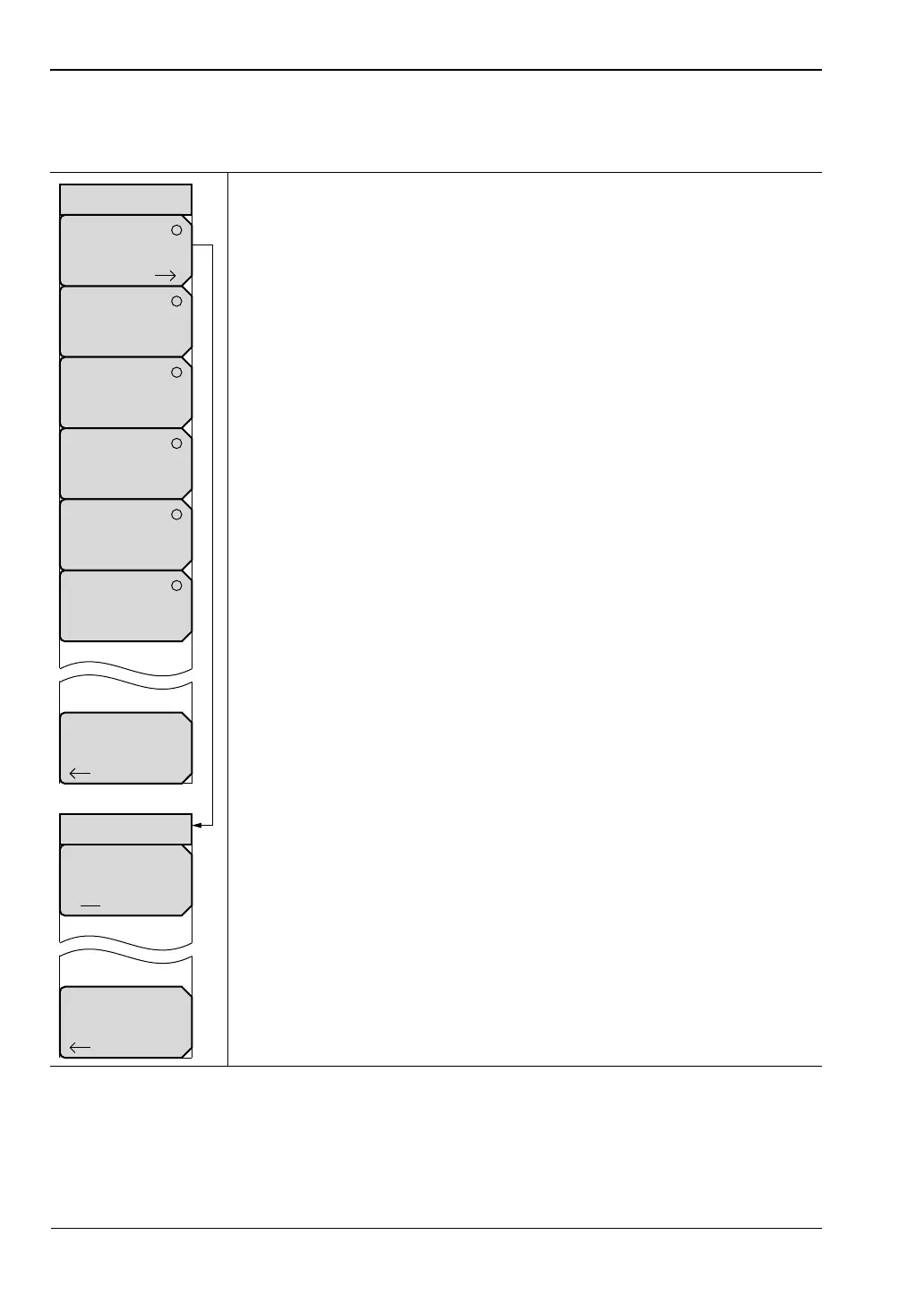
Figure 3-23. Mobile WiMAX Demodulator Menu (1 of 2)
Reference Points
Off On
Back
Back
Demodulator
Constellation
Spectral Flatness
EVM vs.
Sub Carrier
EVM vs
Symbol
Modulation
Summary
Constellation
DL-MAP
Parameter
Tree
ООО "Техэнком" Контрольно-измерительные приборы и оборудование www.tehencom.com


 To Next Page
 Loading...











