Chapter 3 —Mobile WiMAX Signal Analyzer 3-11 Measurements Menu
WiMAX MG PN: 10580-00236 Rev. D 3-25
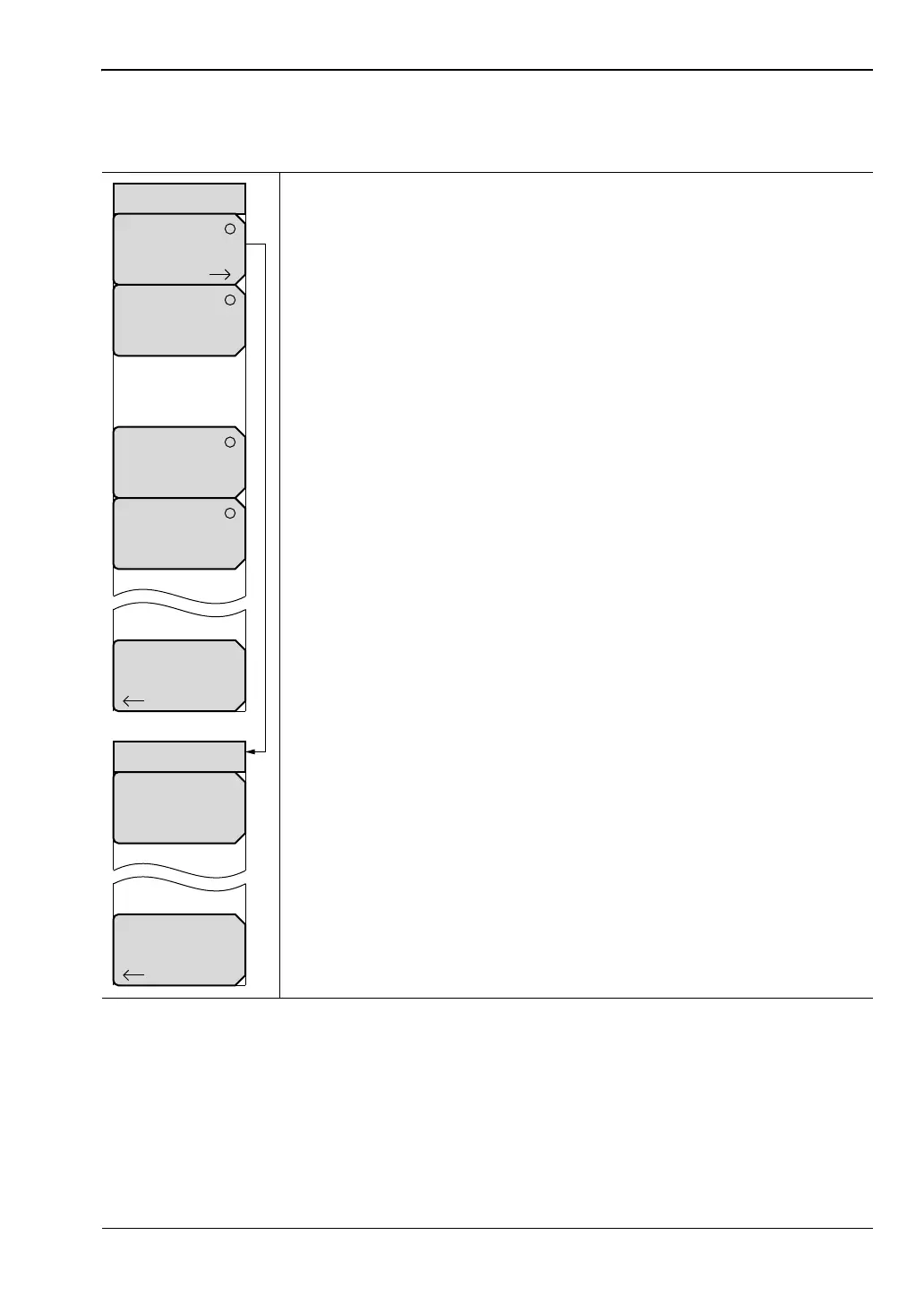
RF Measurements Menu
Key Sequence: Measurements > RF Measurements
Spectrum: Press this submenu key to display the spectrum of the input
signal. The span is automatically adjusted to the next largest available
span based on the bandwidth setting. Channel Power (RSSI) in dBm
and Occupied bandwidth measurements are displayed as numerical
values.
Span: Press this submenu key to open the Span selection dialog.
Select the desired Span for the Spectrum view using the
Up/Down arrow keys or rotary knob and press Enter. The list
shows the following choices: 5 MHz, 10 MHz, 20 MHz, 30 MHz.
Back: Press this submenu key to return to the RF Measurements
menu.
Power vs Time: Press this submenu key to show the time domain view
of a WiMAX 802.16-2004 OFDM signal over approximately one frame.
The Channel Power (RSSI) in dBm, Preamble Power in dBm, Downlink
Burst Power in dBm, and Uplink Burst Power are displayed as numerical
values.
ACPR: Press this submenu key to show one main channel and two
adjacent channels. It displays the power levels for each channel (both
absolute and relative).
RF Summary: Press this submenu key to display a summary of all of
the RF numerical measurement results.
Back: Press this submenu key to return to the “Measurements Menu”
on page 3-24.
Figure 3-22. Mobile WiMAX RF Measurements Menu
Span
5 MHz
Back
Spectrum
Back
RF Measurements
Power vs Time
ACPR
RF
Summary
Spectrum
ООО "Техэнком" Контрольно-измерительные приборы и оборудование www.tehencom.com


 To Next Page
 Loading...











