22
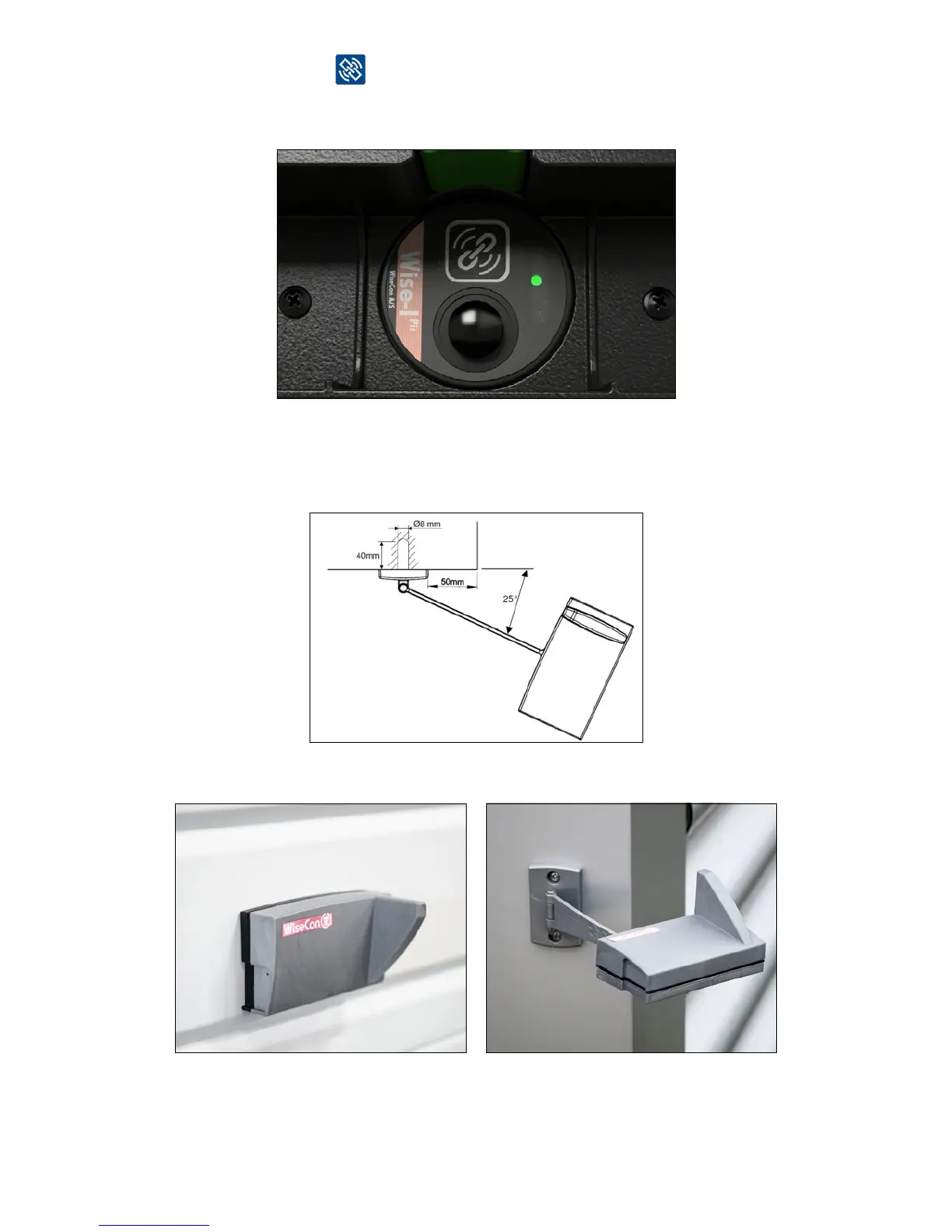
2. The LED light next to
lights steady green for about 10 seconds and then green and
yellowasheseveryhalfsecond.Thismeansthatthedeviceislinkedandhavedata
connection.
3. Screw the wall mount or corner mount onto the wall. The mounts should be as free from
other items as possible and approx. 2 meters above ground. Screw the corner mount onto
the wall by following the drawing. Remember that the angle from the corner of the house
should be 25 degrees.
4. Smart Eye is now installed and ready to transmit signal.
Smart Eye on wall mount Smart Eye on corner mount



 To Next Page