50
Trap (device) administration
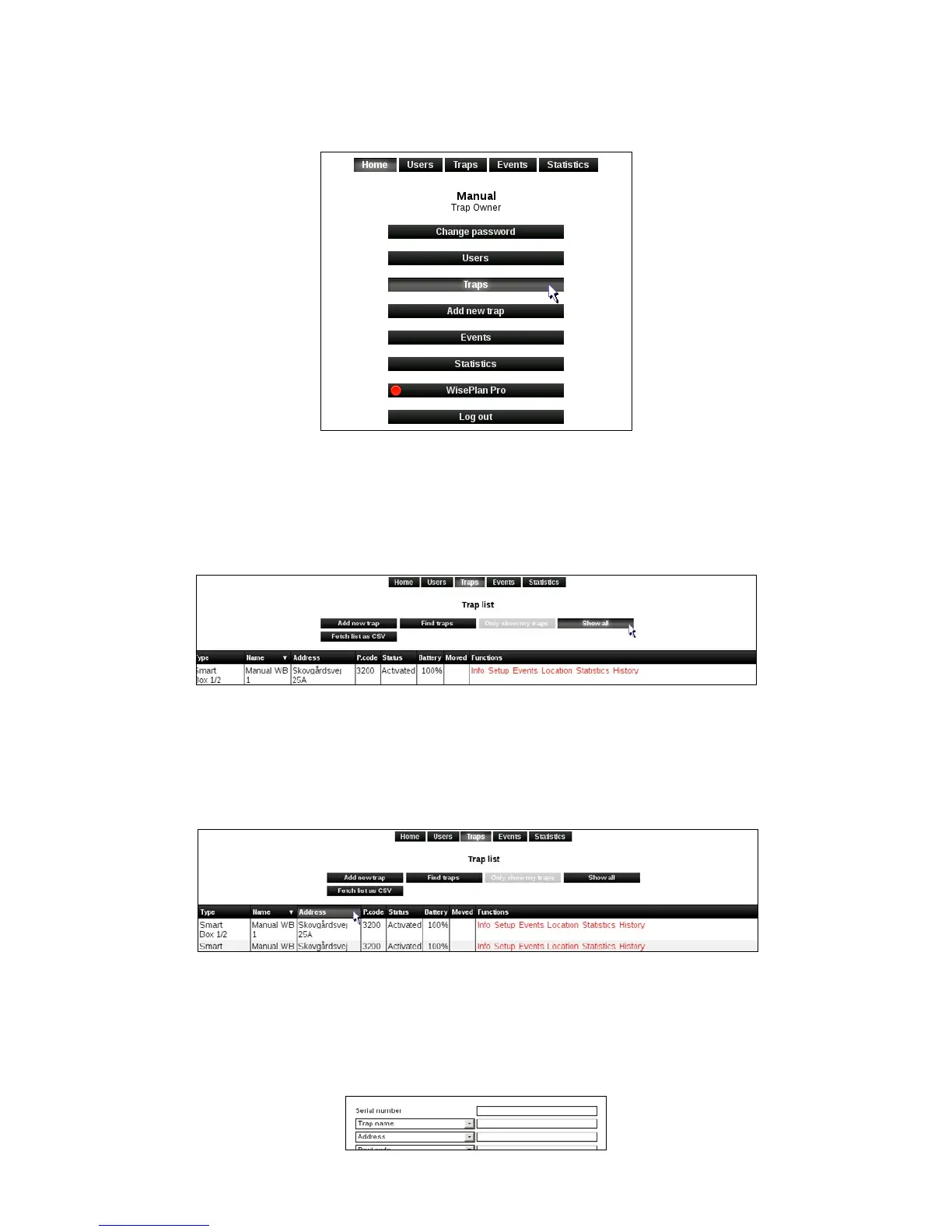
1. Click on [Traps] to get to the trap list.
2. The trap list shows the Smart Connect systems (and the Smart Pipes and Smart Boxes
you manage or own) connected to the user who is logged on WisePlan. If this user has rights
to see / manage all Smart Connect systems in the company, these can be selected by
clicking on [View all].
Sort the trap list
1.Youcansortofthetraplistbyclickingontheheadlines.
Search after traps (devices)
1. Click on [Search]. In the search dialog box, you can search for Smart Connect systems
(SmartConnect)basedondierentcriteria.



 To Next Page