33
8. The trap is now ready to catch rats and mice again.
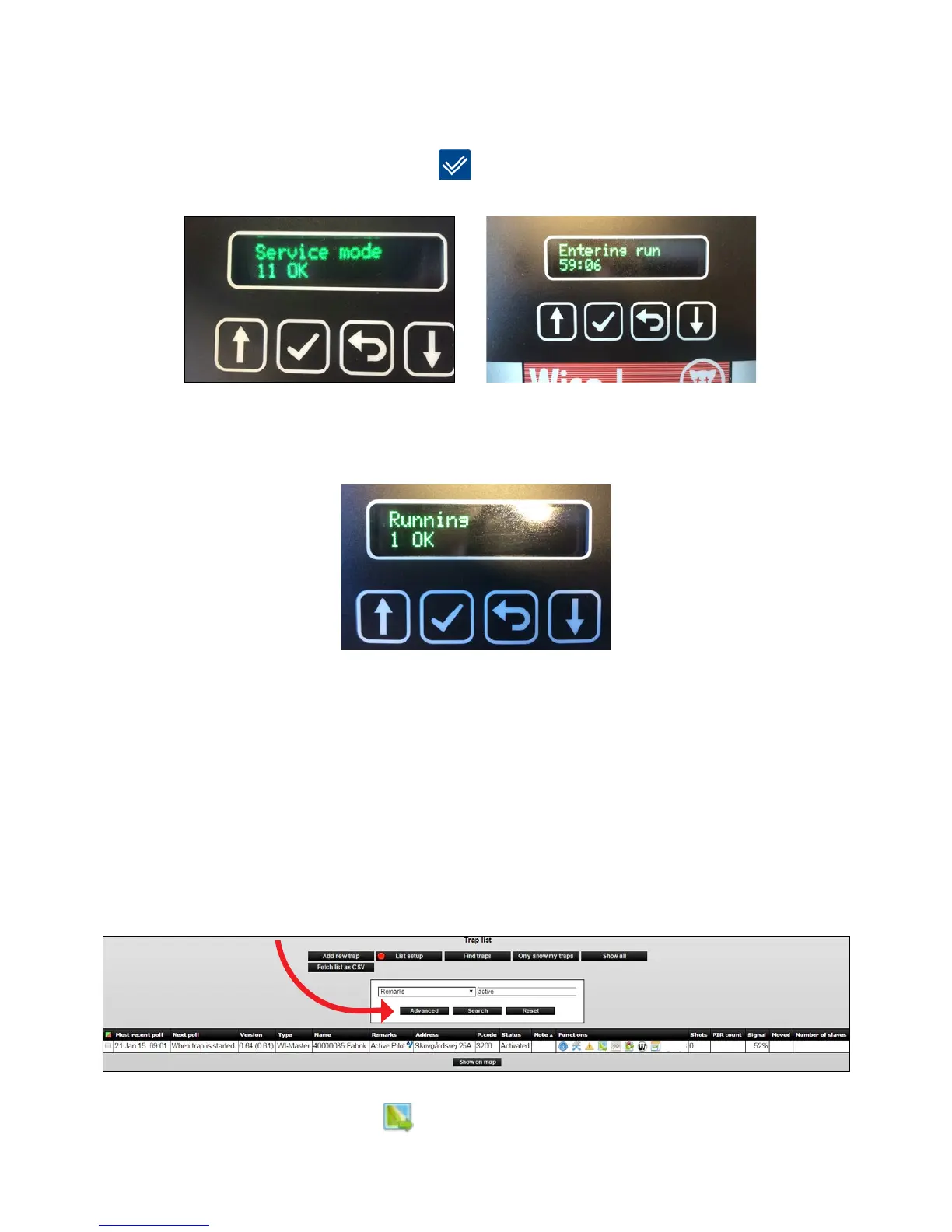
9.RemembertoputyoursysteminRunmodewhenyouarenishedworkingwithyour
installation on site. If you forget to put the system in Run mode, it will automatically enter
Run mode after 8 hours. Press [OK]
to put the system in Run mode.
10. Smart Connect shows [Running] in the display when the system is in Run mode.
Placement of Smart Connect and Smart Connect devices in
WisePlan
When all devices in a Smart Connect system are installed, they must be placed in WisePlan,
so they can be easily found again, when activity is registered or batteries need changing
ect. At the same time the Smart Connect system can be administered through WisePlan.
1. Search for devices on the trap list.
2. Click on the Placement icon
.



 To Next Page