49
Delete users
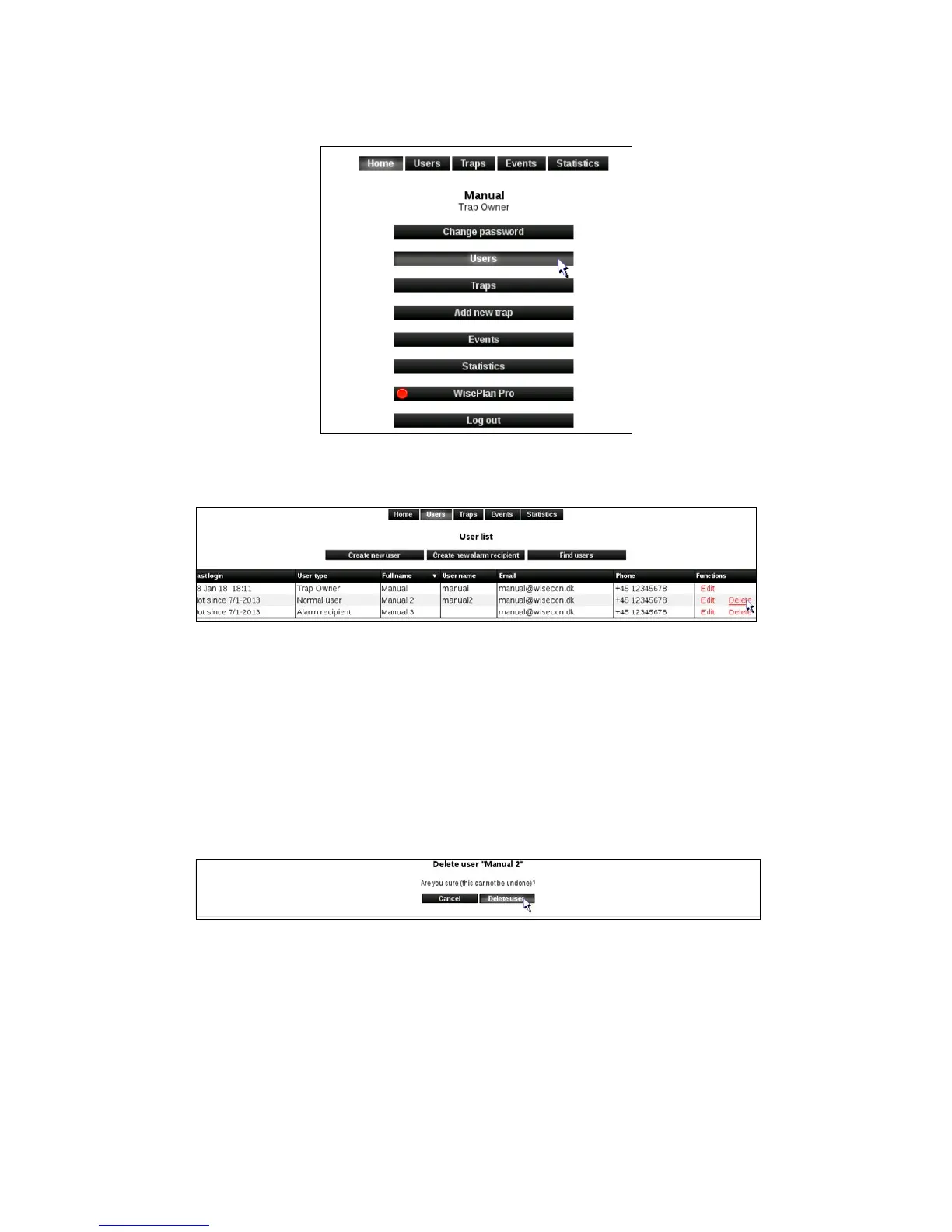
1. Click [Users] to enter the User menu.
2. Click [Delete] on the user that must be deleted.
3. Click on [Delete user].
The user is now deleted and you will be returned to the User menu.
Note: If the user is the only one that is connected to the Smart Connect system the user cannot be
deletedbeforeaddinganewusertotheaectedSmartConnectsystem.Thisisdoneas
described in the previous section Edit users.
Press [Users] to get to the User menu, from where you can add a new user.



 To Next Page