36
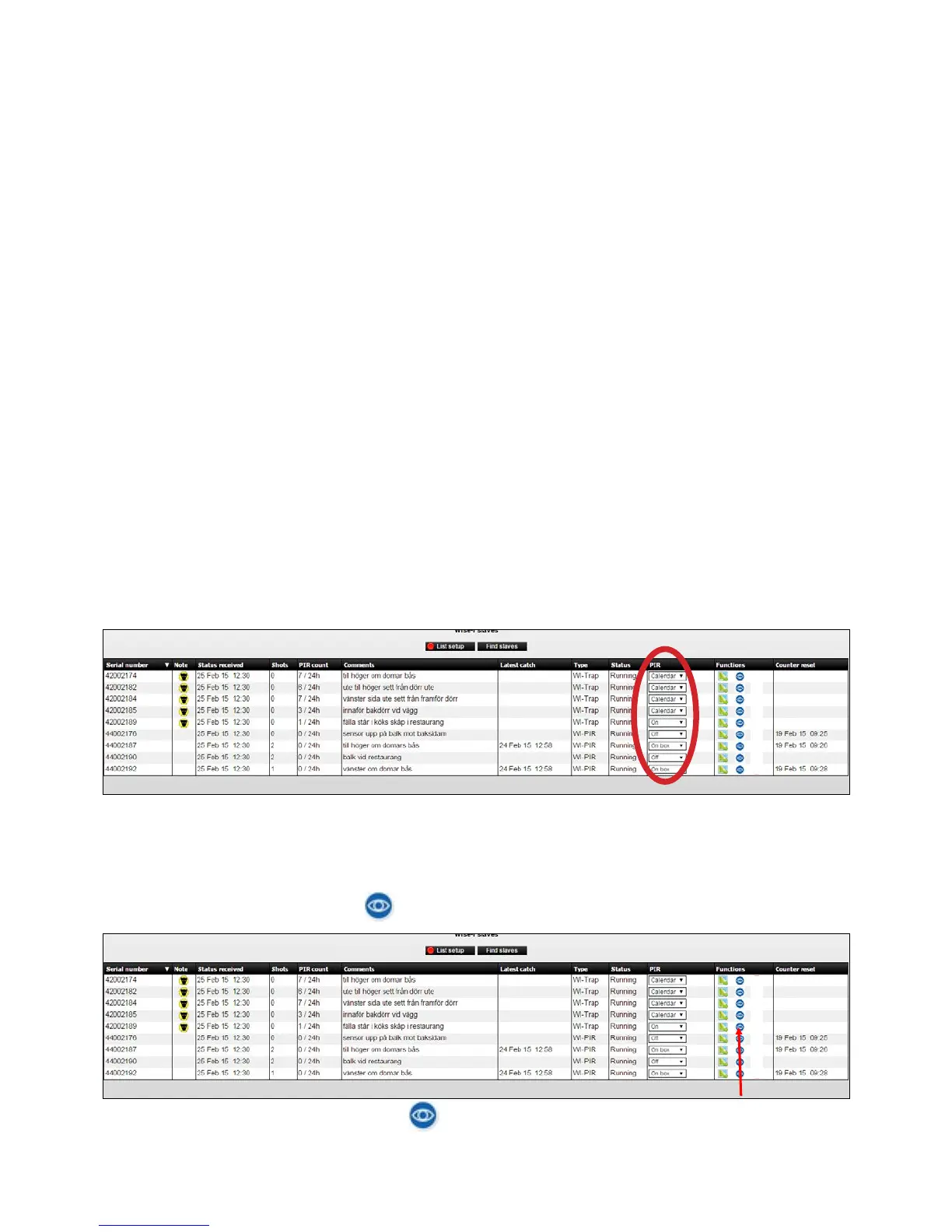
3.ThePIRsensorhas4settings:On,O,CalendarandOnBox.
The settings are valid for the PIR sensor found on both Smart Catch and Smart Eye (except
OnBox-itisonlyforSmartEye).EventhoughthesensoronaSmartCatchisothetrap
is still working.
- If On is selected it is registered every hour there is movement in front of the PIR sensor.
Both rodents, other animals and humans that move in front of the Smart Connect device are
detected.
- If O is selected the PIR sensor inactive. (The default setting)
- If you select Calendar the PIR sensor is controlled by the Smart Connect’s calendar. There is
only ONE Calendar for each Smart Connect. This calendar applies to all devices connected
with that Smart Connect. On the calendar you can choose which hours during the week
PIR sensor should be active. In a Smart Connect system there can therefore be devices
withPIRsensorsturnedon,PIRsensorsturnedoandPIRsensorsthatturnonando
depending on the settings on the Smart Connect’s calendar.
- On Box should be selected if Smart Eye is mounted directly onto traditional bait and spring
trap boxes to monitor any activity inside the box. Because then you will know that On Box
devices have a higher priority than Smart Eye used as range extenders or as monitor devices,
and thus you can take the correct action when activity is registered.
Note: Remember that both Smart Eye and Smart Catch have a PIR sensor (its eye in front of the trap).
Overview of PIR activity
1. Click on the blue eye icon on the device where you want to see the PIR activity.
2. By clicking on the blue eye icon
the PIR activity of the devices for current month is
displayed.



 To Next Page