44
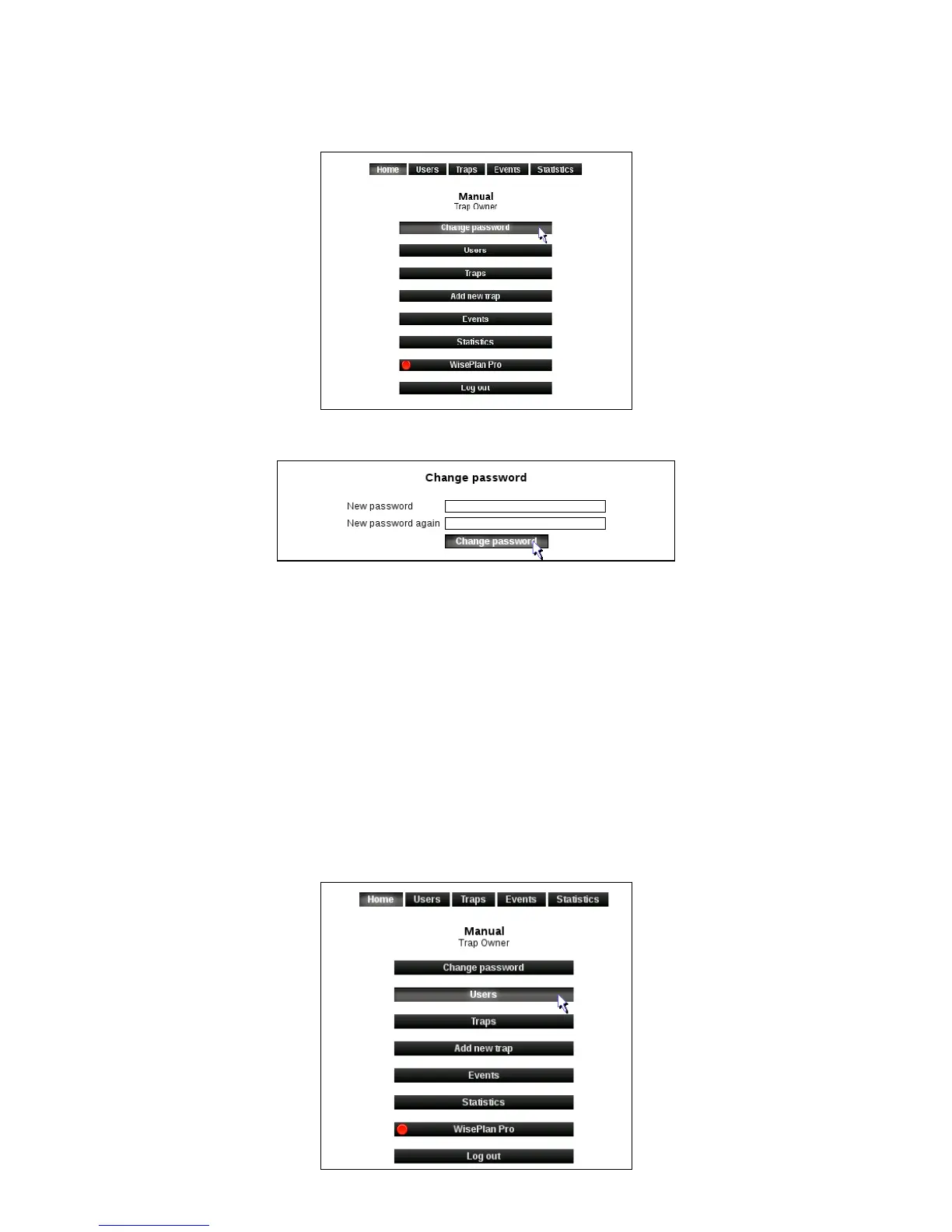
Change password
1. Click on [Change password].
2. Enter the desired password and repeat this. Click on [Change password].
3. The password is now changed.
Administration of users and alarm recipients
An alarm recipient will not be able to log on to WisePlan but will ONLY receive alarms from
Smart Connect system on his/her cell and email.
A user will have access to WisePlan and receive alarms on SMS and email. In the following
sections, creating alarm recipients and creating users are presented.
Create a new alarm recipient
1. Click on [Users] to enter the User menu.



 To Next Page