24
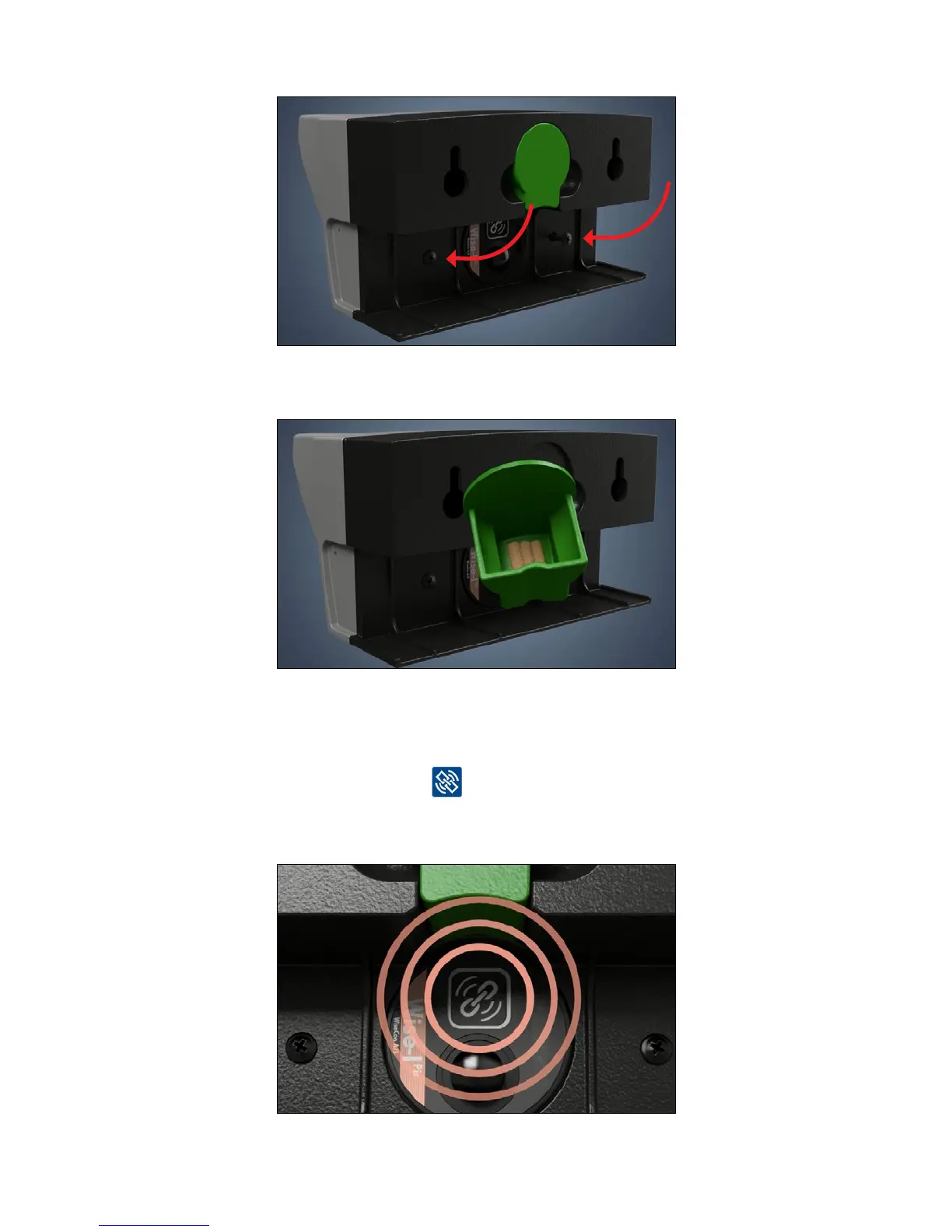
3. Screw Smart Eye mouse adapter onto Smart Eye with the included screws.
4. Put bait in the units lure box.
Link Smart Eye - Mouse adapter
1. Activate the device and connect it to the Smart Connect and the rest of the
Smart Connect system by pressing
Note: To ensure that the device has a signal it must be linked at the location where it is installed.



 To Next Page