55
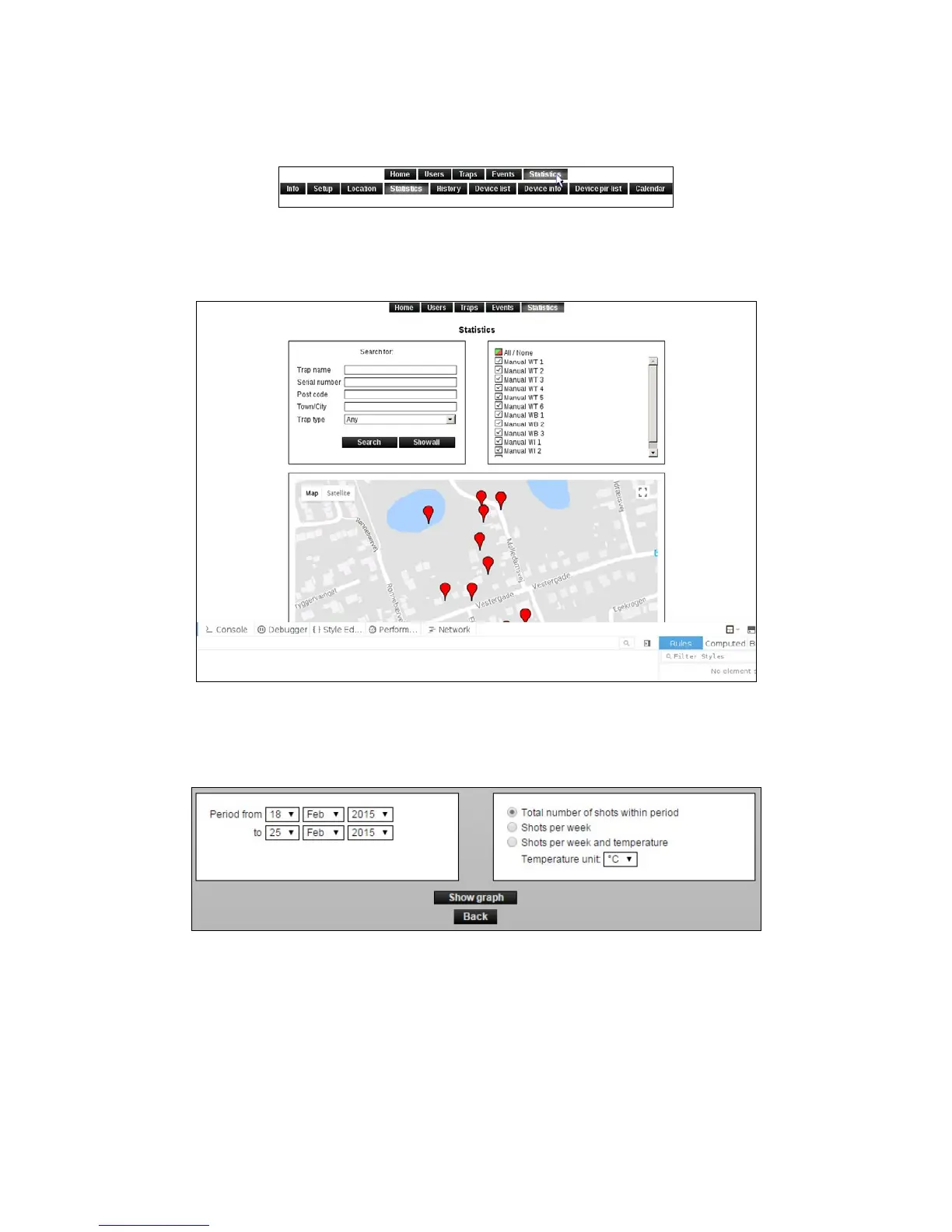
Statistics for several Smart Connect systems at a time
1. It is possible to extract statistics from several Smart Connect systems. This is done by
clicking on [Statistics] in the top menu.
2. Select the Smart Connect systems where statistics are desired.
3. It is possible to search for Smart Connect systems from ZIP code, or to view all.
4. Mark the Smart Connect systems where statistics are desired by selecting them in the right
window, or click on the markers on the map.
5. Choose the information you want to include in the statistics and click [Show graph].
This will display a graph for each of the selected traps.



 To Next Page