31
Emptying of Smart Catch
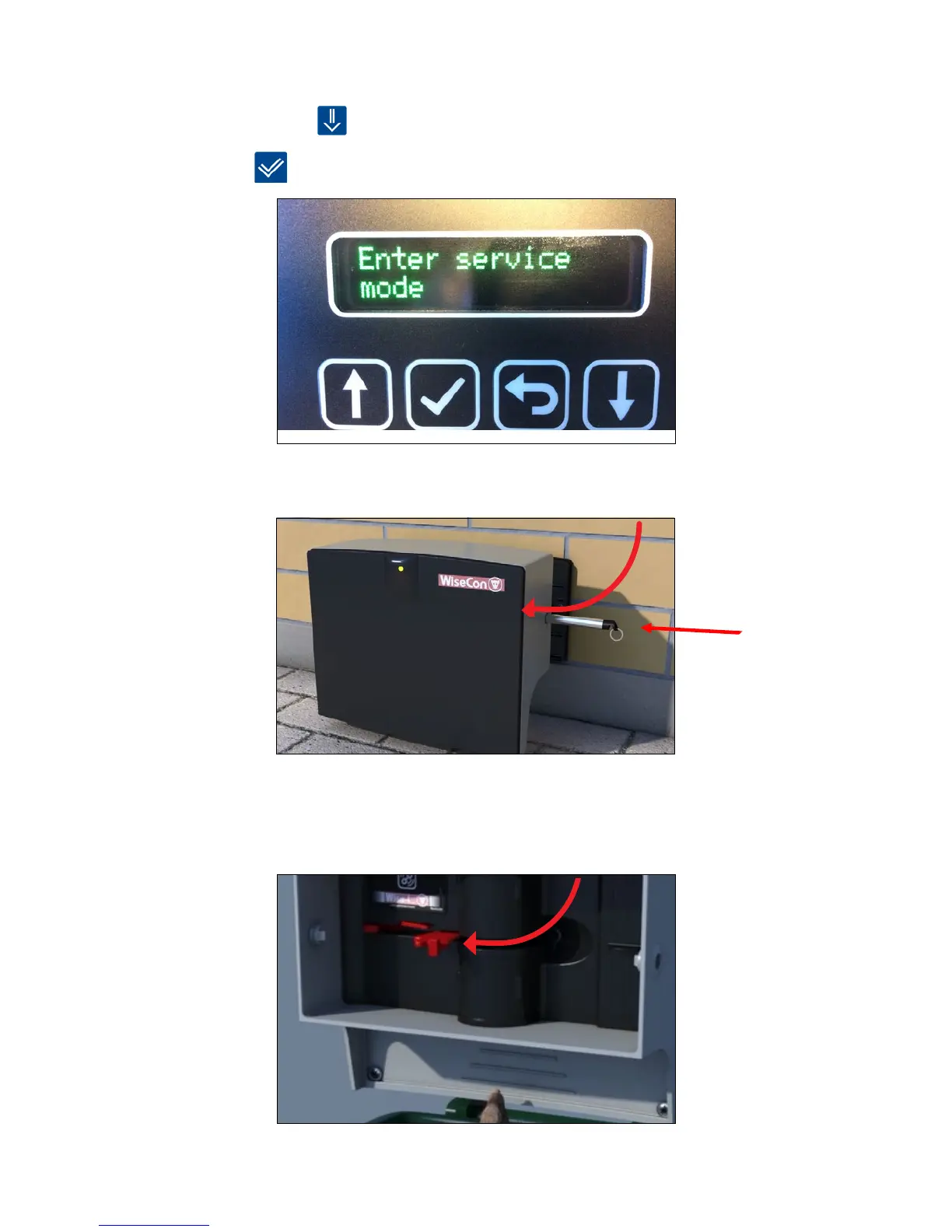
1. Press [down arrow] until the display shows [Enter Service mode].
2. Press [OK]
to activate/enter Service mode.
3.RemovethetrapfromthexedbackplatebyusingaSmartkey.
4. The trap is emptied by lifting the red arm. The trap can be armed at the same time, by lifting
the red arm until you hear a click.
Note: Remember, to deposit the dead animal properly!



 To Next Page