53
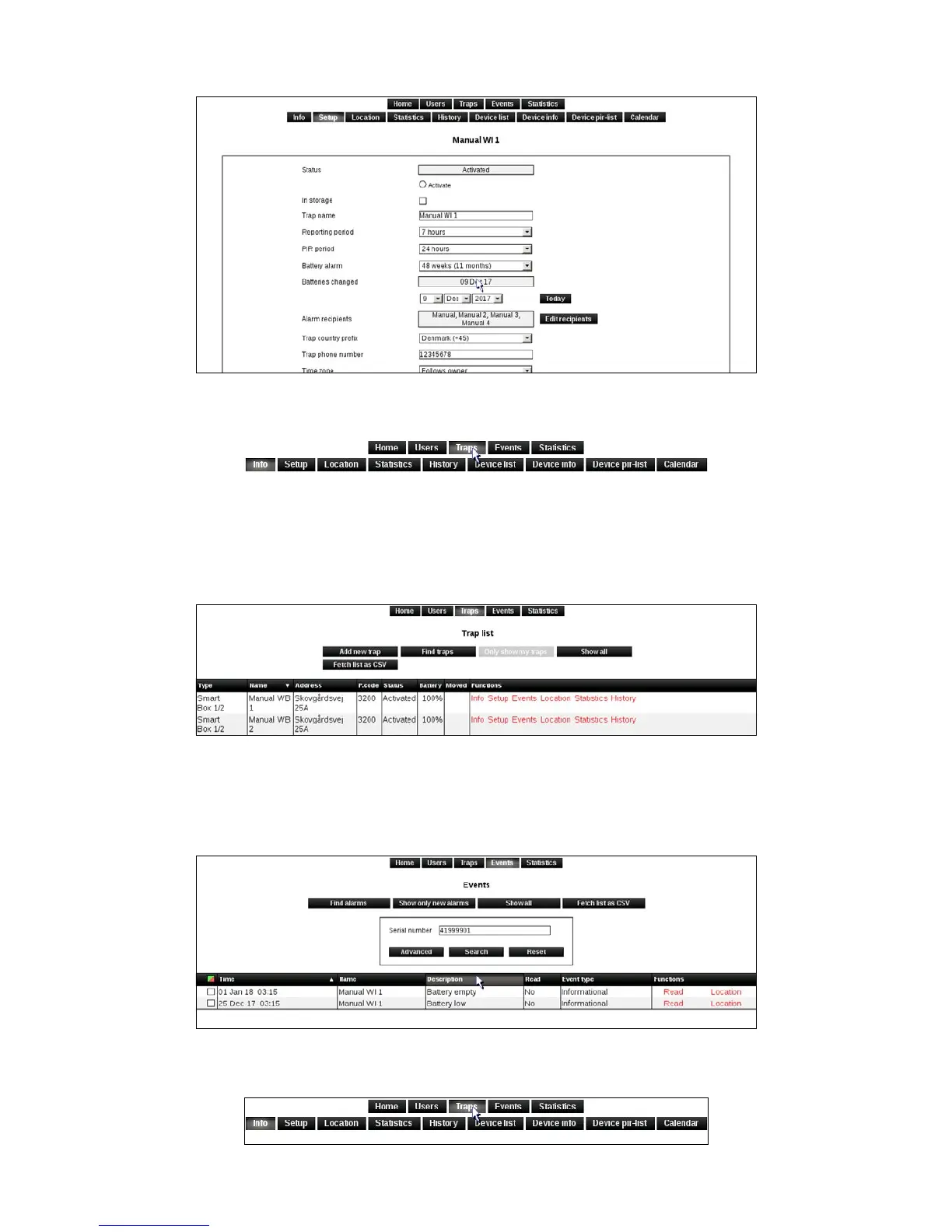
3. Be sure to click [Apply Changes] to save any changes made.
4. Click on [Traps] to return to the trap list.
Alarms
1. Click on [Events].
2. The alarms received from Smart Connect system can be seen in events, as well as the alarm
recipient or user who has signed for each alarm.
3. An alarm is signed for by clicking on [Read].
4. Click on [Traps] to return to the trap list.



 To Next Page