9
SIM card information
Below is a list of the functions that a SIM card must have in order to work in an Anticimex
Smart product.
1. Create a connection to the Internet, via. EDGE/2G*
2. Send and receive SMSs on the same number
3.PINlockmustbeturnedo**
4. SIM card must not be a prepaid card
* The SIM card may not be forced to use 3G
** Can be done by inserting the SIM card into a mobile phone
Anticimex recommends a SIM card of the type Machine-To-Machine (M2M) This type of SIM
card is designed to be used in equipment such as Anticimex’s devices.
Getting started with Smart Connect system
Registration of user and Smart Connect system on WisePlan
Before a Smart Connect system can be used, you need to register as a user and register your
Smart Connect system on WisePlan.
WisePlan is the software / control system that monitors your Smart Connect system.
Registration is done online on http://www.wisecon.dk/wiseplan
BesuretohaveyourSmartConnect’sserialnumberandvericationcodeready.Youwillnd
theserialnumberandvericationcodeonthebackofyourSmartConnect.(OnlytheSmart
Connect have to be created manually on WisePlan. Smart Catch and Smart Eye are created
automatically when connected to the system). Make sure you also have the phone number of
the Smart Connect’s SIM card ready.
User registration
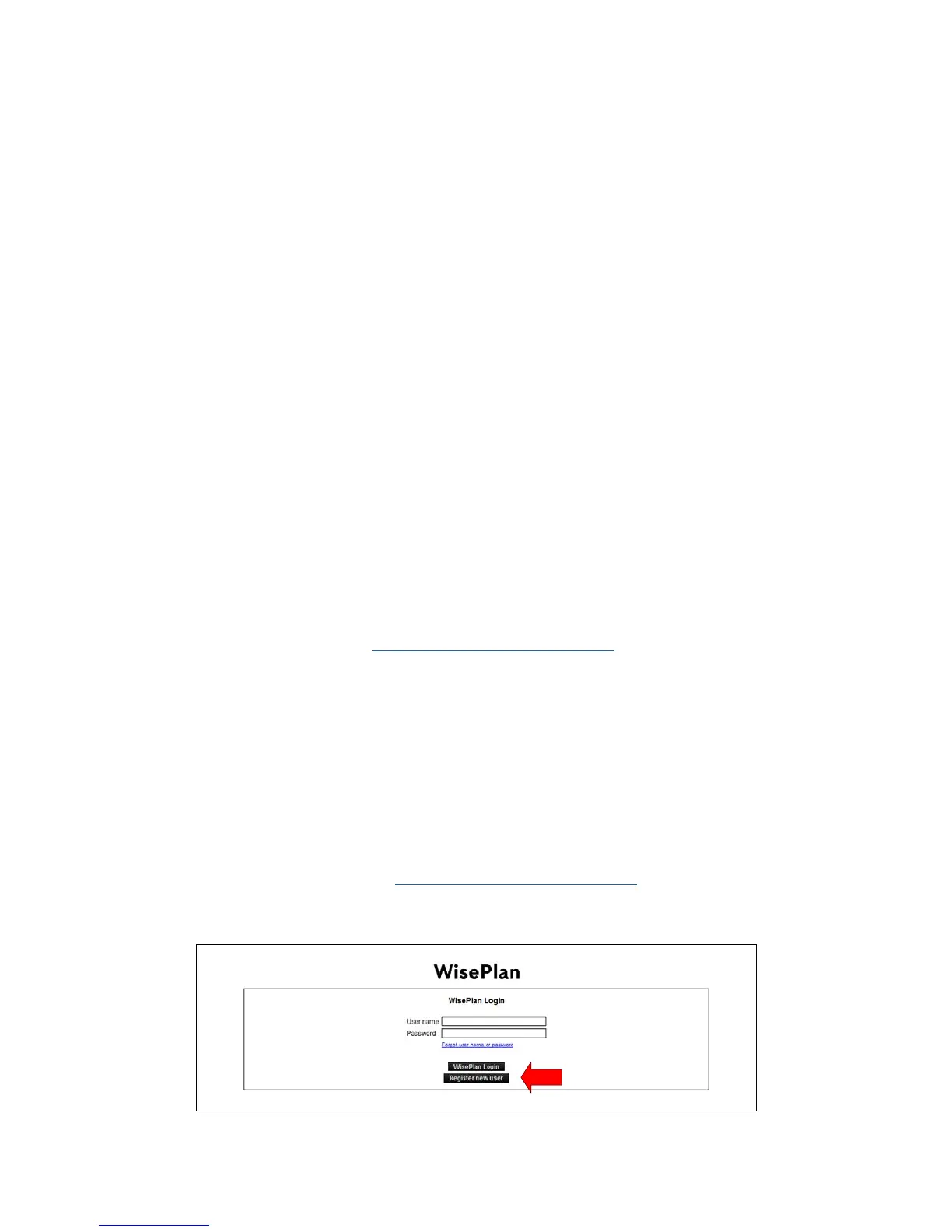
1. Follow the link to the website: http://www.wisecon.dk/wiseplan
2. Press [Register new user]. (If you are registered as a user already log in via [WisePlan Login]).



 To Next Page