47
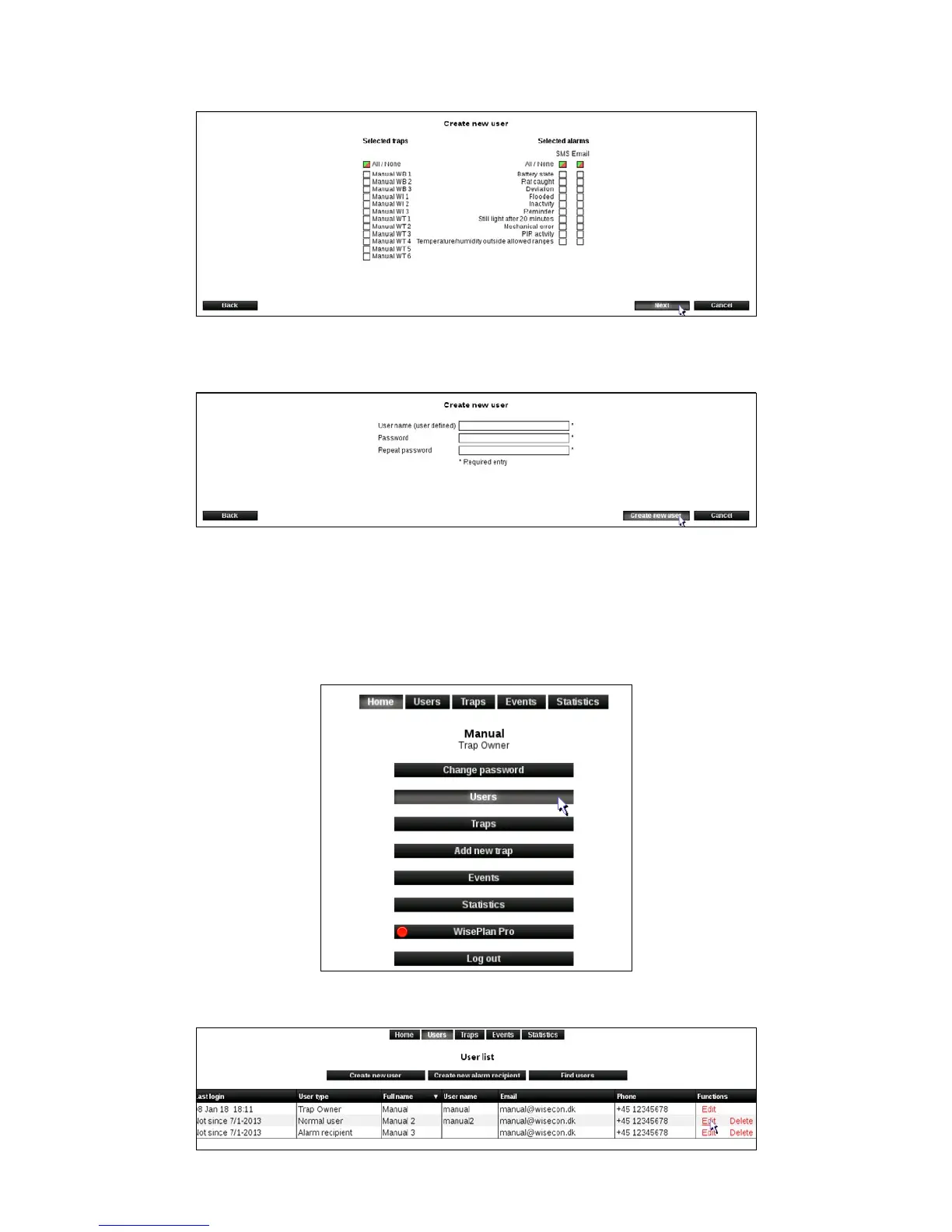
5. Select the Smart Connect systems and alarms the new user should be connected to.
Click on [Next].
6. Enter the username and password that the new user must use at login.
Click on [Create New User].
The new user is now created in WisePlan and you will be returned to the User menu.
Edit users
1. Click [Users] to enter the User menu.
2. Click [Edit] on the user that must be edited.



 To Next Page