16
Smart Catch installation
The individual Smart Connect devices communicate with each other in an intelligent grid-
network, which means that if a Smart Connect device cannot send its data directly to
the Smart Connect, it uses one or more of the other Smart Connect devices as a repeater
station to transmit data to Smart Connect and then to WisePlan. Start by installing
and linking the Smart Connect devices closest to the Smart Connect, and build a network of
Smart Connect devices by moving further and further away. This ensures that all Smart
Connect devices communicate with the Smart Connect right from the start.
Smart Catch functions on two levels. It can both catch and kill rats and mice quickly, humanely
andeciently;whilstatthesametimeitcandetectandmonitoranyrodentactivityinthenear
vicinity of the trap, around 2 metres from the sensor. Smart Catch can be positioned either
vertically or horizontally, allowing the trap to easily be placed against walls, under machinery
and equipment, on racks and shelves etc. It can be placed both outside and inside buildings, for
example, along buildings, warehouses, attics, hallways and under shelves or on shelves, cabinets
and kitchens.
Note: If the trap is positioned horizontally it cannot detect and monitor pest activity up to 2 meters
in front of the trap, because the trap’s sensor / eye looks up and not out in the room.
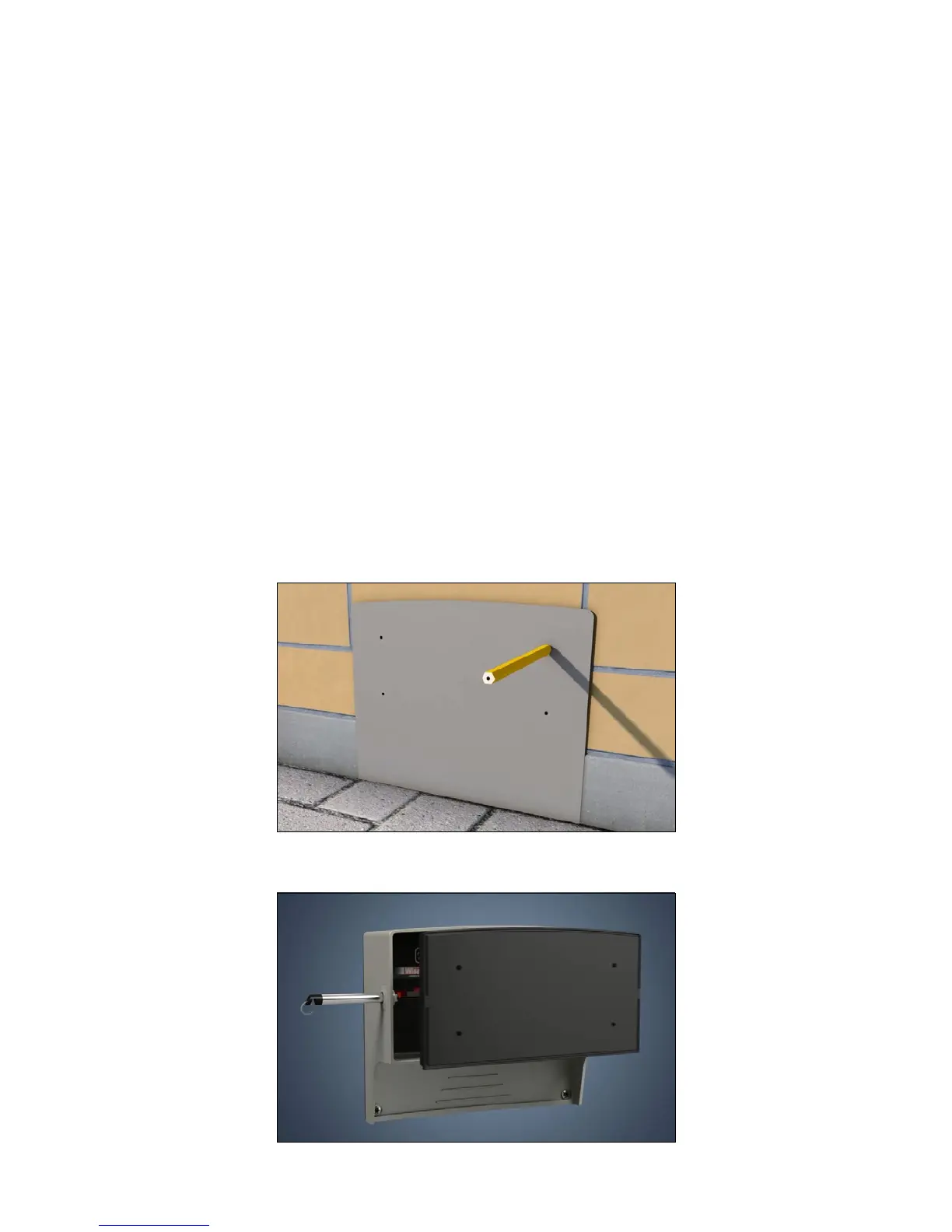
1. Use the enclosed drilling jig to mark the screw holes.
2. Remove the Smart Catch’s back plate by using a Smart key.



 To Next Page