37
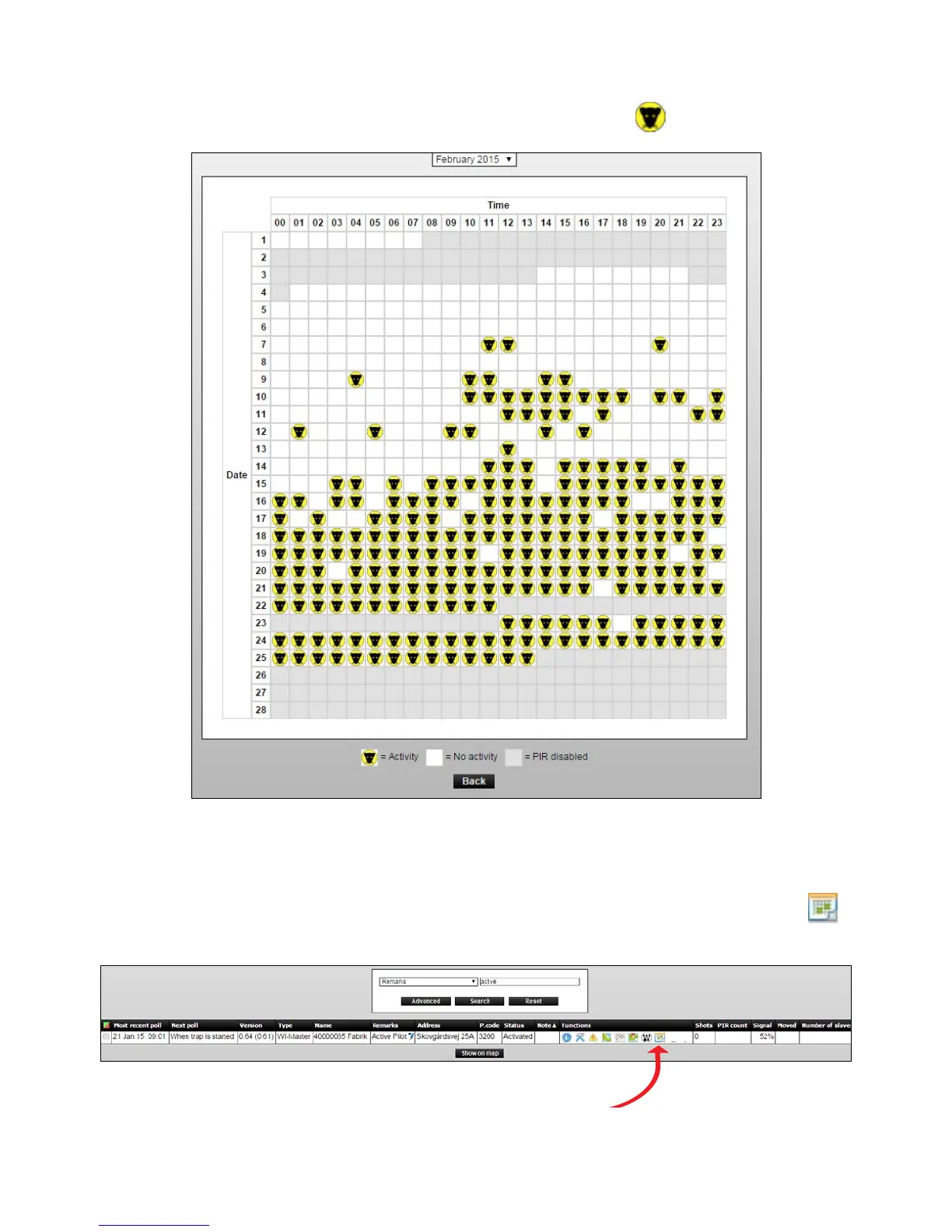
Leftside(Y-axis)indicatethedateandtop(x-axis)indicatethehour.Everyhourinamonth is
displayed, and registered activity is marked with a yellow rat head
.
Setting the PIR sensor in calendar function
1. Select the Smart Connect, which calendar must be sat, and click on the calendar icon
to see the calendar.
2.Thecalendarshowsaeldforeachhouroftheday,allweek.



 To Next Page