52
Trap setup
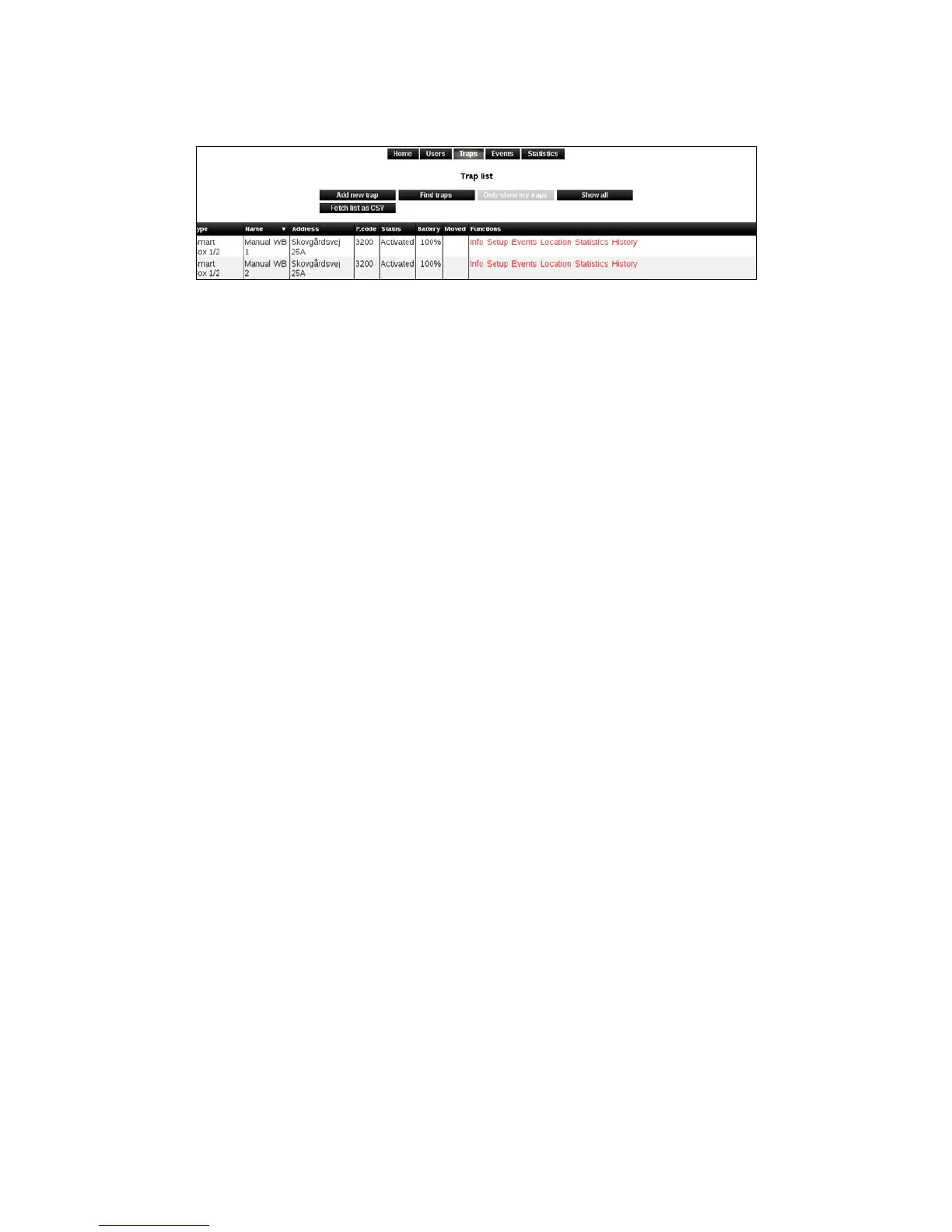
1. Click on [Setup].
2. On the Setup Page Smart Connects (Smart Connect systems) can be activated and
deactivated. At the same time, it is possible to change the Smart Connect name, operating
parameters and mobile number.
The following items can be changed:
Status:
Select whether the Smart Connect (Smart Connect system) should be activated and
deactivated. Deactivation should only be used in the event of theft.
Storage:
Allows you to register that the Smart Connect system is put in storage.
Trap name:
Change Smart Connect system’s name.
Reporting period:
This value changes how often Smart Connect should report back to WisePlan.
Alarm recipients:
Here is shown who is connected to which Smart Connect systems as alarm recipients. It is
possible to add or remove recipients by clicking on [Edit Recipients].
The trap’s country code:
Select the country where the Smart Connect system is located.
The trap’s phone number:
Smart Connect mobile number.
Time zone:
Select which timezone Smart Connect system is in.
Phone company:
Choose the phone company where the SIM card is from.



 To Next Page