56
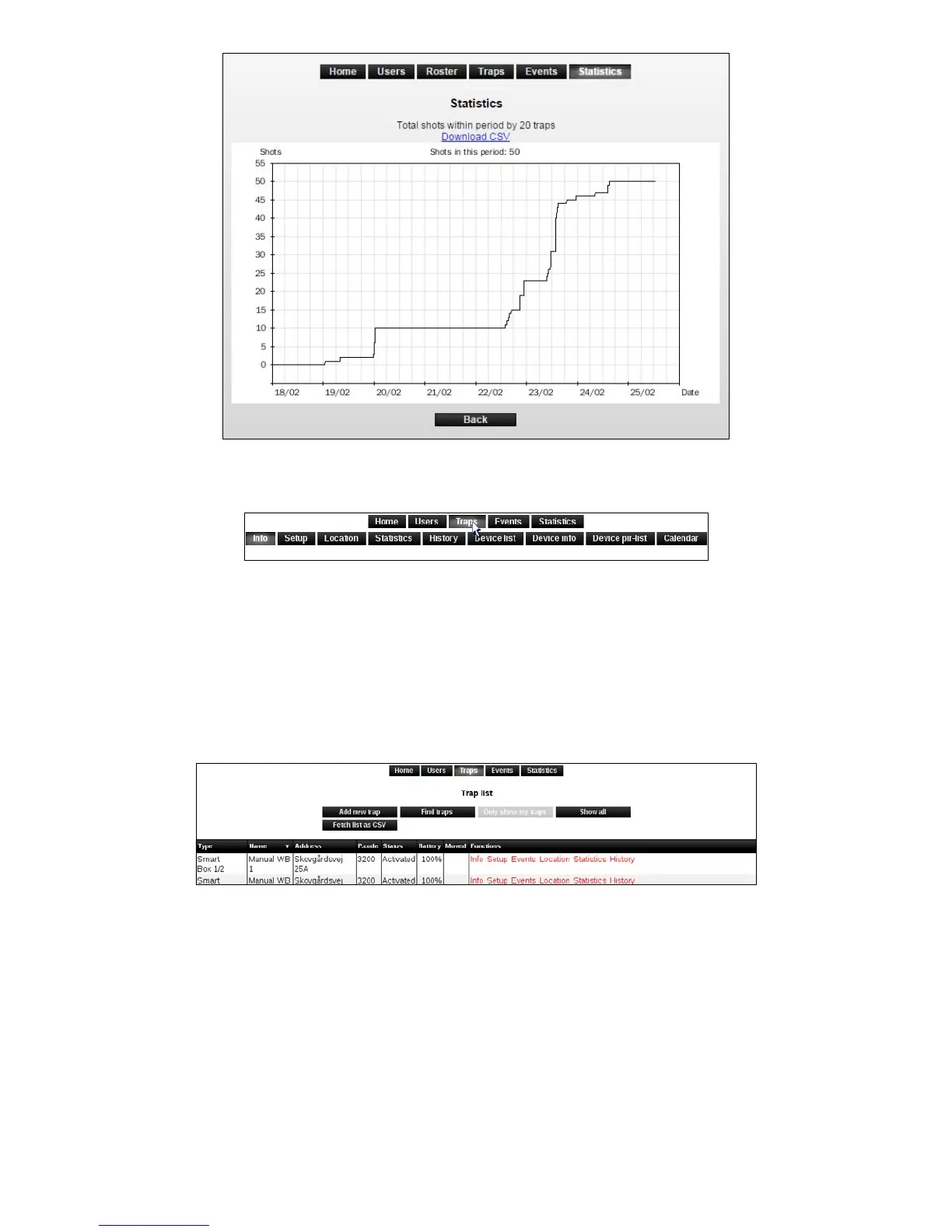
6. Click on [Traps] to return to the trap list.
History
It is possible to get an overview of the Smart Connect current and historical location in a
selected interval, max. a year back.
1. Click on [History].
2. A map appears with Smart Connect’s current location (marked in red), and the Smart
Connect’s historic locations within the selected period (marked in green).
By moving the cursor (mouse pointer) over a location, the period in which the Smart Connect
was located here is displayed.
3. Select the history period under the map.



 To Next Page