21
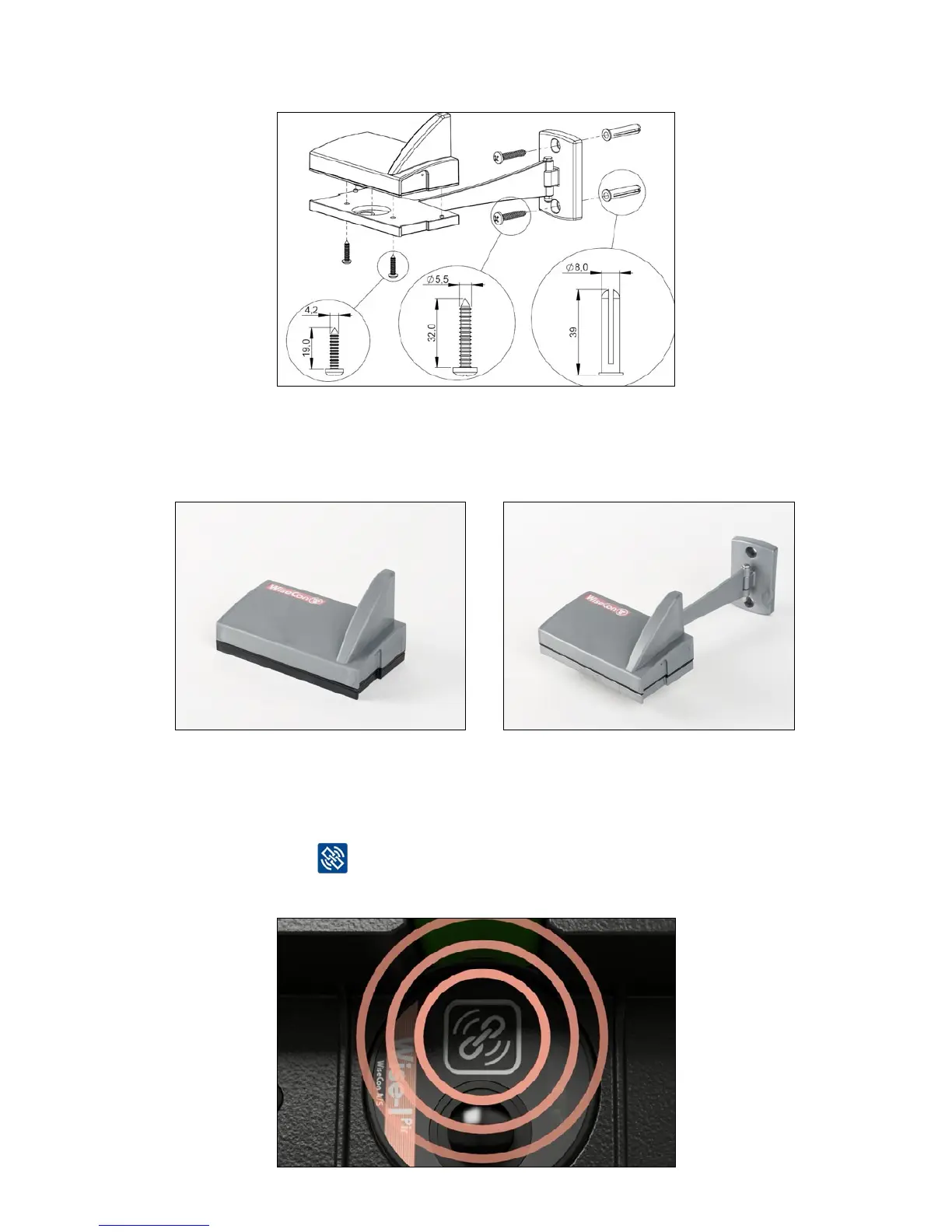
3. Screw Smart Eye onto wall mount or corner mount with screws. Screw Smart Eye onto
corner mount by following the drawing below.
4. Now, Smart Eye looks like one of the two pictures below. The Smart Connect devise must
be linked, before it is mounted. But remember to do it at the location where it is supposed
to be.
Link Smart Eye
1. Activate the device and connect it to the Smart Connect and the rest of the Smart Connect
system by pressing
Note: To ensure that the device has a signal it must be linked at the location where it is installed.



 To Next Page