45
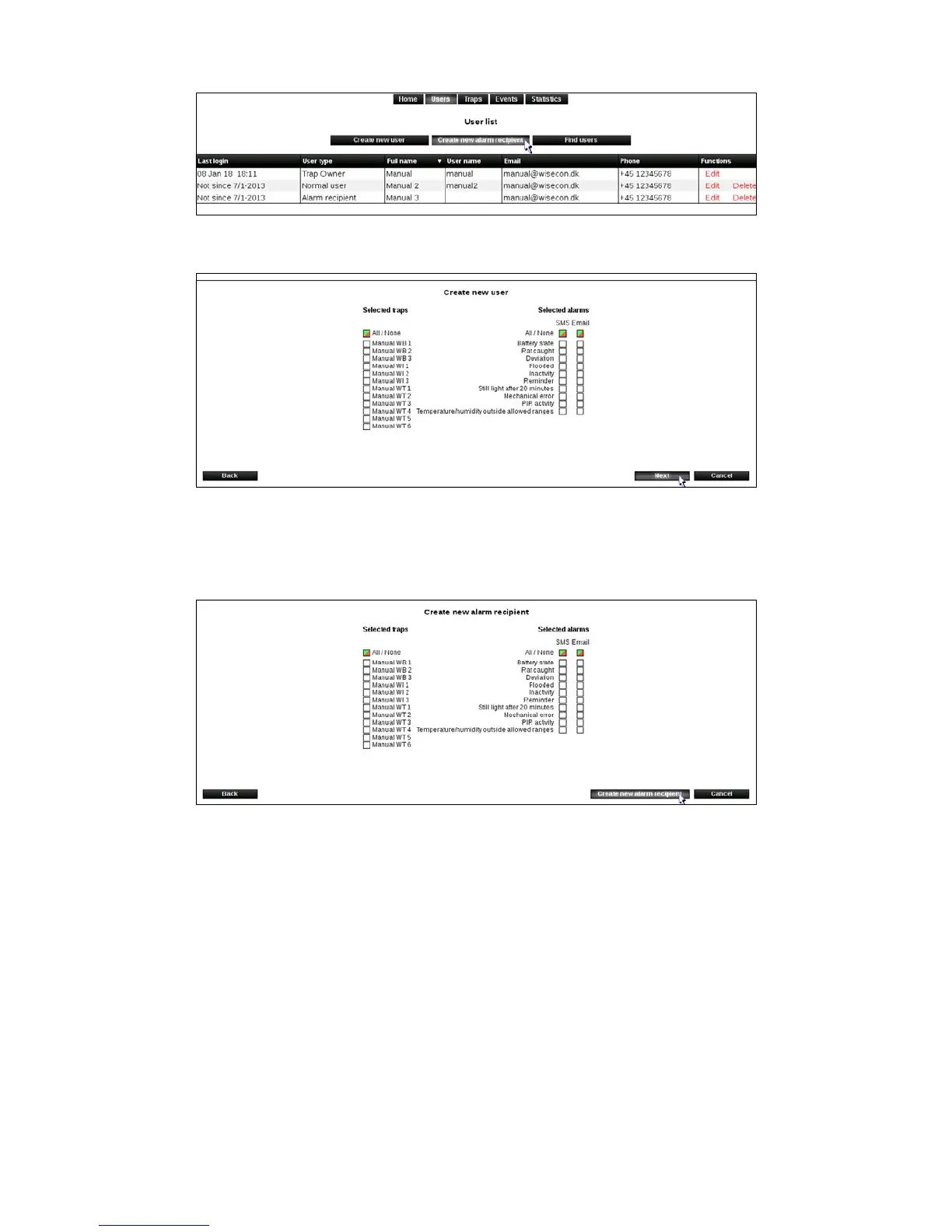
2. Click on [Create new alarm recipient]
3.Filloutthecommenteldsandclickon[Next].
4. Select the Smart Connect systems and alarms the new alarm recipient should be
connected to.
Click on [Create new alarm recipient].
The alarm recipient is now created, and the person will receive alarms from the selected
SmartConnectsystems.YouwillbereturnedtotheUsermenu.
Create new user
A user will be able to log on WisePlan, and will be able to use the functions from the rights
granted to that user.
1. Click [Users] to get to the User menu.



 To Next Page