28
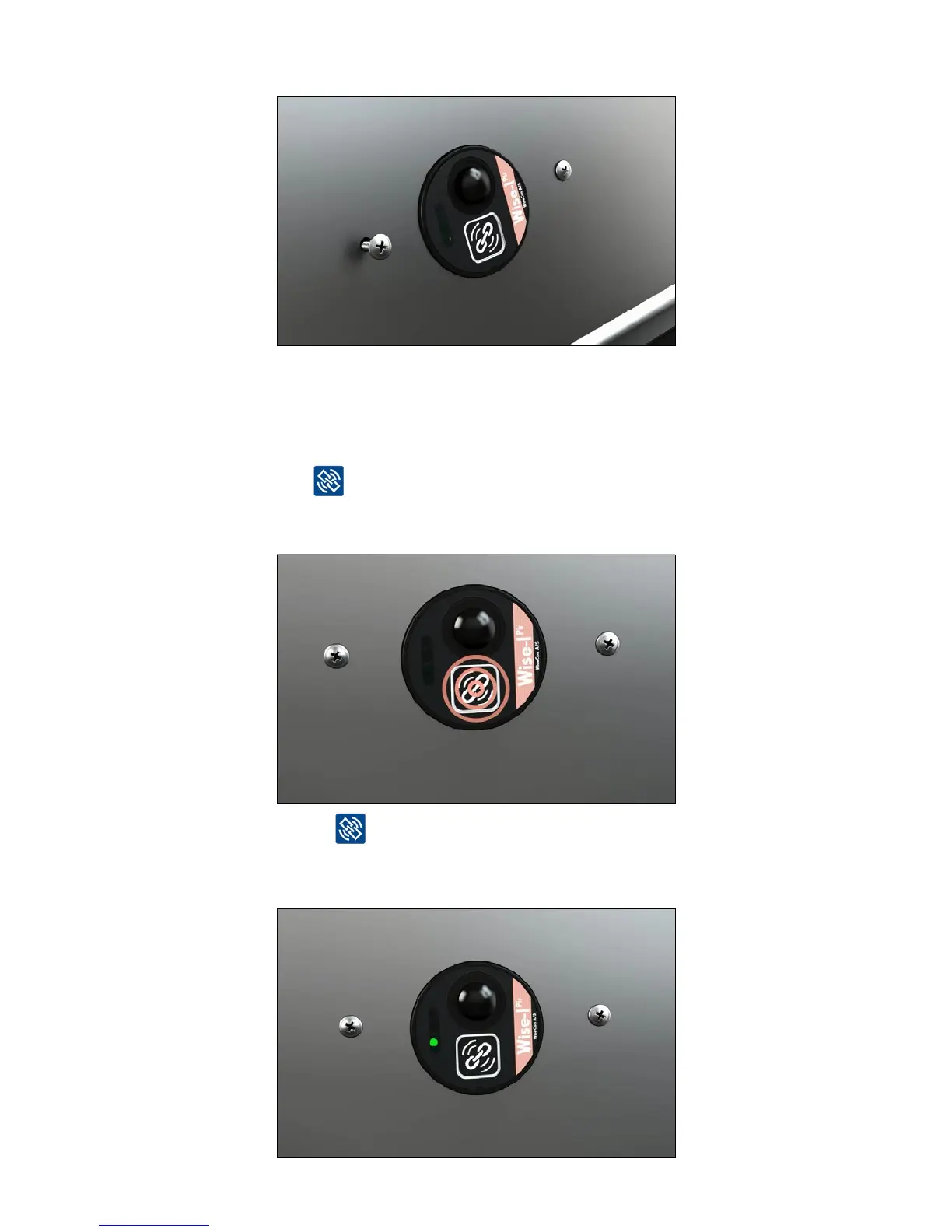
7. Open the box lid and screw Smart Eye onto the lid.
Link Smart Eye
- monitoring device (on traditional bait and spring trap boxes)
1. Activate the device and connect it to the Smart Connect and the rest of the Smart Connect
system by pressing
Note: To ensure that the device has a signal it must be linked at the location where it is installed.
2. The LED light next to lights steady green for about 10 seconds and then green and
yellowasheseveryhalfsecond.Thismeansthatthedeviceislinkedandhavedata
connection.



 To Next Page