38
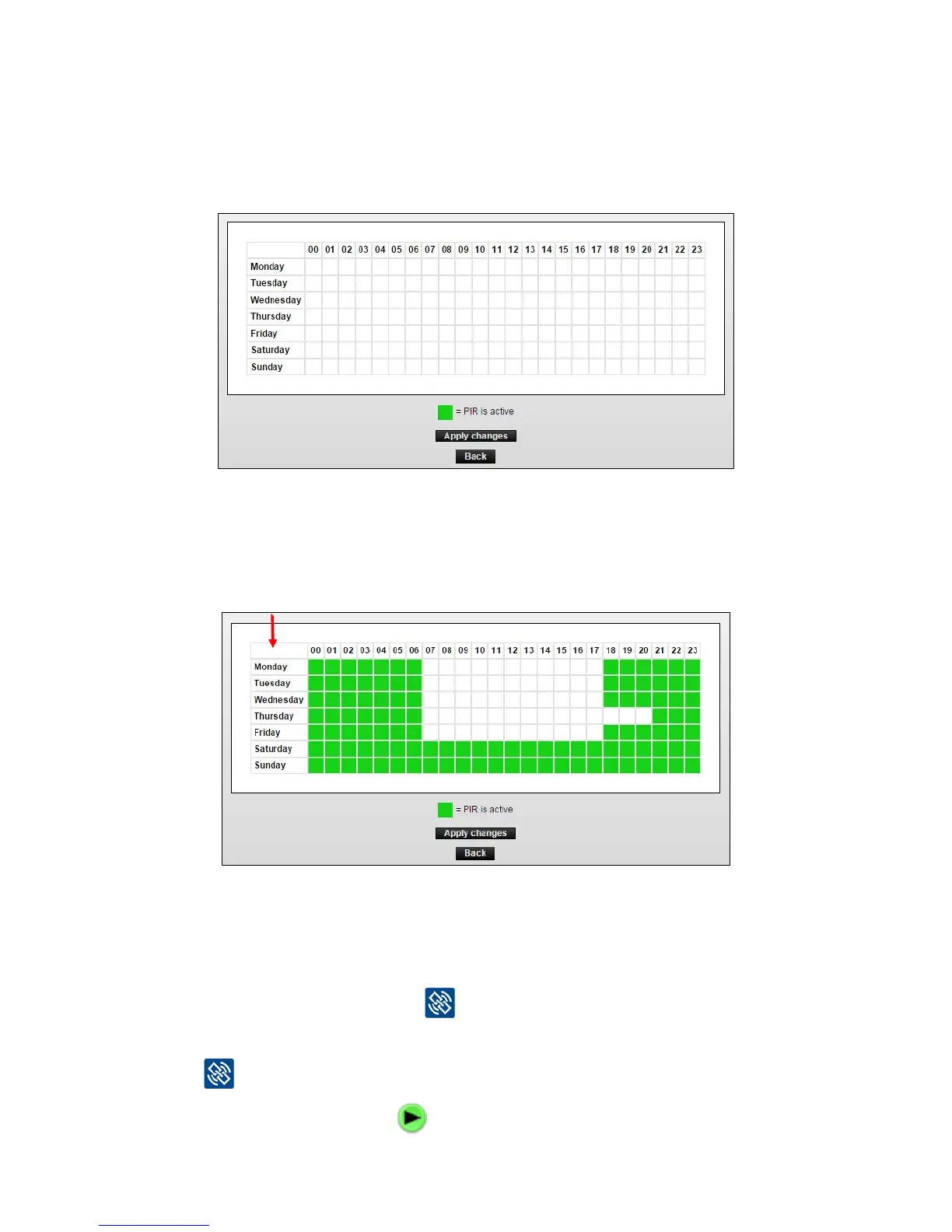
YoucannowclickoneachboxtoactivatethePIRsensorinthathour.Thechoiceappliesto
ALL PIR sensors under the Smart Connect that have selected ”calendar” under PIR settings.
Theeldcanbeselectedindividuallywith[Control-click]orgatheredby[clickanddrag].
When a period of a day is selected, press [Apply Changes].
3. In the example below PIR is active throughout Saturday and Sunday and weekdays from
pm. 18-06 except Wednesday which is from pm. 21-06.
All periods can be deleted by pressing the white box of weekdays.
Remote / automatic start (only with WisePlan Pro)
YoucanremotelystartaSmartCatchiftheredarm(mechanism)hasbeenarmed,butyou
have missed pressing the link button
afterwards to activate the trap.
Smart Eye in On Box mode can also be remotely started if you have missed pressing the link
button after inspection.
1. Press the automatic start icon
and the Smart Connect device will be activated.



 To Next Page