43
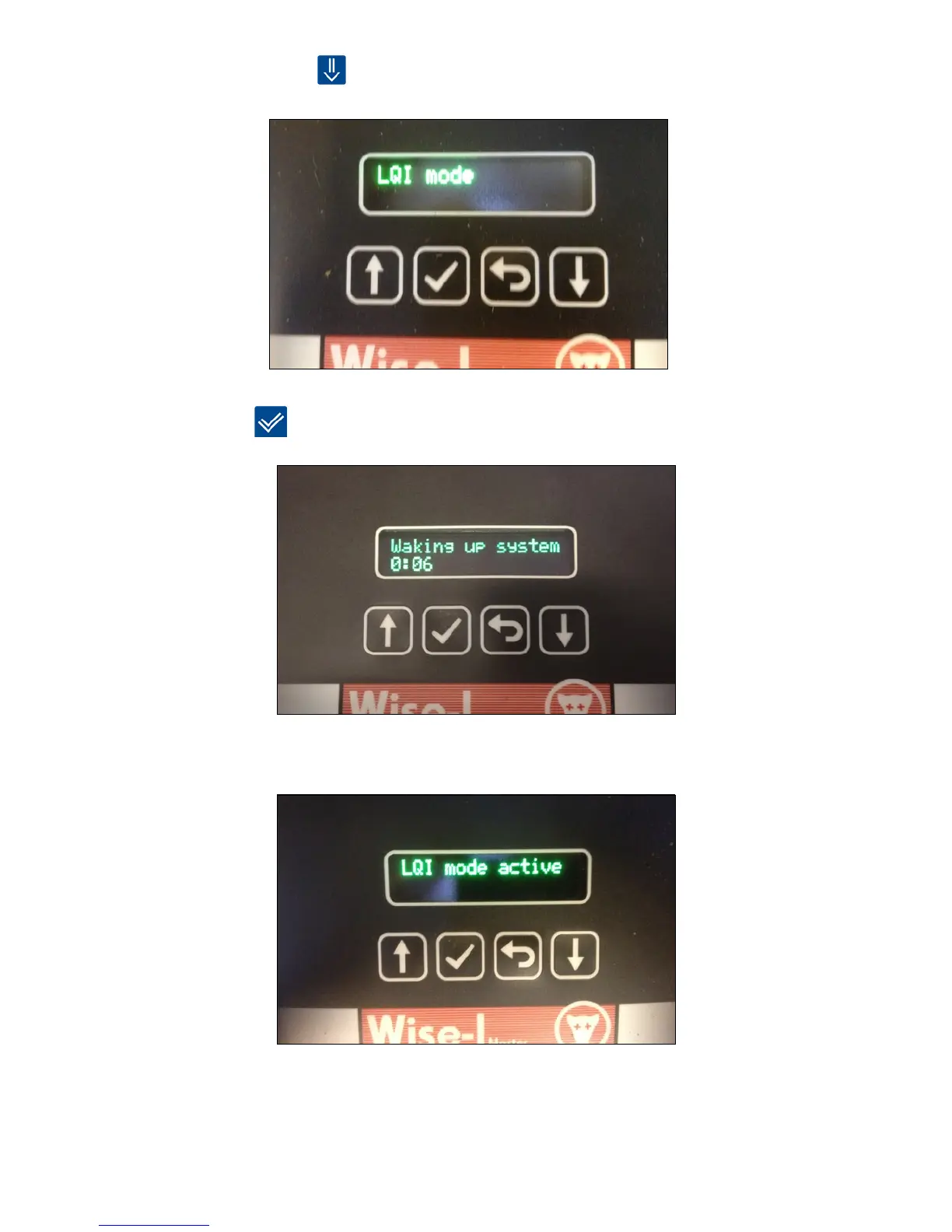
1. Press [arrow down]
3 times to enter LQI mode.
2. Press [OK]
3. Wait until the clock has counted down so all devices are awakened. After this LQI mode is
enabled.
Now all the devices’ signal strength can be checked and inspected. If a device has no signal,
it can perhaps be moved a little (if it is OK from a pest control perspective). Otherwise, an
additional device between the device with no signal and its nearest neighbour can be installed.
Remember to link the new device and then test the signal with LQI mode again.



 To Next Page