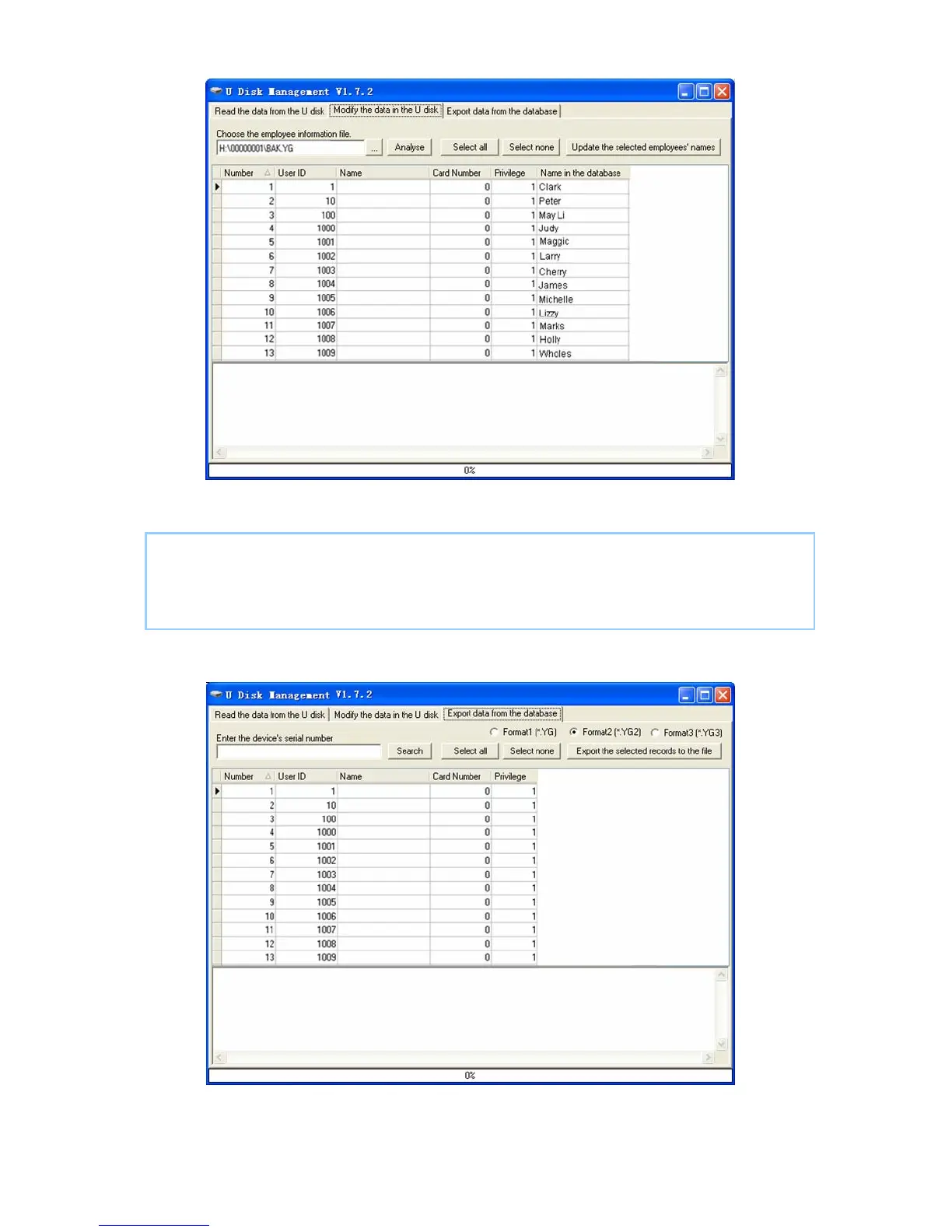
The operation information shows on window as follows:
103
[13:45:52] Updating the employee name...
Copy file:H:\00000001\BAK.YG to file:H:\00000001\BAK.YG.bk1
[13:45:52] Finished!
5.7.3 Export data from the database
Click the button [Search] to search the employees. Select the employees and then
click the button “Export the selected records to the file” to copy the employee



 To Next Page