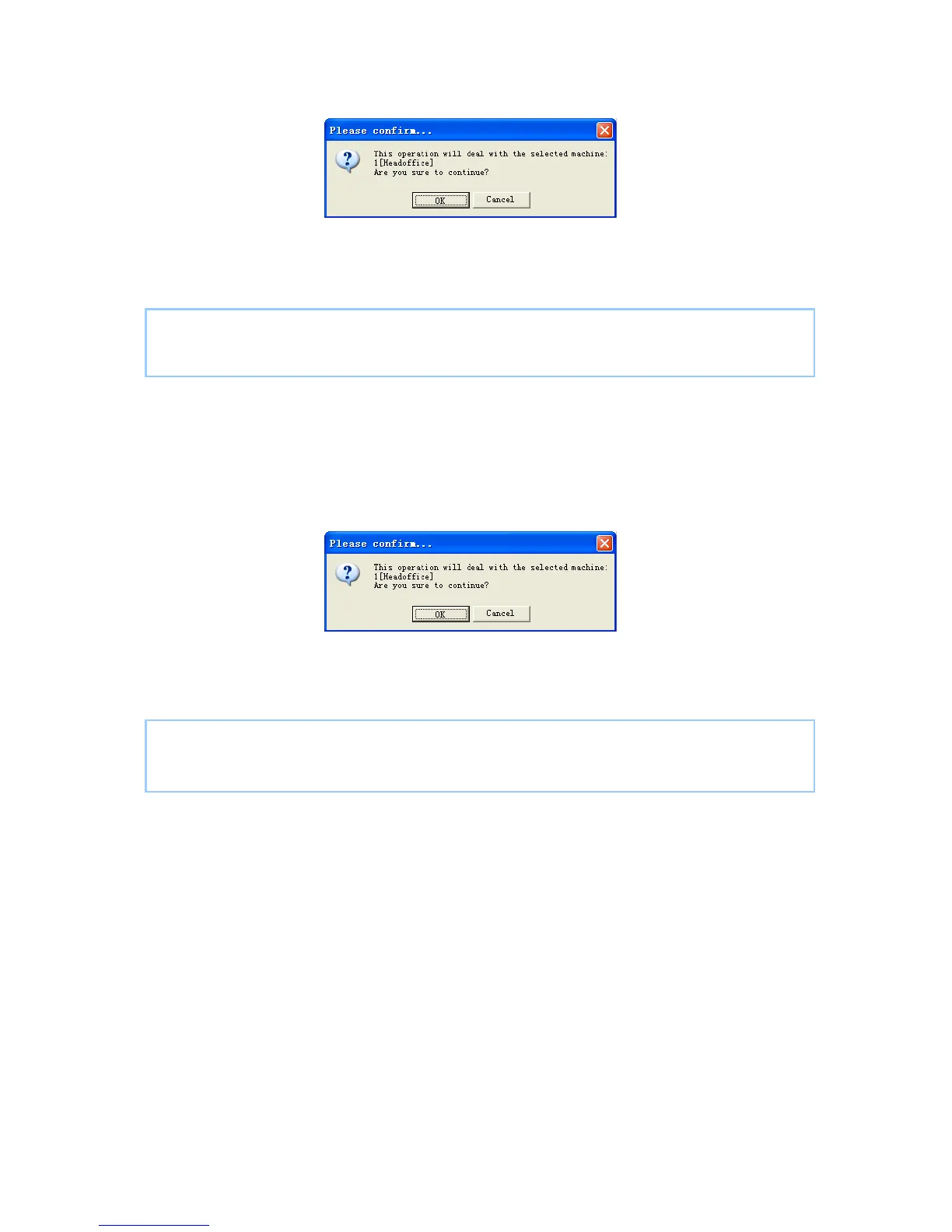
[Synchronize time]. Following message box pops up:
Click the button [OK] to confirm or click the button [Cancel] to cancel.
Some operation information displays in the main interface as follows:
[2009-03-18 13:49:24]Synchronizing time...
[2009-03-18 13:49:25]1[Head office]Synchronization successful!
5.1.6 Initialize Unit
The device will resume to factory settings. All data will be cleaned up. Attention
should be taken for this operation!
Click the button [Initialize Unit]. Following message box pops up:
Click the button [OK] to confirm or click the button [Cancel] to cancel.
Some operation information displays in the main interface as follows:
[2009-03-18 13:52:59]Initializing...
[2009-03-18 13:53:01]1[Head office]Initialization successful!
5.1.7 Terminal Parameter Settings
Click the button [Terminal Parameter]. The [Terminal parameter settings] interface
pops up:
79



 To Next Page