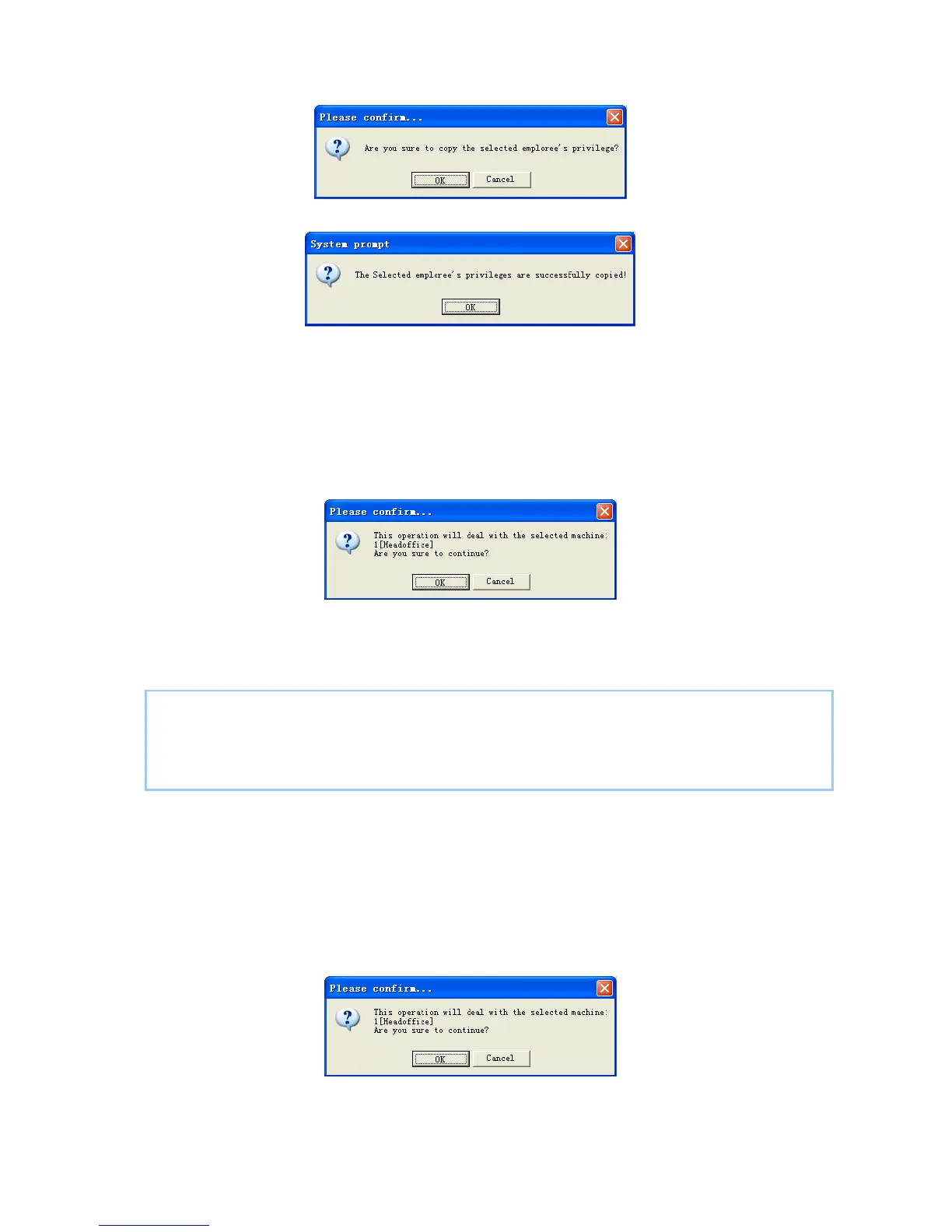
confirm or click the button [Cancel] to cancel.
Click the button [OK] to confirm or click the button [Cancel] to cancel.
5.3.7 Download FP
Download the fingerprint from the terminal to the software.
Choose the employees from employee info list (You can choose some or all the
employees by using the button [Shift] or [Ctrl] on your computer’s keypad). Click the
button [Download FP]. Following message box pops up:
Click the button [OK] to confirm or click the button [Cancel] to cancel.
The operation nformation shows on the main interface as follows:
[2009-03-18 16:18:44]Download fingerprint...
[2009-03-18 16:18:44]Download fingerprint:1[Head office]
[2009-03-18 16:18:44]1[Head office]Can not connect to the T&A machine
5.3.8 Upload employee & FP
Upload the employee information and fingerprints to the terminal.
Choose the employees from employee info list (you can choose some or all the
employees by using the button [Shift] or [Ctrl] on your computer’s keypad). Click the
button [Upload Employee & FP]. Following message box pops up:
Click the button [OK] to confirm or click the button [Cancel] to cancel.
The operation information shows on the main interface as follows:
92


 To Next Page
 Loading...