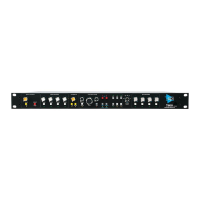
Legacy AXS API
Illuminates in red when engaged
Stereo Fader (not shown): Controls the output level of the Stereo Return output
Full-size 100mm resistive fader
+10dB of gain
-∞dB of attenuation
Unity gain when set to 0dB
Controlled by automation
Meter: Displays Stereo Return output level
• Stereo 5-segment LED meter
To make stereo Program Bus and/or Grand Master assignments from the Stereo Return, engage the
buttons for the desired Program Bus(es) (STA, STB, and/or STC) and/or the Grand Master (GM). The
engaged button(s) will illuminate indicating the assignment has been made to that bus.
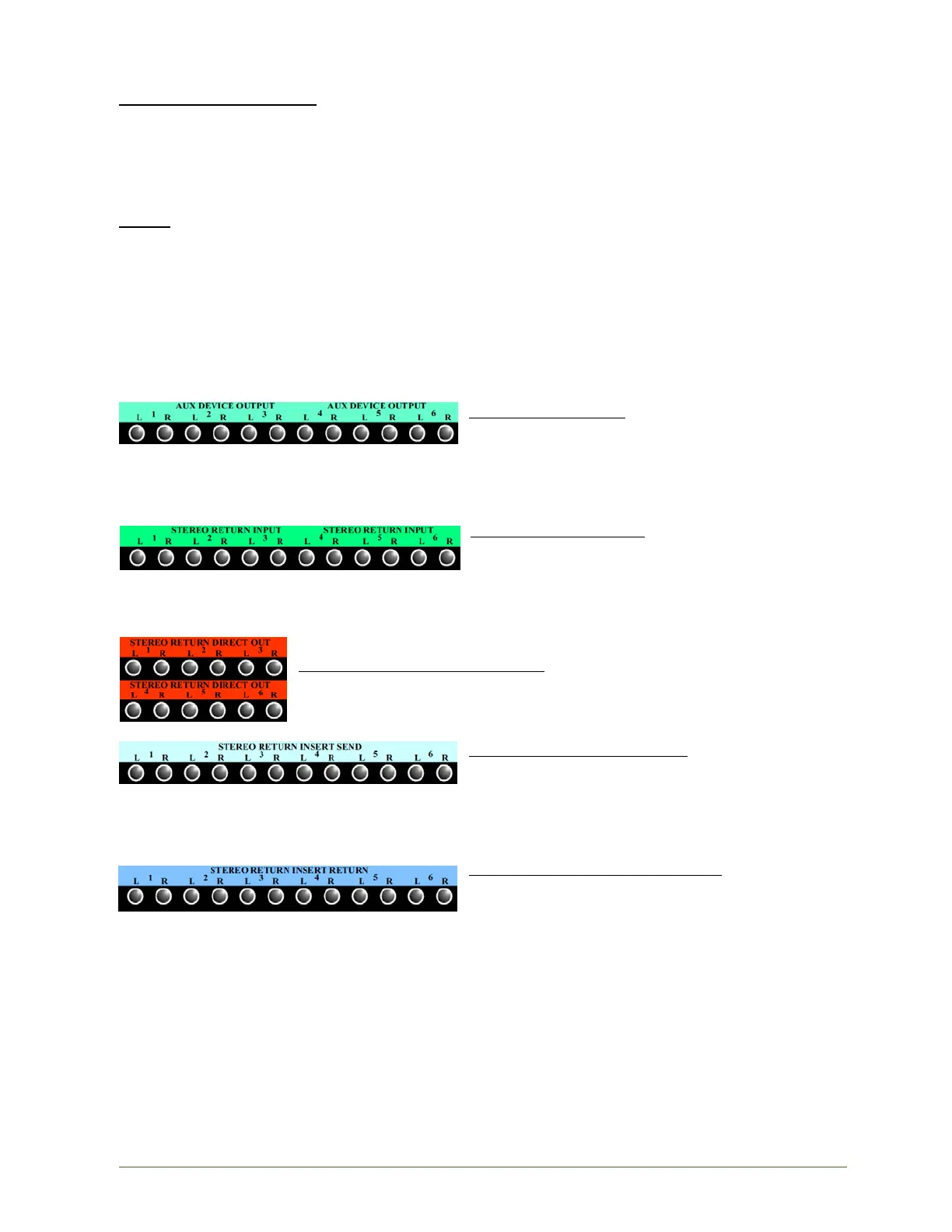
Stereo Return Patch Points
The following section outlines Stereo Return patch points.
AUX DEVICE OUTPUT: Stereo output connections for
external devices
Balanced, line-level, low-impedance
Half-normalled to the STEREO RETURN
INPUT
Outputs split if patched
STEREO RETURN INPUT:
Balanced, line-level, low-impedance
Half-normalled from the AUX DEVICE
OUTPUT
• Breaking input: Inserted patch cord will
replace normalled connection
STEREO RETURN DIRECT OUTPUT: Stereo Return Direct Output
• Outputs split if patched
STEREO RETURN INSERT SEND: Stereo Return Insert
Send
Pre-fader
Always active
Outputs split if patched
STEREO RETURN INSERT RETURN: Stereo Return
Insert Return
• Patched signal is inserted in the Stereo Return
signal flow when the INS button is engaged
Pre-fader


 To Next Page