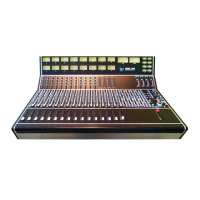
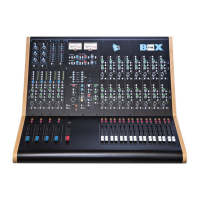
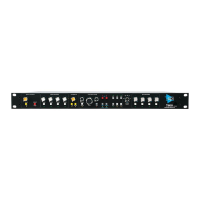
Legacy AXS API
AUX (TALK): Routes the output of the Talkback Mic preamp to Auxiliary Masters Useful for talking to
headphone cues sends
• The T/B button must be engaged on the Aux Master for Talkback to be passed to its output
• Can be activated from the T/B ALL button
• Illuminates while pressed
AUX (level): Sets the level of the Talkback output to the Auxiliary Masters
T/B ALL (Talkback All): Activates the Talkback to all destinations.
Talkback Patch Points
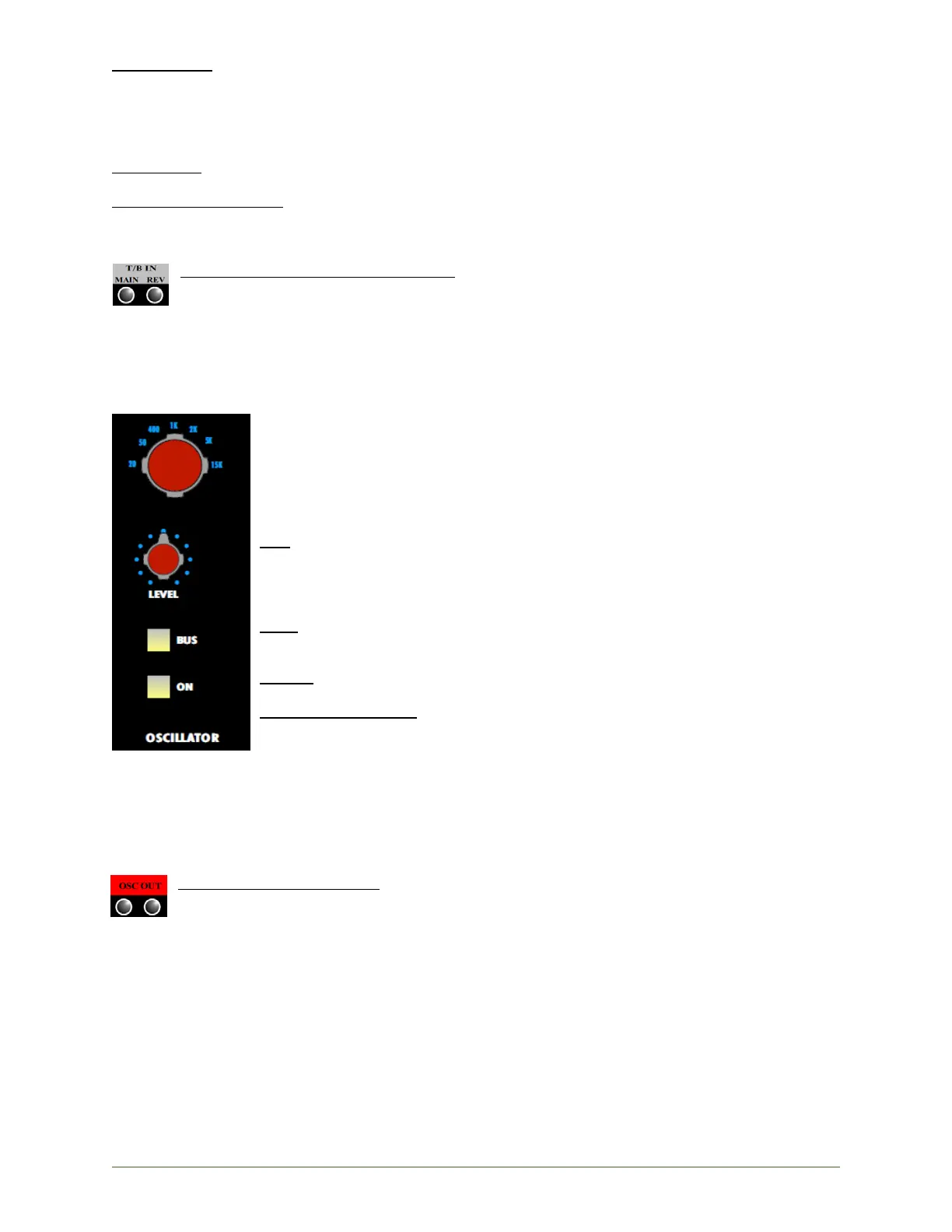
T/B IN (Talkback Input MAIN and REV): Inputs for external sources routed to Talkback
• MAIN: Line input an external mono source
o The EXT TBK button must be engaged for the external source to be routed
to the Talkback outputs when Talkback is activated
• REV (Reverse Talkback): Input for the reverse talkback mic
Oscillator
A sine wave Oscillator is provided to generate test tones for calibration and trouble-
shooting. The Oscillator output is routed to a pair of patch points when the
Oscillator is ON. The output can be routed to the Program and Multitrack Buses by
engaging the BUS button.
Oscillator Controls
ON: On/off switch for the Oscillator output
• The oscillator signal will be present at the OSC OUT patch points
• Activates the Control Room DIM function.
• Illuminates when engaged
BUS: Routes the Oscillator to Program and Multitrack Bus Master outputs
• Illuminates when engaged
LEVEL: Sets the Oscillator output level
Frequency Selector: Selects the Oscillator frequency
• 20Hz, 50Hz, 400Hz, 1kHz, 2kHz, 5kHz, 15kHz
CAUTION: Exercise great care when activating and routing the Oscillator. Control Room
monitors should be dimmed, cut, or turned down to a low level. Cue systems
and studio loudspeakers should be CUT.
Oscillator Patch Points
OSC OUT (Oscillator Output): Output of the console sine-wave generator
• Signal is present when the Oscillator ON button is engaged
• The same signal is present at both points


 To Next Page