1. BEATSTEP PRO OVERVIEW
1.1. Making the connections
BeatStep Pro offers an unprecedented number of ways to connect with other types of
equipment, from vintage to modern. Below are examples of potential setups:
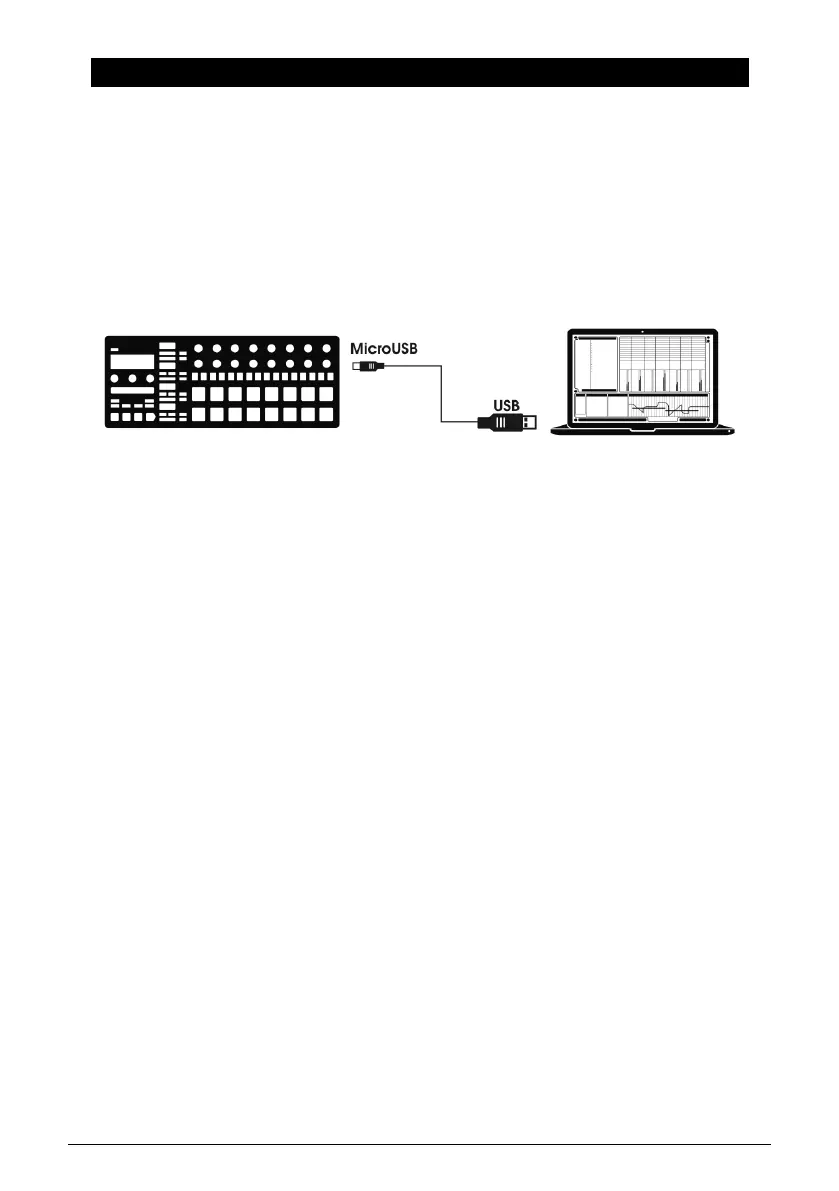
1.1.1. ...with a Computer
BeatStep Pro is a USB class-compliant controller, so at its most basic level it can be
connected to any computer with a USB port and used as an input device for various
applications. The downloadable MIDI Control Center [p.84] software allows you to define a
wide variety of MIDI commands to be transmitted by specific encoders, buttons and pads
of the BeatStep Pro.
However, BeatStep Pro is so powerful on its own that there may be times when you want to
use it without a computer attached! In this case, simply use a standard USB mobile phone
charger to power the unit and connect everything else as shown in the following diagrams.
5 Arturia - User Manual BeatStep Pro - BeatStep Pro Overview












 To Next Page